Forward an email
The six-page newsletter with one date buried in paragraph four. Forward it to your Sense address and the date is on the calendar with the right kid's name on it. How email capture works.


AI family organizer
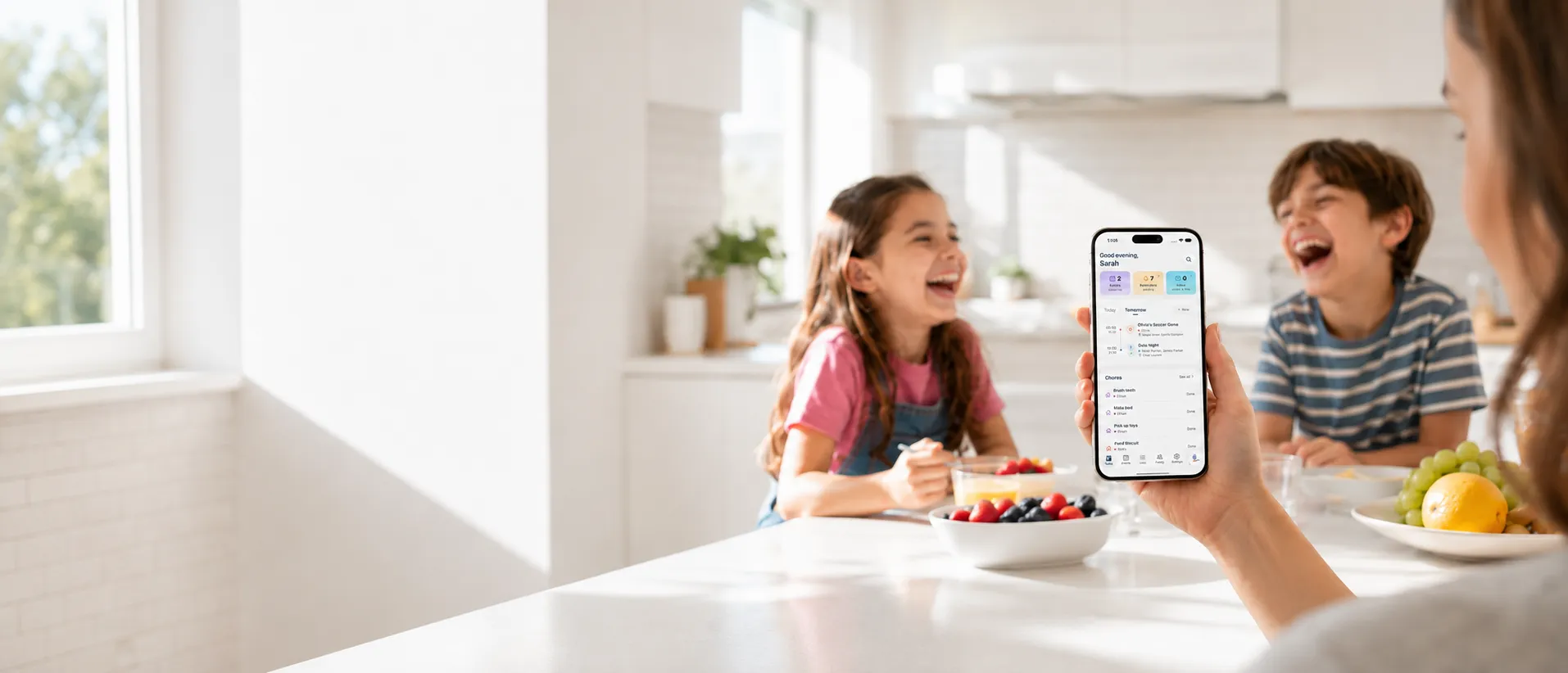
Forward the school email. Snap the flyer. Forward the class WhatsApp to Sense, a contact in your WhatsApp. Sense reads it, puts every date on the shared family calendar under the right kid, and runs the chores, meals, lists, and reminders around it. Free on iPhone, Android, and web.


What AI-powered means here
The schedule did not start in your head. It arrived from the school, the coach, the camp, the class group chat. Sense takes it from there, in whatever form it came.
The six-page newsletter with one date buried in paragraph four. Forward it to your Sense address and the date is on the calendar with the right kid's name on it. How email capture works.
The birthday invite, the photo of the team schedule on the fridge, the screenshot of a text. Sense reads the picture and files the event.
Sense is a contact in your WhatsApp. Forward "game moved to 10:30 Saturday" from the class group, a coach's photo, or a camp PDF, and Sense replies in the chat with what it added. Ask it "what does Emma have tomorrow?" in the same thread, and get the morning digest there at 7 am. How WhatsApp works with Sense.
"Hey Siri, add dentist Thursday at 3 to Sense." Works with Siri and Alexa, and in the app.
School and team calendars that publish a feed sync on their own, every hour, with no forwarding at all.
"What does Emma have Thursday?" "What am I forgetting this week?" Ask Sense answers from the calendar it built, and can add, move, or create what you ask for.
One organizer, not seven apps
The calendar is where it starts. It is not where it stops.
Color-coded by person, day, week, and month views, synced with Google Calendar and fed to Apple Calendar and Outlook. The AI family calendar.
Permission slip due Friday. Leave for the game at 9:20. Reminders attach to the event and move when it moves.
Grocery, packing, back-to-school, the thing you thought of at 11 pm. Shared with whoever is at the store.
Morning and bedtime routines the kids check off themselves, chores with rewards and allowance they can watch grow.
Plan the week, save recipes from any site or photo, and turn the plan into a shopping list. Meal planning.
The vaccination record, the custody schedule, the insurance card. Filed where the family can find it, plus medication tracking.
Each kid gets their own screen with today's schedule, chores, and rewards. No login, no phone, no account to manage.
An old iPad, Android, or Fire tablet on the kitchen counter becomes an always-on family display. See the Hub.
A chat that knows your family's schedule. Schedule questions, homework help, a recipe from what is in the fridge, a bedtime story. Also available inside ChatGPT and Claude.
How it works
Step 01
Forward, share, snap, or say it. Set up auto-forwarding from Gmail or Outlook for the senders that matter and you do not even do that.
Step 02
Events under the right kid. Deadlines as reminders. "Bring oranges" on the list. Every item links back to the email it came from, so you can check its work.
Step 03
Phones, web, the kitchen tablet, a morning digest of what each person has today. Your partner reads the calendar instead of asking you for it.
Compared
Manual organizers give you a nicer place to type. AI assistants that text you a daily plan notice things but leave every action to you. Sense reads the chaos and turns it into a household the whole family runs on.
| Sense | Manual organizers (Cozi, Google Calendar) | AI assistants that text you | |
|---|---|---|---|
| Adds events from an email | Yes, forward it | No, you type it | Yes, from your inbox |
| Reads photos, PDFs, flyers, WhatsApp | Yes | No | Varies |
| Works inside WhatsApp | Yes: forward, ask, and get the morning digest in the chat | No | Some read your groups; replies by text or email |
| Needs access to your whole inbox | No | No | Usually yes |
| A calendar the whole family sees | Yes | Yes | A daily plan by text or email, for the parents |
| Chores, routines, rewards, allowance | Yes | Some | No |
| Meal plans, recipes, grocery lists | Yes | Some | No |
| A screen for each kid | Yes, Kid Mode | No | No |
| Kitchen tablet display | Yes, Sense Hub | No | No |
| Price | Free, or $6.99/mo per household | Free with ads, or $30 to $80/yr | Often unpriced beta or per person |
Named comparisons: Sense vs Cozi, Sense vs Nori, Sense vs Fambot, Sense vs Ohai, Sense vs Skylight, and the best AI family organizer apps of 2026.
Privacy
No inbox connection. No scanning everything you have ever received. You forward the school email, Sense reads that email, and you can see exactly what it extracted and where it came from. Forwarded emails are deleted after 90 days and only the events remain. Our AI providers do not use your content to train their models. The full policy.
FAQ
A family organizer where the AI does the data entry. Instead of typing every event, chore, and list item in by hand, you forward the email, snap the flyer, or share the message, and the organizer reads it and files it under the right family member. Sense also runs chores, routines, meal plans, lists, and reminders from the same place, and answers questions about the week.
No. Sense only reads what you send it. You forward an email, forward a WhatsApp message to the Sense contact, or snap a photo, and that is the only thing it sees. It never connects to your inbox or scans your WhatsApp groups.
Yes. Sense is on iPhone and iPad, Android, and the web at app.getsense.ai, and everything stays in sync across all of them. Sense Hub display mode runs on iPad, Android, and Fire tablets.
Cozi and Google Calendar expect you to type every event in. Sense's primary input is the email, photo, or message you already received, so the intake step most families fail at disappears. Sense also syncs with Google Calendar, so you keep it and let Sense fill it.
Sense is free with a shared family calendar, reminders, lists, and 10 AI actions a month. Premium is $6.99 a month or $59.99 a year for the whole household, with unlimited AI capture plus chores, meal planning, medications, and allowance. No per-person pricing. Pricing.
Free on iPhone, Android, and the web. No credit card. The first email takes about a minute.