Sarah Parker adds Lupe, the family's nanny, as a profile in Sense, puts her on the events she is part of, adds Olivia and Ethan under Also show so their days appear too, and taps Share their plan. She texts Lupe one private link. Nothing else is set up on Lupe's side.
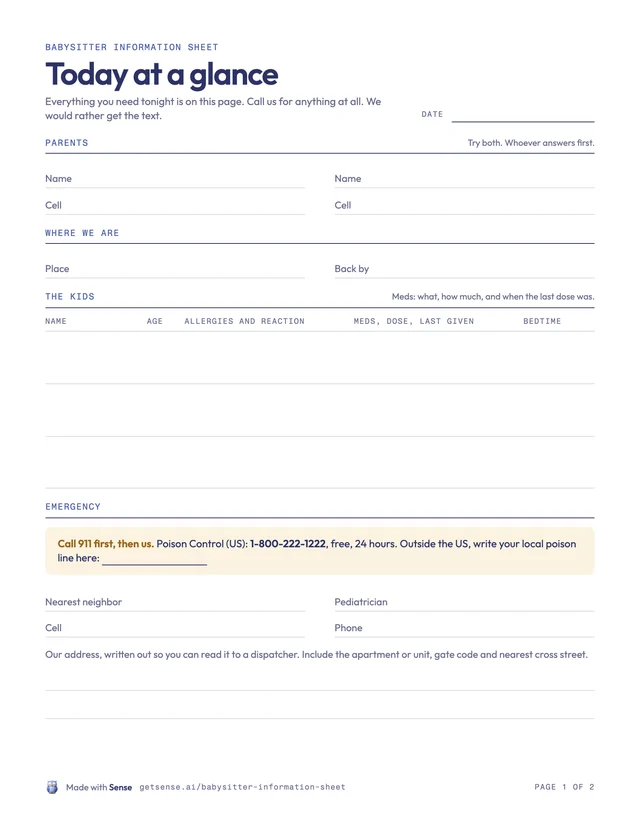
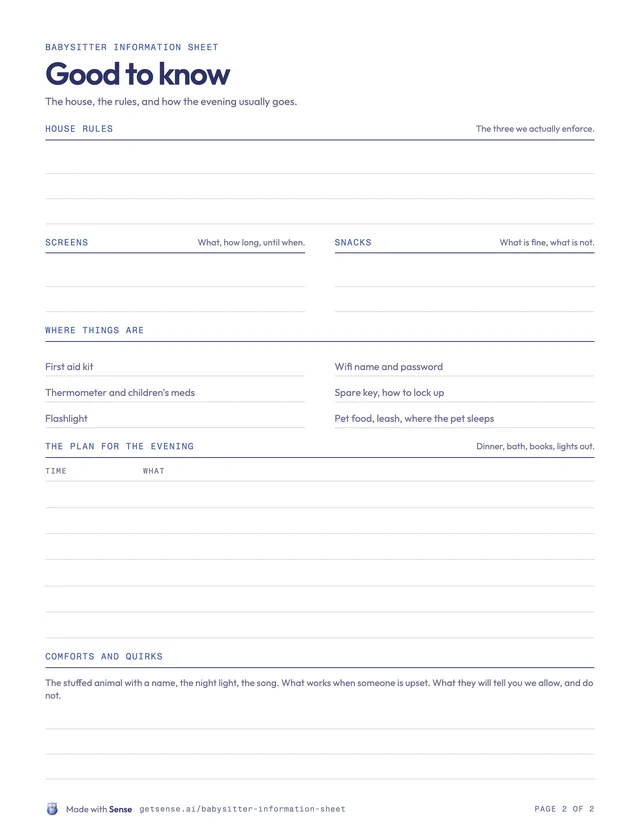
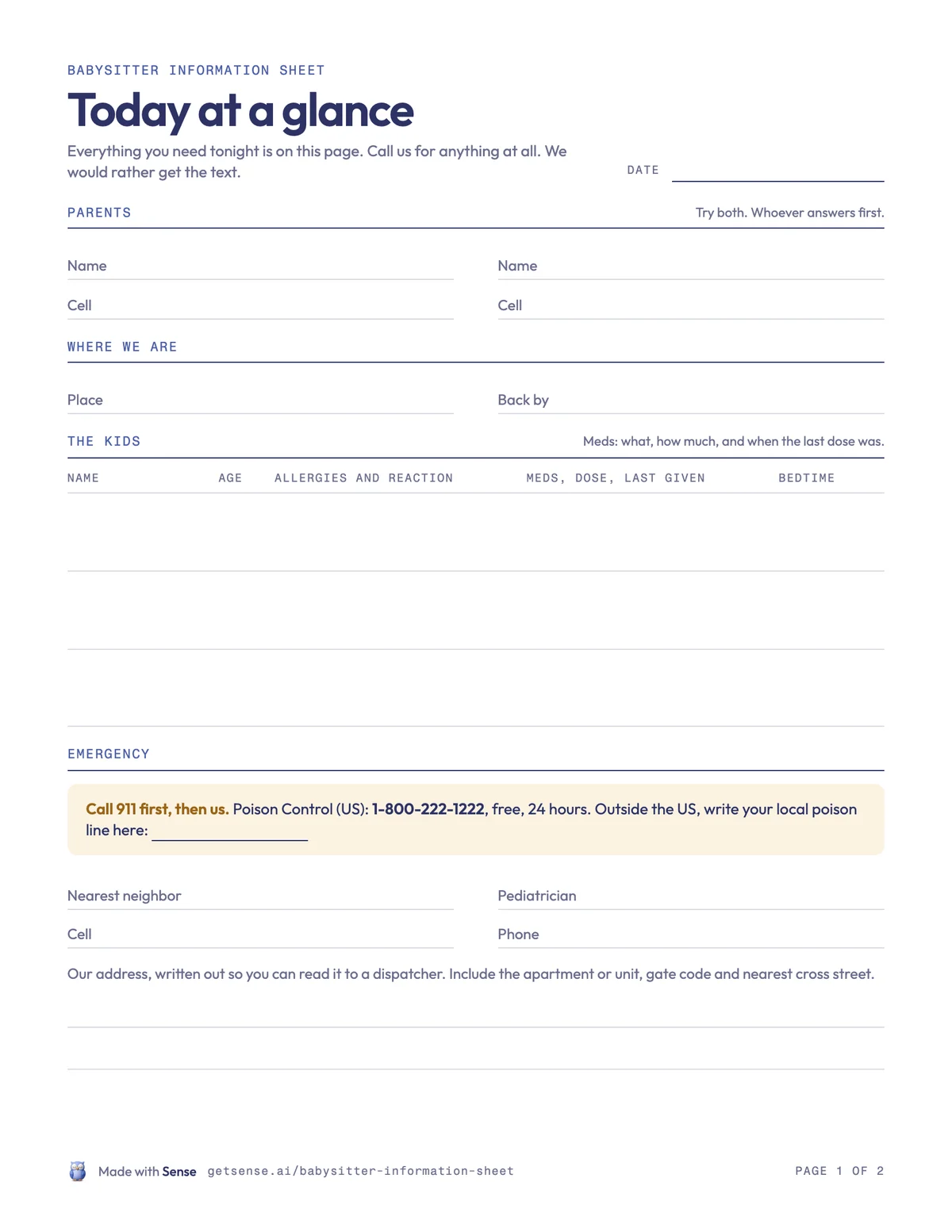
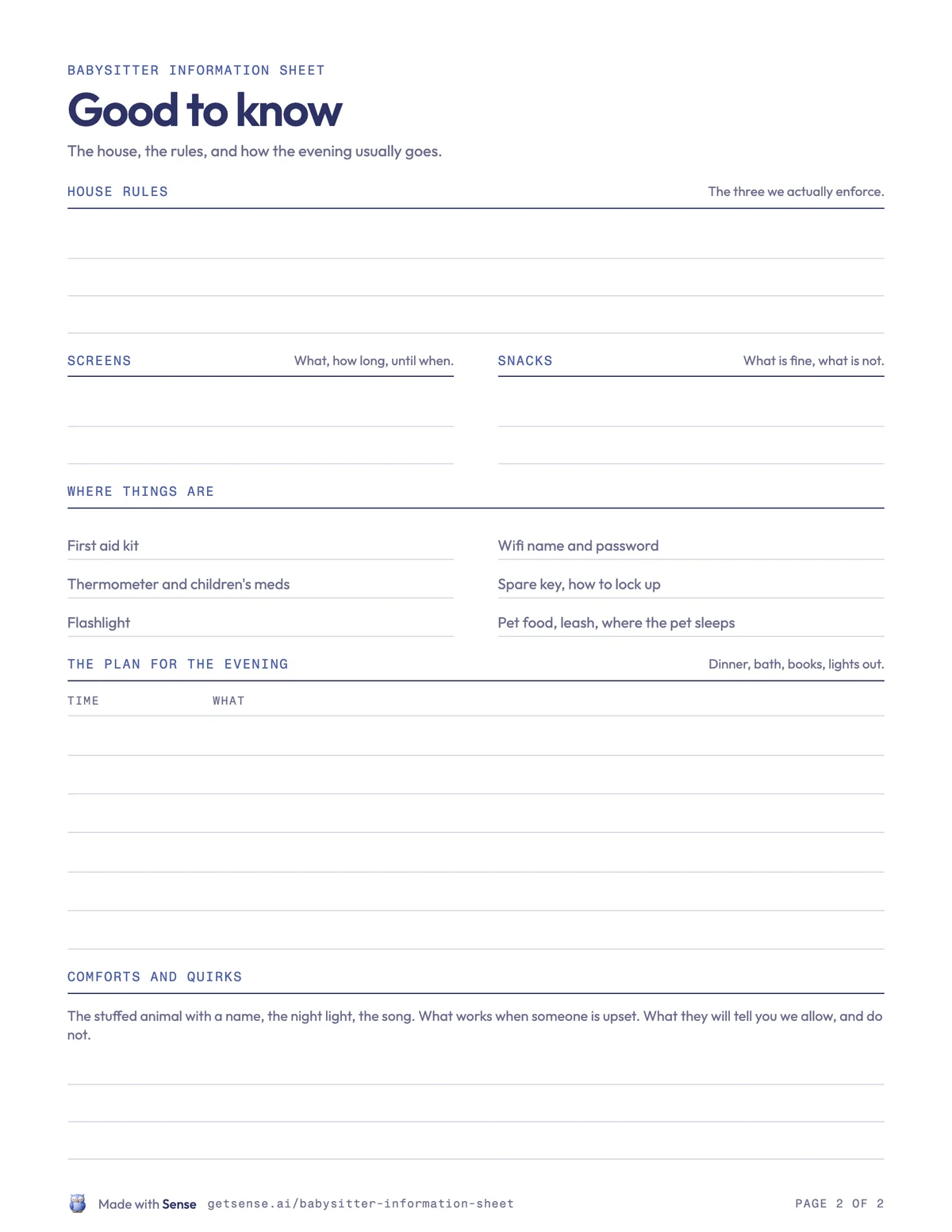
What Lupe opens is a web page, no app and no login, with the next eight days: one timeline per day with times, who, a tappable location, and Sarah's note for the day. At the bottom is Good to know, four blocks: Home address, Allergies and safety, House rules, Anything else. The same information as the two pages above, linked from the top of the page.
The difference is that it is always current. When Sarah moves swim to 4:30, the page shows 4:30 the moment Lupe opens it. Nothing is resent, no new photo of a new sheet.
It stays private. Sarah can stop sharing and the link dies at once, make a new link that replaces the old one, or add a PIN as a second check. Any event or reminder can be kept off every shared plan with one switch, and on her own view of the page each item has Hide from Lupe for the one thing that is nobody's business but the family's. Lupe can read, never edit.
Plan sharing is free on every Sense tier. Profiles are set up from the web app under Settings, My Family, Add profile. Read more on sharing your family calendar with your nanny, or the help article on family profiles.