Last-minute permission slips
"Field trip permission slips are due tomorrow!" - discovered the night before, while your kid is already asleep.


School email to calendar
Set a Gmail or Outlook rule once and every school email reaches Sense on its own, or forward one by hand. AI pulls out each permission slip, field trip, early dismissal, and deadline and puts it on your family calendar.


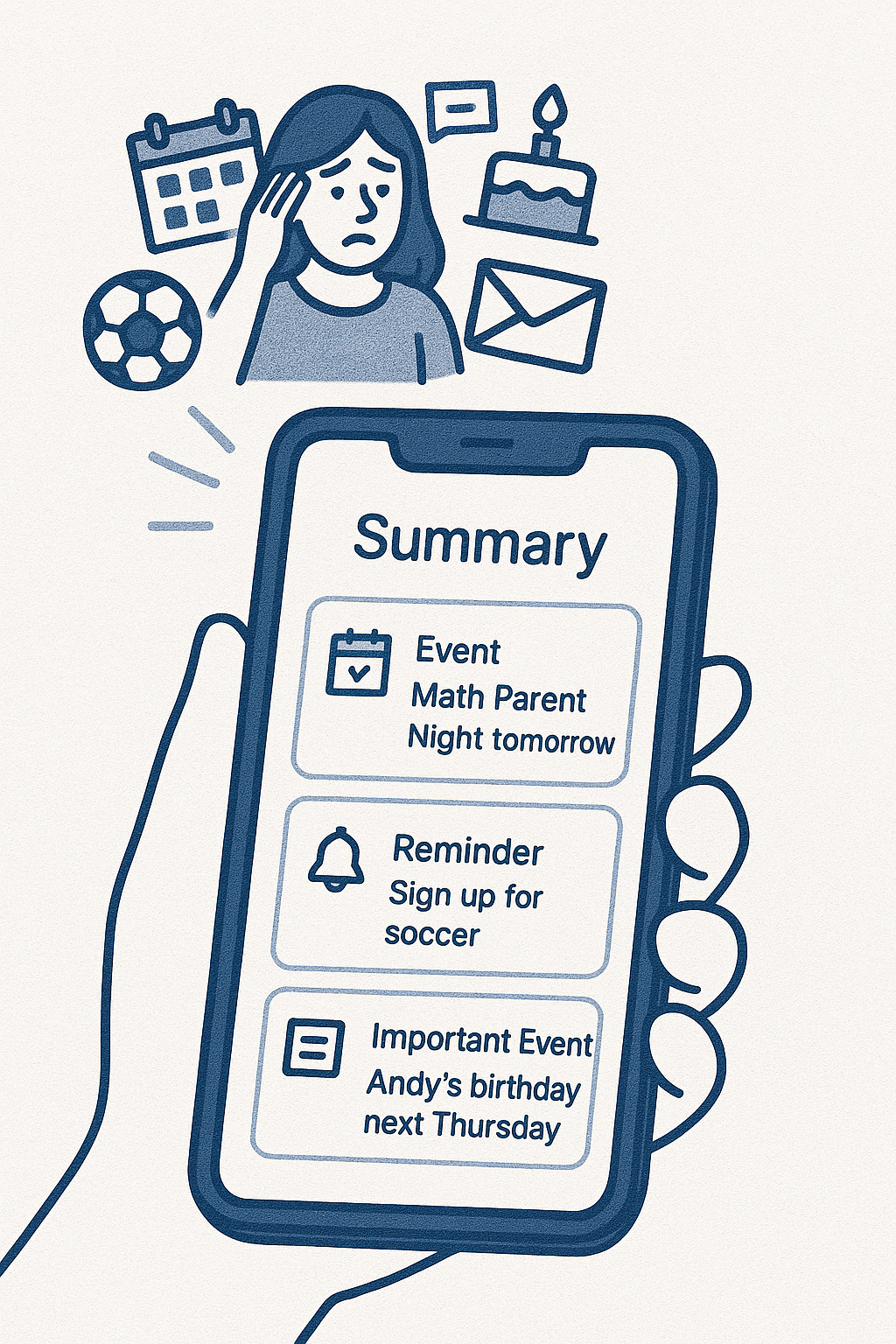
The dread emails
Sound familiar? Sense handles all of these automatically.
"Field trip permission slips are due tomorrow!" - discovered the night before, while your kid is already asleep.
"School dismisses at 12:30 PM on Wednesday" - conflicts with the 2 PM meeting you already scheduled.
"Crazy Hat Day is tomorrow!" - mentioned at 7:45 AM as you're rushing out the door.
How it works
Step 01
Add a Gmail filter or Outlook rule for the school's sender and every new email goes to Sense as it arrives (Premium). Or forward one yourself to share@getsense.ai.
Step 02
Sense parses every date, deadline, field trip, early dismissal, and special event from the newsletter.
Step 03
Events appear in your family calendar with timely reminders. A daily digest tells you what each kid needs.
Forwarding vs inbox access
Some apps connect to your Gmail and read school mail from there. That has real upsides: no setup per sender, and they can catch an email you never thought to forward. Here is why Sense works by forwarding instead. We compared both approaches in apps that turn school emails into calendar events.
Sense never asks for permission on your mailbox. There is no Google or Microsoft sign-in screen. It sees only the emails you or your filter send it.
Gmail, Outlook, iCloud, Yahoo or a work address. If it can forward, it works, including the emails your school app sends.
You forward from yours and your partner forwards from theirs. It all lands on one family calendar, with no shared logins.
A Gmail filter or Outlook rule for the school's sender forwards every new email on its own. It is not manual after setup.
What Sense catches
Extracts due dates and details from field trip permission slips. Reminds you before deadlines.
Adds field trip dates, departure times, and what your child needs to bring.
Tracks half days, early dismissals, and schedule changes so you can plan your work day.
Never forget Crazy Hair Day, Pajama Day, or Book Character Dress-Up Day again.
Tracks winter break, spring break, teacher workdays, and school closures.
Reminds you about volunteer opportunities and sign-up deadlines before slots fill up.
Calendar feeds
If your school has a subscribable calendar (ICS feed), you can also import the school calendar directly into Sense for automatic syncing every hour. Use both methods together - the feed for scheduled events, email forwarding for newsletters and announcements.
School apps
US: ParentSquare, SchoolMessenger, Smore newsletters. UK: ParentMail, Arbor, Edulink One, ParentPay, MyChildAtSchool (MCAS). Australia: Compass, Sentral.
FAQ
Forward any school newsletter or email to share@getsense.ai. Sense AI extracts dates, events, field trips, permission slips, and deadlines, then adds them to your family calendar.
Yes. Sense works with any school email or newsletter. Forward it to share@getsense.ai from the address you signed up with, or set up an automatic forwarding rule in Gmail or Outlook (Premium; Sense walks you through it in Settings).
All of them work, because nearly every school app also sends email. Turn on email notifications or the daily digest inside each one, then forward the messages that carry a date. It lands on your calendar no matter which app it came from. Here's how to handle every school app in one place, and a guide for ParentSquare emails in particular.
Yes. Set up a filter in Gmail or a rule in Outlook once for each sender, like your school's domain or ParentSquare, and every new email from that sender goes to Sense the moment it arrives. Sense walks you through it on the Email Forwarding screen in Settings. Auto-forwarding is part of Premium.
Sense is free to download, and the free plan includes 10 AI actions a month for the whole family (each forwarded email, photo, or PDF uses one). Premium is unlimited and costs $6.99/month or $59.99/year, with a 5-day free trial.
Join 3,000+ parents who automated their school newsletters. Free download, no credit card required.