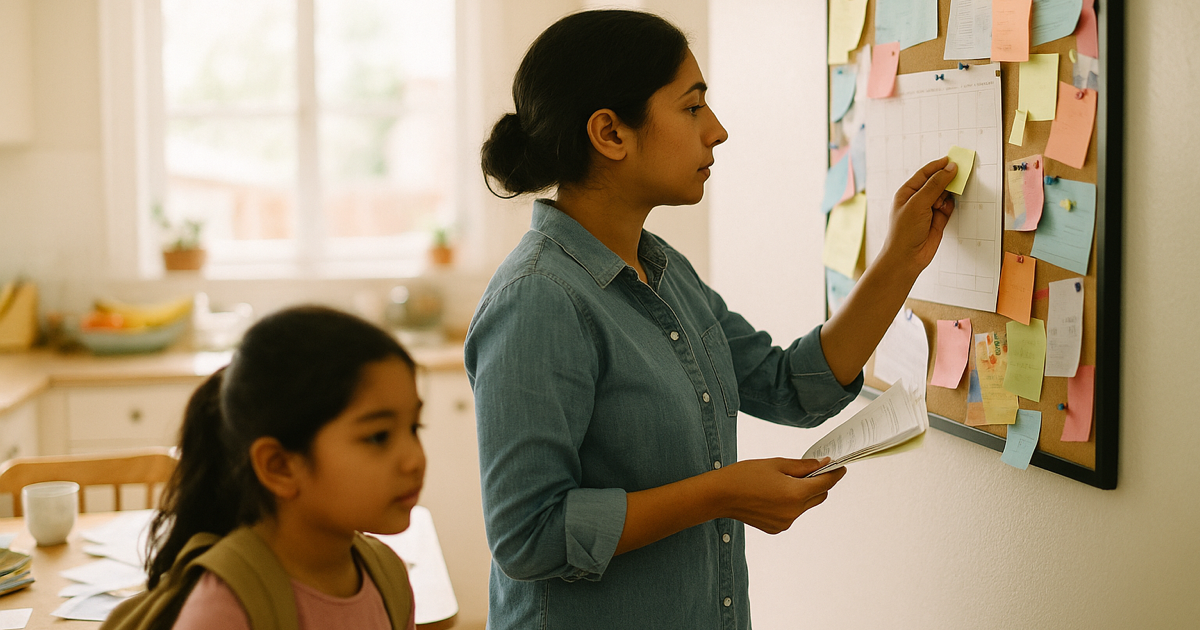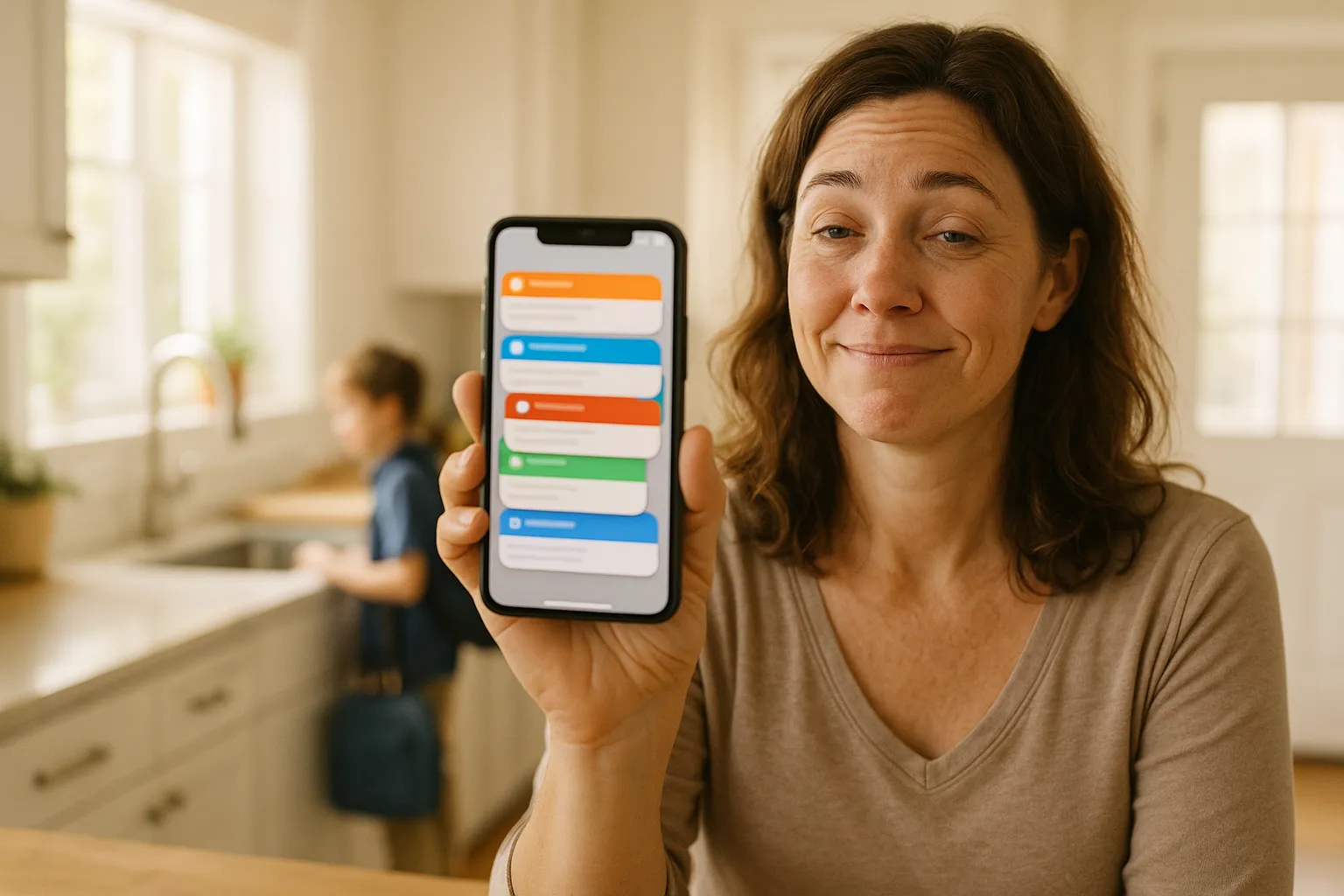
It is the second week of school, and your phone has learned a new rhythm.
Tuesday, 7:41 AM: a ParentSquare notification about a schedule change. 8:02 AM: a Remind text from the classroom teacher. 8:15 AM: a ClassDojo ping because someone posted a photo. Lunchtime: a Seesaw email with a form to sign. That afternoon: the district's weekly newsletter, six pages, one early-release date buried in the middle. And somewhere in there, an actual email from a real human teacher, and a message in the class group chat, and the PTA app reminding you about spirit week.
One kid. One school. And the information about that one kid's week is now scattered across five apps, two inboxes, and a text thread, each of them convinced it is the important one.
If you feel like you cannot keep up this fall, it is not you. The number of places you have to look went up. Here is what actually happened, why it is not going to reverse, and how to get every date back into one place you and your partner both read.
Why your school suddenly needs a dozen apps
A few years ago, the school talked to you one way: a paper folder in a backpack, and maybe an email. Now the communication has splintered, and it splintered for a reason that has nothing to do with you.
Different parts of the school picked different tools. The district office standardized on one platform for official announcements. Individual teachers picked whatever they liked for day-to-day classroom updates. The specialists, the sports coaches, the PTA, and the after-care program each brought their own. Nobody coordinated it, because nobody owns the whole picture. So you get:
- ParentSquare or SchoolMessenger for district and school-wide announcements - closures, picture day, the all-school calendar.
- Remind for the teacher who wants to text you without giving out a phone number.
- ClassDojo or Seesaw for classroom updates, student work, and behavior notes, mostly in the younger grades.
- Bloomz, Konstella, or the class group chat for room-parent coordination, sign-up sheets, and volunteer slots.
- Brightwheel if you also have a little one in daycare or preschool, on a completely separate track.
- Google Classroom and the gradebook portal for the older kids and the homework.
- The district email newsletter and the PTA newsletter, because of course there are still newsletters too.
Each one made sense to the person who chose it. Added together, they made a full-time job out of simply knowing what is happening. And if you have two or three kids at two or three different schools, multiply the whole stack by that.
The part that makes it exhausting. It is not the reading. Any one of these messages takes ten seconds. It is that there is no single place they all land, so you are the single place. You are the human integration layer, checking five apps to assemble one mental picture of the week, and you are the only person in the family running that process.
Turning off notifications is not the fix (and you already know it)
The obvious move is to mute some of it. Go into ParentSquare and switch to the daily digest. Silence the ClassDojo photo posts. Mute the class group chat during the day.
You have probably tried. And you have probably learned the catch: the one message you muted is the one that carried the field trip form with the Friday deadline. The apps do not distinguish between "here is a photo of your kid painting" and "your kid needs a permission slip and $12 by Thursday." They are the same push notification. So you either drink from the firehose and burn out, or you turn it down and start missing the things that actually have a date attached.
Muting solves the noise. It does not solve the real problem, which is that the signal - the dates, the deadlines, the events - is spread across a dozen channels and never lands anywhere your whole family can see it.
The one thing all of these apps have in common
Here is the detail that turns the whole situation around. Almost every one of these platforms can send you an email.
ParentSquare sends email digests. Remind delivers messages to your inbox. ClassDojo and Seesaw email you when there is an update. Bloomz, Konstella, Brightwheel, the district newsletter, the PTA - all of them, by default or with one setting flipped on, will email you. The apps are the front door, but underneath, they nearly all fall back to plain email.
That is the leverage. You do not need eleven apps to talk to each other. You need one place that reads the email each of them sends and pulls the dates out. Email is the common denominator that every school tool already speaks.
How to switch each school app to email (a quick setting-by-setting guide)
Each app hides the switch in a slightly different place, but the setting exists in almost every one of them. Open each app once, find its notification preferences, and turn email on. A once-a-day digest is usually the right choice - it collapses a day of pings into a single message you can forward. Here is where to look, tool by tool.
- How to get ParentSquare emails. Open your account settings and find Notification Settings. Set your notifications to email (and choose the Digest option if you want one summary a day instead of instant alerts). ParentSquare will now email you the same posts it pushes.
- How to get Remind by email. In your account's notification preferences, turn on email notifications. Remind will deliver teacher messages to your inbox alongside the app and text.
- How to get ClassDojo emails. Under account or notification settings, switch on email notifications so classroom updates and messages arrive by email, not just as in-app alerts.
- How to get Seesaw emails. In the family app's notification settings, enable email notifications so posts, messages, and the forms that carry deadlines land in your inbox.
- Bloomz and Konstella. Both let you choose email notifications, usually per category (announcements, sign-ups, messages). Turn on email for the ones that carry dates and deadlines.
- SchoolMessenger, Blackboard, and Brightwheel. Check your contact or communication preferences and make sure email is an enabled channel. These are often already emailing you - the district newsletter and daily report usually arrive that way by default.
One inbox trick that helps. If you want to keep the school clutter out of your main inbox, set up a filter (or a dedicated label) that catches everything from these senders. Now every school message is in one stream, and forwarding the ones with dates is a ten-second job instead of a scavenger hunt across five apps.
The system: let it all flow to email, then forward the ones with dates
The version of this that works has two moves, and neither of them is "check all five apps twice a day."
- Route the notifications to email instead of push (using the app-by-app steps above). Now the closure notice, the form, the early-release date, the picture-day reminder - all of it arrives in one inbox instead of five separate app badges. You have already collapsed the stack from a dozen places to one.
- Forward the ones with a date to a calendar that reads them. When an email carries something you have to remember - an event, a deadline, a form due Friday - forward it once and let the date land on a shared family calendar. You stop being the person who reads the message, finds the date, opens the calendar, types it in, and switches back. The forwarding is the whole action.
The goal is not to consume less information. It is to stop being the manual pipe that carries information from eleven apps into one family's head.
Where Sense fits
Sense is a family organizer built around a single idea: the dates you need are already sitting in your inbox, so you should not have to retype them.
You forward the email - the ParentSquare digest, the Seesaw form notice, the Remind message about early dismissal, the six-page district newsletter with one date buried in it. The AI reads it, finds the dates, times, and locations, and puts them on your family calendar in about a minute. It does not matter which app the message came from originally. Once it is an email, Sense can read it. The early-release Friday comes out of the newsletter's fine print. The form deadline comes out of the Seesaw notice. Nothing gets typed.
And it is a calendar the whole family reads. That is the part the eleven apps never gave you. Your partner sees the same picture-day date. The tablet on the kitchen counter shows tomorrow's early release. The kid asking "when is the field trip" can look instead of asking you. You stop being the only node that knows what is happening, because the schedule finally lives somewhere outside your head.
You can still keep the apps. Keep ClassDojo for the photos, keep the group chat for the chatter. The apps are fine at being apps. They are just terrible at being a calendar. Let them do their thing, and let the dates flow to one place that turns them into a plan.
App sprawl versus one family calendar
| What lands | Five apps and two inboxes | Forwarded to Sense |
|---|---|---|
| Early-release Friday | Buried in the district newsletter, seen the day after | Pulled from the newsletter, on the calendar your partner sees too |
| Field trip form due Thursday | A Seesaw ping you muted with the photo posts | Deadline caught and set as a reminder |
| Picture day | A ParentSquare notice, gone by the time you need it | On the family calendar the moment you forward it |
| Spirit week / dress-up days | In the PTA app you open once a month | Each day on the calendar, so nobody shows up in the wrong outfit |
| The one date across all of it | You, holding it in your head, hoping you did not miss one | One calendar the whole family reads, nothing held in your head |
Turn the app pile-up into one calendar the whole family reads
Forward the next ParentSquare digest or Seesaw notice that lands today. Watch the date show up on a calendar your partner and the kitchen tablet can both see.


You are not disorganized. The information is.
It is worth saying plainly, because the app sprawl has a way of making you feel like you are the one failing. You are not. You are keeping eleven channels in your head at once and mostly succeeding, which is a genuinely hard thing to do. The system is what is broken - the school scattered its own communication and quietly handed you the job of reassembling it.
The fix is not another app to check. It is removing the step where you become the integration layer. Let the notifications flow to email, forward the ones that carry a date, and let a single family calendar hold what used to live only in your memory. Then the ClassDojo photo can just be a nice photo, instead of one more thing you have to triage.
The next school message is probably already on your phone. Forward it and see what happens.