A nanny schedule needs five things: the week's fixed points (when you leave and come home, drop-off, pickup, activities, the handoff), the pickup rules and who else may collect the kids, meals and allergies, the standing house rules, and one line for what is different this week. The free printable below has a place for each. Then the honest part: a printed grid is a photograph of Sunday night, and we will show you what to do about Tuesday.
The five things every nanny schedule needs
Most nanny schedule templates are a blank day planner with "nanny" typed at the top. Blank is the problem. The point of a schedule is that your nanny does not have to text you at 2:50 to ask who has pickup, and a blank page does nothing to prevent that text.
1. The week's fixed points
When you leave and when you are home. Drop-off and pickup for each kid. Standing activities with the address. Who is home first at the end of the day. Write the where, not just the when. "Soccer 4:30" is a text waiting to happen. "Soccer 4:30, Lincoln Park field 3, cleats in the bag by the door" is not.
2. Pickup rules and who else is allowed
Who may collect the kids besides you and the nanny: a grandparent, a neighbor, the family Olivia goes home with on Fridays. And who may not, even if they say you sent them. If your nanny drives, add the car seat and booster notes here.
3. Meals and allergies
Allergies first, in plain words, with where the medication is. Then snacks that are fine, snacks that are not, and what dinner is on the nights your nanny cooks. The Halloween candy. The good cheese.
4. The standing house rules
Screens, homework before play, bedtime on school nights, the dog's walk. These are the rules your partner knows without being told. Your nanny has to enforce them against two kids who will try "but Mom lets us" at least once a week, so write them down where they can be pointed to.
5. The "this week is different" line
The most useful line on the sheet and the one most templates leave out. Early dismissal Tuesday. Picture day, hair up. Grandma has Wednesday afternoon. This is the stuff that lives in your head and comes out as a 7:02 am text from the car. Give it a column of its own so it has somewhere to go on Sunday night.
A sample week for the Parkers
Here is the grid filled in for the Parkers: Sarah and Mike, their kids Olivia and Ethan, Biscuit the dog, Lupe on weekdays, and Grandma Janell covering one afternoon.
| Day | Morning | School | Afternoon | Evening |
|---|---|---|---|---|
| Monday | Lupe 7:15. Mike leaves 7:30. | Pickup 3:00, both kids. | Ethan piano 4:00, 12 Oak St. | Sarah home 5:45. |
| Tuesday | Picture day, Olivia's hair up. | Olivia early dismissal 1:30. Ethan 3:00. | Olivia soccer 4:30, Lincoln Park field 3. | Mike home 6:00. |
| Wednesday | Lupe 7:15. | Pickup 3:00. | Janell takes Ethan to the dentist 3:45. | Sarah home 5:30. |
| Thursday | Library books in the backpacks. | Pickup 3:00. | Homework, then the park. | Sarah late. Mike home 5:30. |
| Friday | Pajama day for Ethan. | Olivia goes home with the Nguyens. | Ethan only. | Both home 5:00. |
This week: Ethan's inhaler is in the front pocket of his backpack. Olivia's cleats are in the bag by the door.
Standing strip: Pickup is Sarah, Mike, Lupe, Janell, and the Nguyens on Fridays only. Ethan is allergic to peanuts, EpiPen in the drawer by the fridge. No screens until homework is done. Bedtime 8:00 for Ethan, 8:30 for Olivia. Biscuit is walked before dinner. Then the numbers and the address.
Read it back and count the texts it absorbs. Who has pickup Tuesday. Where piano is. Whether the Nguyens are allowed. Where the EpiPen is. Each is a message Lupe no longer sends and Sarah no longer answers from a meeting.
Download the printable nanny schedule template
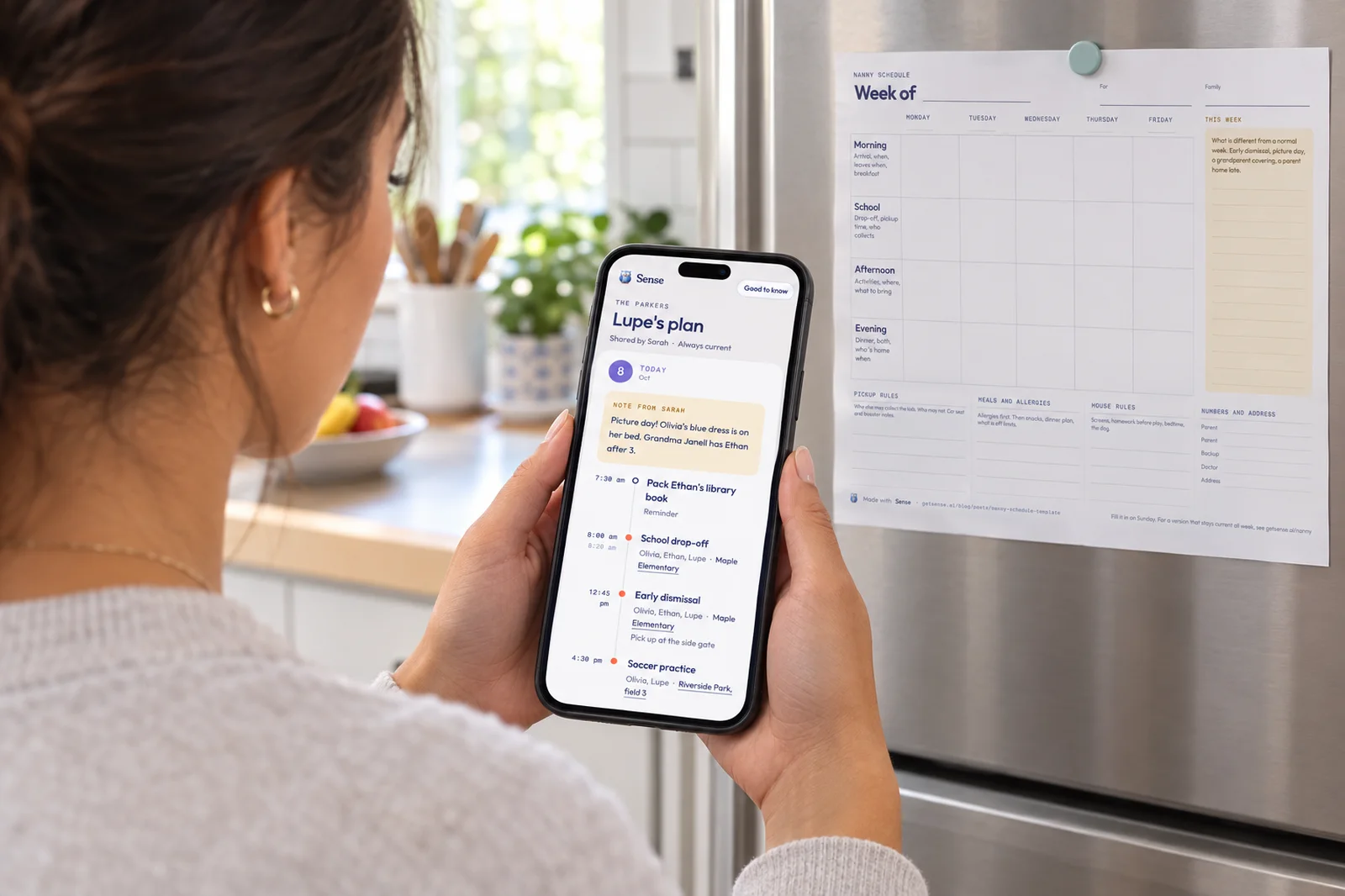
One landscape page. Monday to Friday across the top, morning, school, afternoon and evening down the side, a notes column for what is different this week, and a bottom strip for pickup rules, allergies, house rules and numbers. No email, no sign-up.
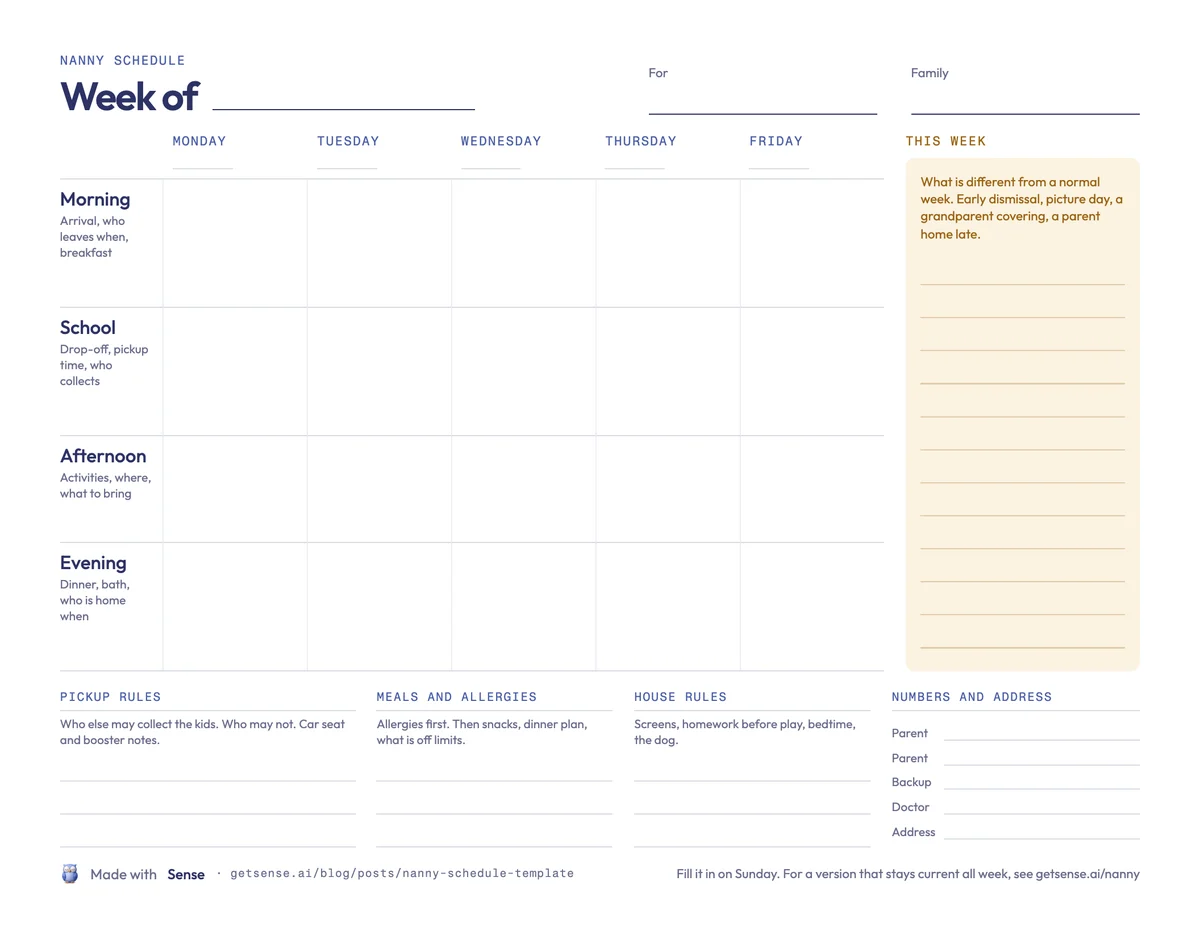
Fill in the bottom strip once and photocopy it, since the top half changes weekly and the bottom half does not. For an occasional sitter, the babysitter information sheet is the shorter version: numbers, allergies, bedtime, Wi-Fi, no grid.
Why a template is stale by Tuesday
We built the printable, so we will tell you its flaw. On Monday the coach moves practice to 5:00. On Tuesday the school emails about an early dismissal. On Wednesday your mom texts that she can take the dentist run after all. None of that is on the sheet.
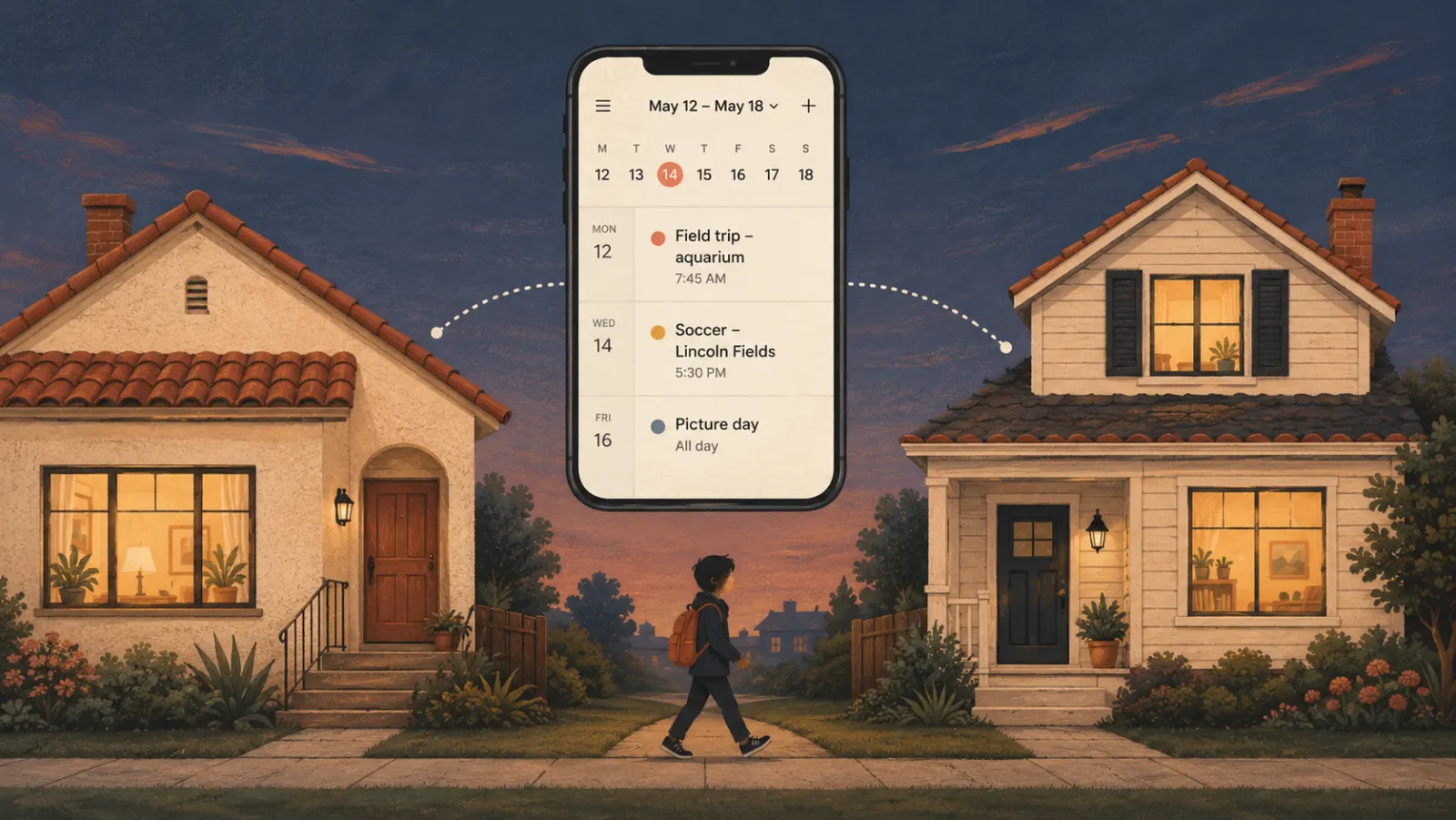
So you text Lupe, who scrolls up to work out which version is current. You text your partner too, in case. By Thursday there are three sources of truth, and the paper on the fridge is the least accurate. It is the same reason shared family calendars fail: the plan lives in one place and the changes live in another.
A link that updates itself
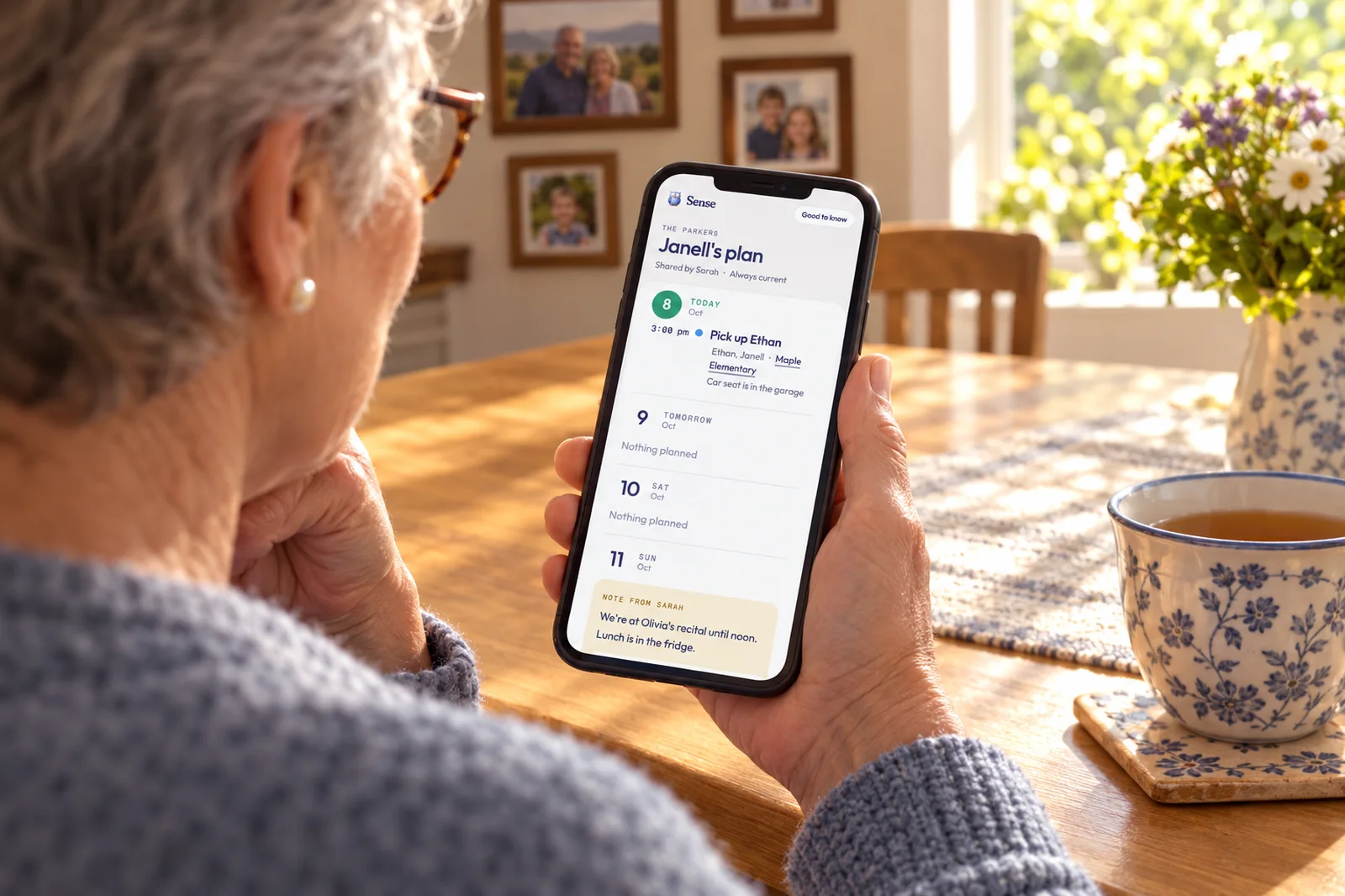
In Sense, Lupe is a profile: a person the family plans around who does not use the app. Add the profile under Settings, My Family, Add profile (set it up from the web app), put Lupe on the events Lupe is part of, and use Also show to add Olivia and Ethan so their days appear too. Then tap Share their plan and send the link from your phone's share sheet, or copy it. Sense never emails it.
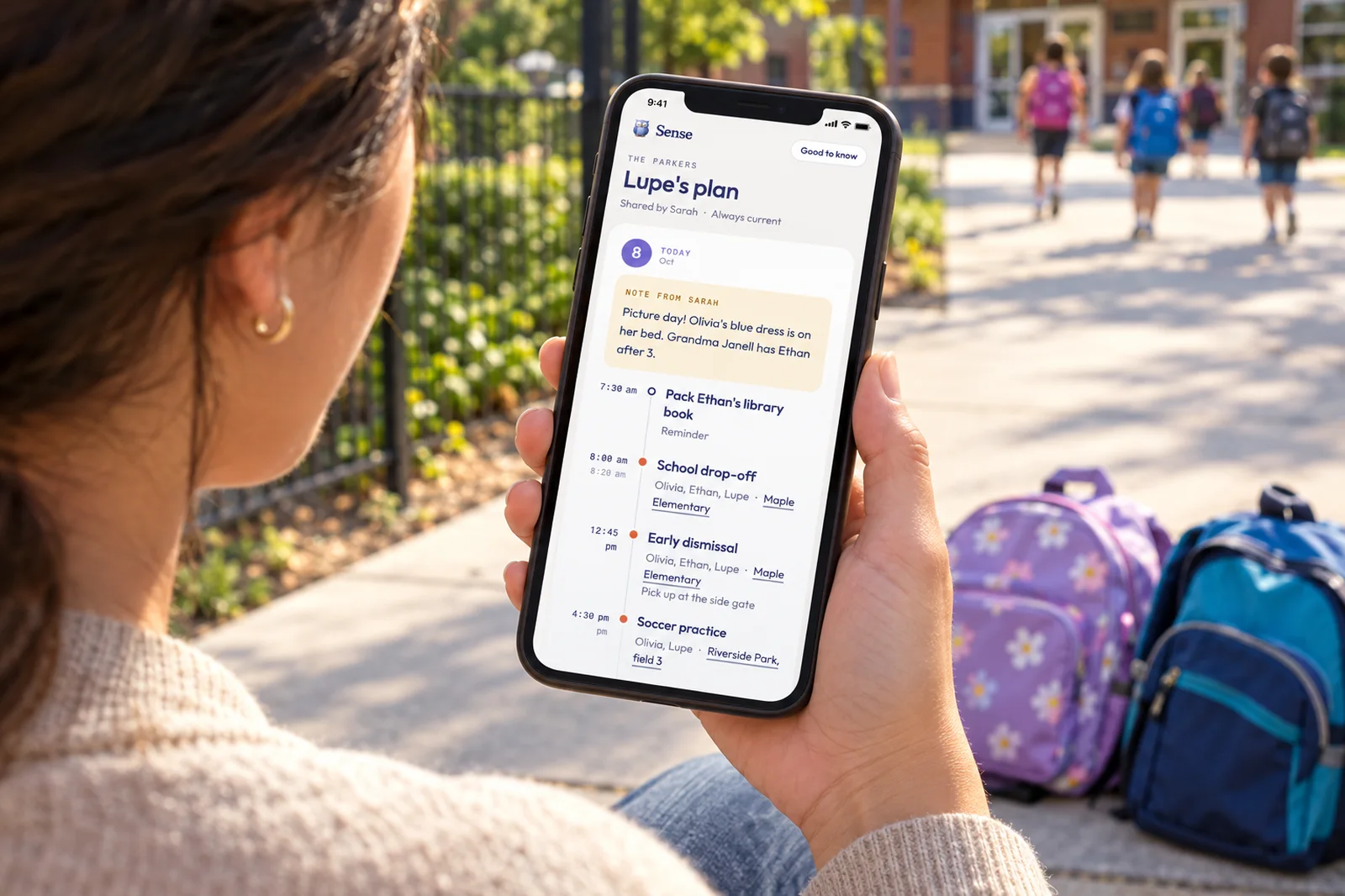
Lupe opens a web page. No app, no login. It shows the next 8 days, one timeline per day, with times, who is involved, and a location to tap for directions. It reflects the calendar the moment it opens. When the coach moves practice, you change the event once and the page is already right. Nothing is resent.
Your note for the day
Each day on the plan has room for a note from you. It is the "this week" column, except each note sits on the day it belongs to. Open the link while signed in to write them, and flip View as Lupe to check exactly what the page shows.
Good to know
At the bottom, linked from the top, are four blocks: Home address, Allergies and safety, House rules, and Anything else. That is the printable's bottom strip, written once and one tap away on the phone Lupe already carries.
The rest of your calendar stays yours. Private events show only when Lupe is on them. Switch a family vacation to Keep off shared plans, or tap Hide from Lupe on a single item. Stop sharing kills the link at once, Make a new link replaces it, and an optional 4 to 8 digit PIN adds a second check. Plan sharing is free on every Sense tier. The full walkthrough is on the nanny page.
Text Your Nanny One Link
Add your nanny as a profile, share the plan, and stop re-sending the week. The next 8 days, your notes and the house rules, on a page that needs no app or login. Free on every plan.
Try Sense Online or get the app:

What nannies say they wish parents sent
None of what a nanny needs from you is a minute-by-minute plan. It is the handful of things they cannot find out on their own.
- The address and numbers before day one. Both parents, a backup adult, the pediatrician. Not buried in a text thread.
- Who may pick up, in writing. The school office will ask.
- Allergies and where the medication is. Which allergy, how serious, where the EpiPen lives, who to call.
- Changes in one place. Not one parent texting the new practice time while the other texts the old one.
- The rules the kids will negotiate. Screens and bedtime especially. Written down, it is the house rule, not the nanny's opinion.
The list is a frame and its exceptions. A good nanny plans the afternoon. What they need from you is the shape of the week, the house rules, and what is different today. The printable covers the first two. The plan link covers all three, and is still right on Thursday.
Frequently asked questions
What should be on a nanny schedule?
Five things: the week's fixed points (when you leave and return, drop-off and pickup, activities with the address, the end-of-day handoff), pickup rules and who else may collect the kids, meals and allergies with where the medication is, the standing house rules, and one line for what is different this week. The free printable has a place for each.
Should a nanny schedule be weekly or daily?
Weekly for the shape, daily for the exceptions. A weekly grid shows the pattern once. The things that change, like an early dismissal or a parent home late, belong in a note on the day they happen. Minute-by-minute daily plans go stale fastest.
How do I share changes during the week?
Texting works until the third change, when your nanny has to scroll to find the current version. In Sense, you share a private plan link instead: a web page with no app or login that shows the next 8 days and your note for each day. It reflects the calendar the moment it opens, so you change the event once and nothing is resent.
Should my nanny have the family calendar app?
Usually not. Sharing a Google Calendar needs a Google account and shows that whole calendar. Apps like Nori show the nanny the same calendar you see, but each person needs a Nori account. A Sense plan link needs nothing on their end and shows only the days they are part of, plus your notes and the house information.
What about a part-time sitter?
A sitter who comes twice a month needs the standing information more than a weekly grid: address, numbers, allergies, bedtime, Wi-Fi. That is the babysitter information sheet. If the same sitter comes every week, share a plan link as you would with a nanny and use Stop sharing when the arrangement ends.
Related reading: Share your family calendar with your nanny · Babysitter information sheet · Printable chore chart by age · Co-parenting calendar app