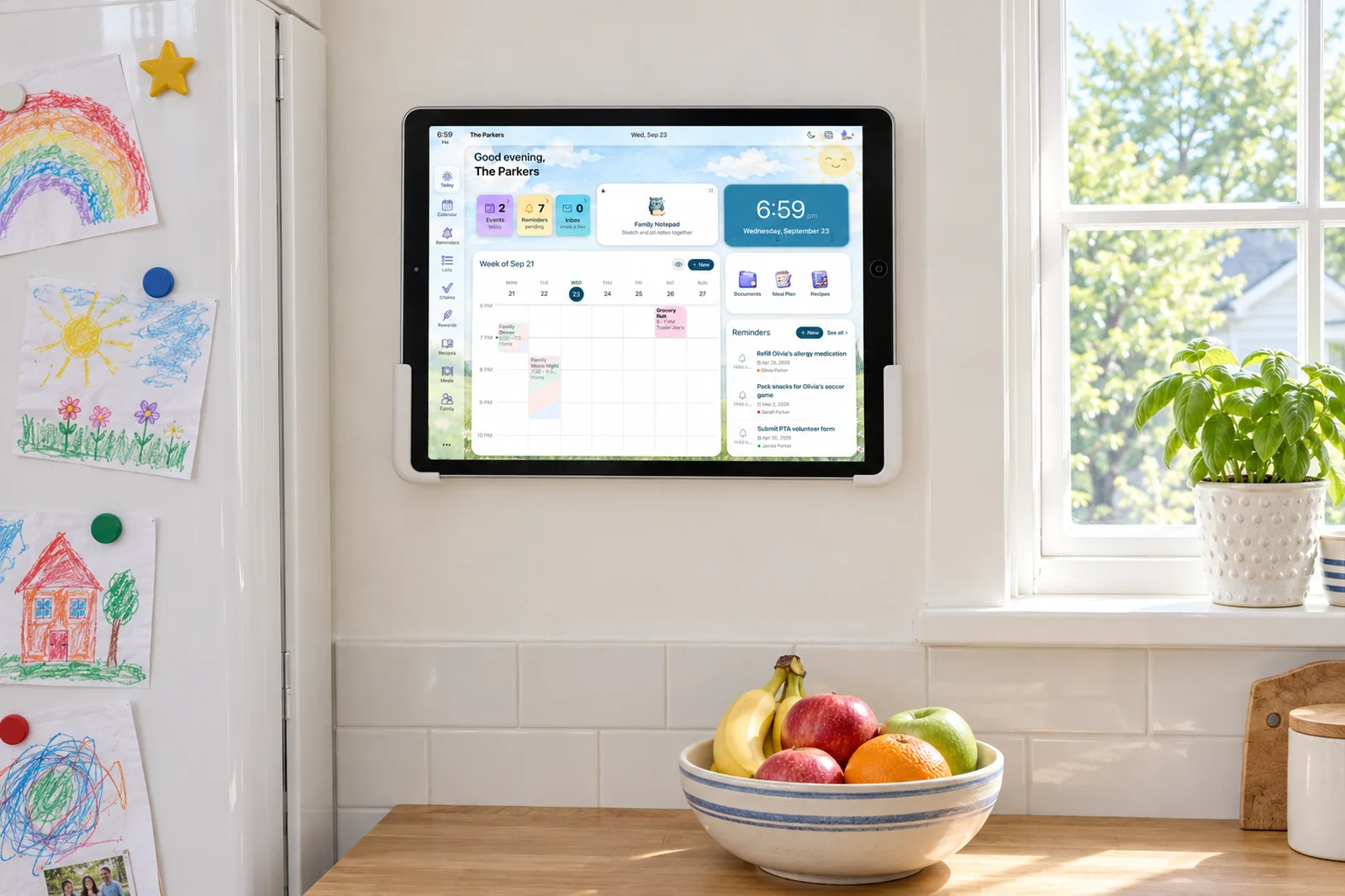
On Skylight Calendar, a profile is a name and a color you create from the Profiles tile in the Skylight app, and you assign events and chores to it so the frame can show who has what. A profile is not an account: Grandma's profile does not let Grandma see anything. If a caregiver needs to read the plan from her own phone, you invite her to your Skylight account, and from then on she sees the whole calendar, yours included.
We make Sense, which does this differently, so read the last third of this post knowing that. The first two thirds are a plain how-to for the Skylight you already own, with the facts checked against Skylight's own pages as of October 2026. If you are still deciding on the frame, start with Sense vs Skylight.
How to add a profile on Skylight Calendar
Profiles are the part of Skylight that makes the frame readable at a glance. Each person gets a color, and every event on the calendar carries the color of whoever it belongs to, so a seven-year-old can find his own Tuesday.
- Open the Skylight app on your phone and go to the Profiles tile.
- Add a profile with a name and pick a color. Add one for each parent, each kid, and anyone else you plan around: Grandma, the nanny, even "Carpool" if you want ride days to stand out.
- Assign events and chores. When you create or edit an event, choose which profiles it belongs to. Chores on the chore chart are assigned the same way, and kids tap their own name on the frame to check them off.
- Read the frame by color. Each event carries the color of the profiles on it, so one glance says whose day it is. The colors are a way of reading the calendar, not a way of limiting it, which matters later in this post.
Profiles are included with the device and with the free Skylight app. You do not need Skylight Plus for them. Plus, at $79 a year billed annually, is for Magic Import, Sidekick photo scanning, meal planning, star rewards, Disney Mode and the photo screensaver.
A profile or an invited caregiver: which does Grandma need?
This is where most of the confusion comes from, and it is worth stating plainly. Skylight has two different things that both feel like "adding Grandma."
A profile is a label. It lives on your calendar so that events can carry her color. It is for you, so you can see at a glance that Janell is doing Thursday pickup. It gives Janell nothing. She cannot open the Skylight app with it, and she will not get a notification when Thursday moves.
An invited caregiver is a member of your account. You invite her from the app, she installs Skylight on her phone and signs in, and she sees what you see. The events, the chores, the lists, the whole calendar. That is useful when the person is in the house every day and you trust her with all of it. It is a lot when the person is your mother-in-law who does one pickup a week.
There is no third option on Skylight as of October 2026. Either she sees nothing, or she sees everything. The frame itself is the one exception: anyone standing in your kitchen can read it, which is why Skylight works so well for a grandparent who lives with you or visits often.
What Grandma can and cannot see
Assume Janell has been invited to the account and has the Skylight app on her phone. Here is what she gets.
- She can see every event on the calendar, in every color, including the ones that have nothing to do with her: Sarah's work trip, Mike's dentist, the anniversary dinner, the therapy appointment you filed under your own name.
- She can see the chore chart and the lists, because they are part of the same account.
- She can see changes as they happen, because she is looking at the same calendar.
- She cannot see a version of the week with only Olivia and Ethan on it. The colors tell her whose event is whose; they do not remove yours.
- She cannot see a note from you about Thursday, because Skylight's event has no place for "the car seat is in the garage and the office number is on the fridge." You text that separately, which is what you were doing before the frame.
If Janell has not been invited and only has a profile, she can see none of it from home. She reads the frame when she is at your house, and she texts you the rest of the time.
The three gaps parents hit
None of these is a bug. They are what the account model means once you have more than two adults around your kids.
No read-only page for someone outside the house. The grandparent across town, the sitter who comes Fridays, the other carpool parent: each of them needs to know a slice of the week, and the only way to show it is a full login. Most parents stop here and go back to texting screenshots of the frame.
No notes for the sitter. The event says "Soccer, 4:00, Riverside Park." It does not say that Ethan's inhaler is in the front pocket, that the coach wants him there by 3:45, or that the other mom who sometimes drives is named Priya. That is the part the sitter actually calls about, and it lives in your head or in a text from last month.
No way to keep one event off their view. The family vacation in March, the custody-mediation appointment, the surprise party for Mike. On a calendar an invited person sees in full, the only way to keep something from them is not to put it on the calendar, which defeats the calendar.
How Sense handles the same three people
In Sense, Janell, Lupe and the carpool are profiles too, with one difference in what a profile can do. A Sense profile is a person or a label the family plans around who does not use Sense. You add it under Settings, My Family, Add profile (from the web app, with the phone app following in an update). It gets a color and a calendar filter, it goes on events and reminders, and it never gets a login, chores, allowance or Kid Mode. The carpool version is a label called something like "Help With Rides," which marks a ride that still needs a driver.
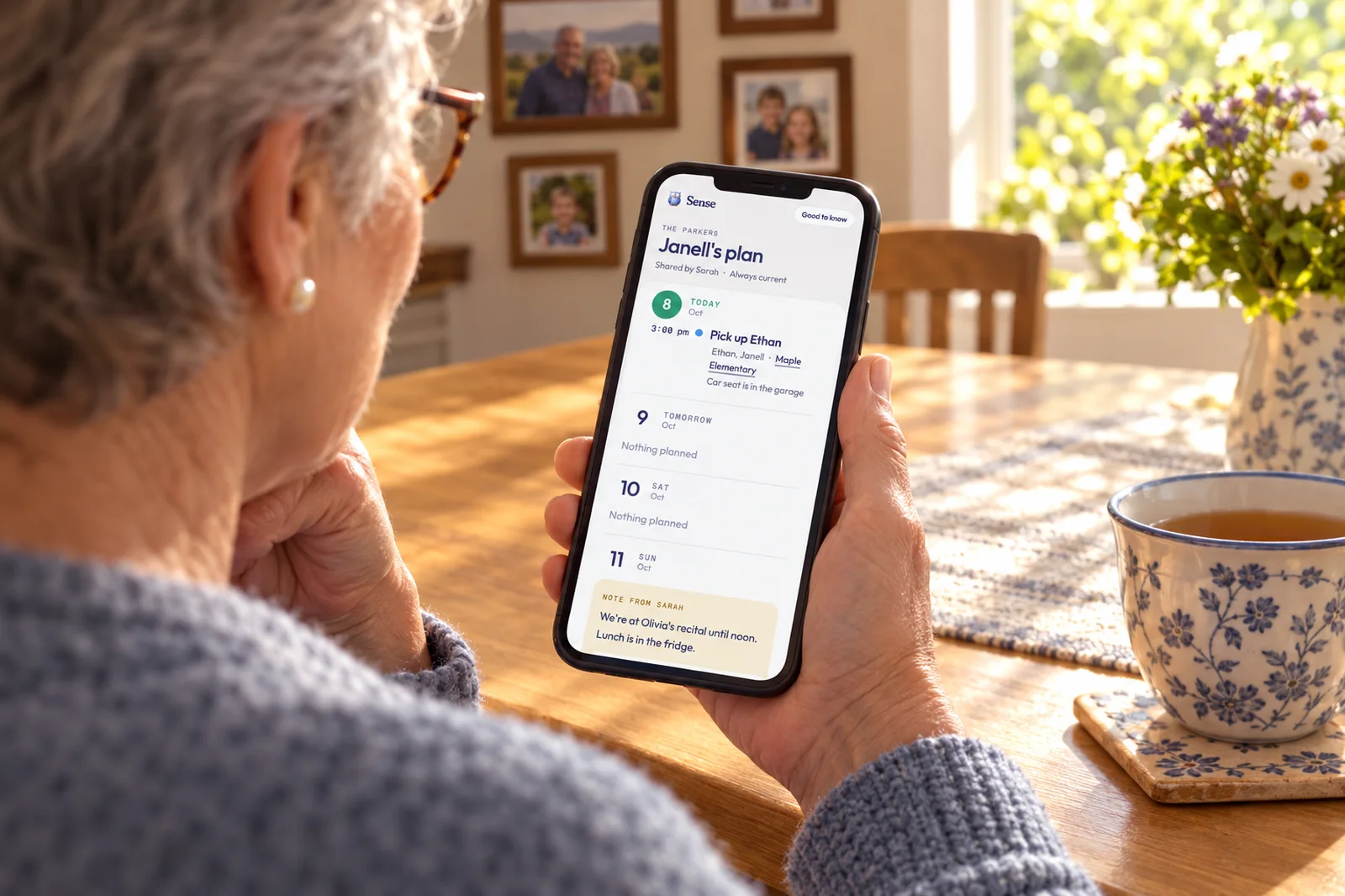
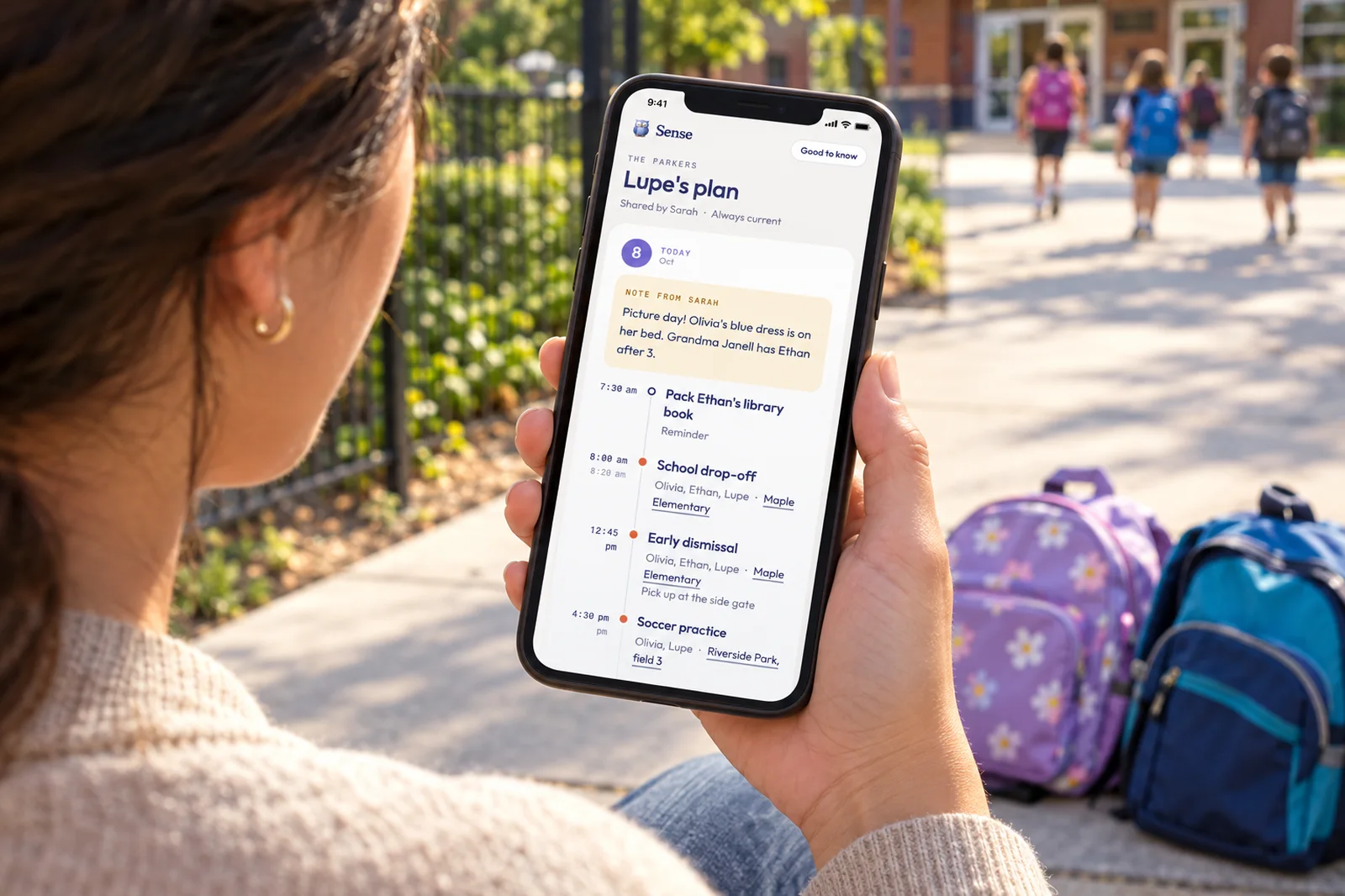
Then each profile has Share their plan. That makes a private link to a web page with the next eight days: one timeline per day with times, who is involved and a tappable location, your note for the day, and a Good to know section at the bottom with the home address, allergies and safety, house rules, and anything else. Janell opens it on any phone, with no app and no account, and it is always current, because the page is the calendar at the moment she opens it. Nothing gets resent when Thursday moves.
The three gaps map directly:
- A read-only page outside the house. You send the link yourself, from the phone share sheet or by copying it. Recipients can never edit. Also show adds Olivia and Ethan to Lupe's page so their days appear alongside hers. An optional PIN of four to eight digits is a second check, and Stop sharing kills the link the moment you tap it.
- Notes for the sitter. A note on each day, plus the four Good to know blocks, linked from the top of the page. The car seat, the office number and Priya's name live where the schedule lives.
- Keeping one event off. Once a plan is shared, every event and reminder gets a Keep off shared plans switch, which is what the vacation gets. On your own view of Lupe's page, each item also has Hide from Lupe for one person only, and Show undoes it.
Plan sharing is free on every Sense tier, including the free one. There is a longer walkthrough on the nanny and caregiver page, and a step-by-step for grandparents in how to share your kids' schedule with grandparents.
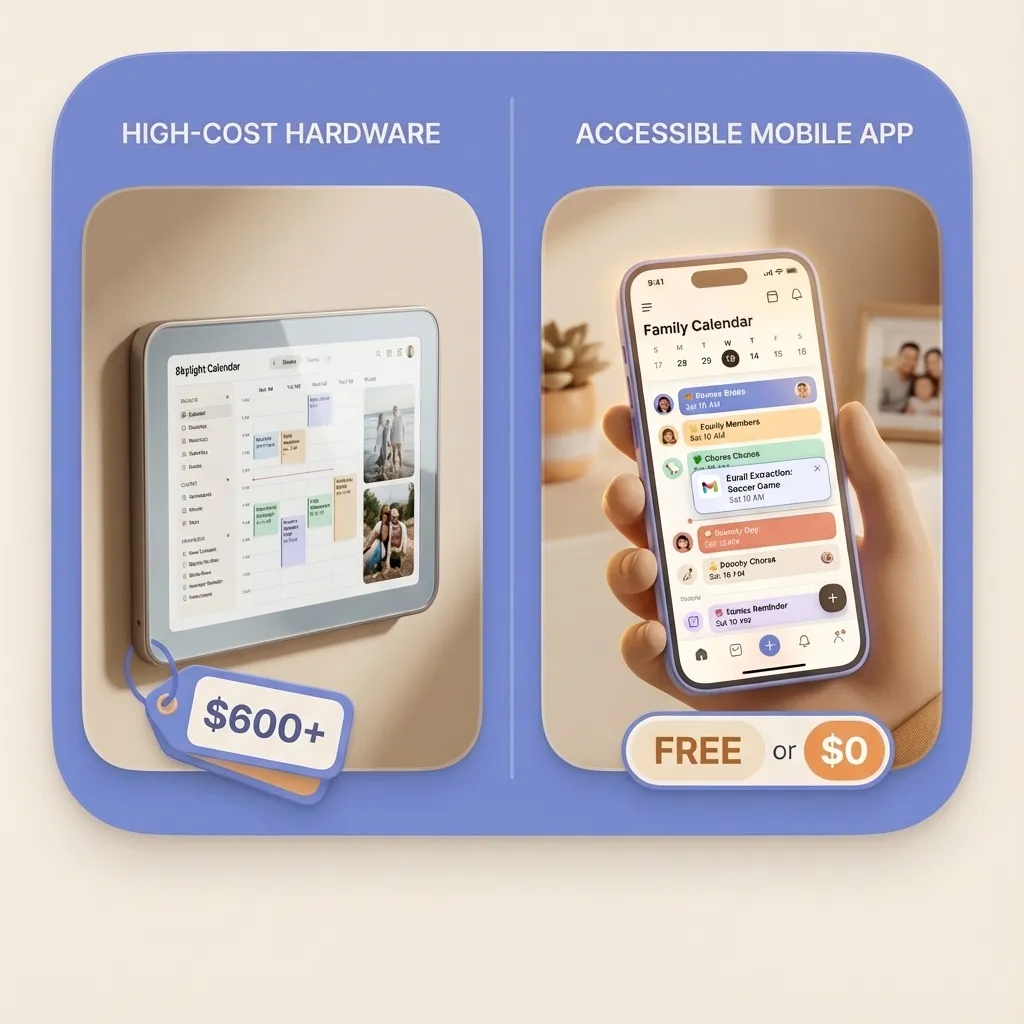
Skylight is still the better answer for one thing in this list: the person standing in your kitchen. The frame is readable with no phone at all, and Sense's equivalent, Sense Hub on a tablet you already own, needs a tablet. For everyone who is not standing in your kitchen, a link they open beats an account they manage.
Which one do you need
| What you need | Skylight profile | Skylight invited user | Sense profile with plan link |
|---|---|---|---|
| Her color on the calendar | Yes | Yes, she has a profile too | Yes, plus a filter |
| She sees the plan from her own phone | No | Yes, in the Skylight app | Yes, a web page, no app |
| She needs an account or login | No account, no view | Yes, invited to yours | No. Optional PIN |
| What she sees | Nothing from home | The whole calendar | Her events, plus the kids you choose, for the next 8 days |
| Notes for her | No | No per-day notes as of October 2026 | A note per day, plus Good to know |
| Keep one event off her view | Not applicable | Not that we could verify | Keep off shared plans, or Hide from her page |
| Can she edit | No | Yes, she is in the account | Never |
| Cost | Included | Included | Free on every tier |
| Best for | Showing who has what on the frame | A second parent, or a full-time nanny you trust with everything | A grandparent, sitter or carpool parent who needs a slice |
Skylight details checked against Skylight's pages on October 8, 2026. Where we could not verify a detail we have said so rather than guessed.
Frequently asked questions
Can a nanny use Skylight Calendar without the device?
Yes, if you invite her to your Skylight account. She signs in to the free Skylight app on her phone and sees the same calendar you do, frame or no frame. Without an invitation, a nanny can only read the frame in your kitchen. As of October 2026 there is no in-between: a profile with her name on it does not give her a view of anything.
Do Skylight profiles cost extra?
No. Color-coded profiles, the shared calendar, the chore chart and lists are included without a subscription. Skylight Plus, $79 a year billed annually, covers Magic Import email forwarding, Sidekick photo scanning, meal planning, star rewards, Disney Mode and the photo screensaver. Inviting another person to your account does not cost extra either.
Can grandparents see the Skylight calendar on their phone?
Only if you invite them to your account, and then they see the whole calendar in the Skylight app, including your work travel and your partner's dentist appointment. A grandparent visiting your house can read the frame itself without an account. If you want them to see the kids' days from their own home without a login, that is what a Sense plan link does: a private web page with the next eight days, no app, no account.
How do I share only the kids' schedule and not the whole family calendar?
On Skylight, as of October 2026, an invited person sees the full calendar. The profile colors say whose event is whose; they are not a permission, so there is no way to hand someone only Olivia and Ethan. In Sense you create a profile for the caregiver, turn on Also show for the kids she looks after, and share her plan. The page shows the events that involve her or those kids and nothing else.
Can I hide one event from a caregiver?
As far as we could verify as of October 2026, Skylight does not offer a per-event setting that hides one event from an invited user. In Sense, once a plan is shared, every event and reminder gets a Keep off shared plans switch for things like the family vacation, and on your own view of a person's page each item has Hide from Lupe to take it off that one person's page. Show undoes it.
A Page for Grandma, Not a Login
Add a profile for the person who helps, share their plan, and text them the link. The next eight days, your notes, and nothing you did not mean to share. Free on every Sense plan.
Try Sense Online or get the app:

Related reading: Sense vs Skylight Calendar (2026) · Best Skylight Calendar alternatives · Share the plan with a nanny or sitter · Help: family profiles