Quick Summary
- Two AI family organizers, two starting points. Nori is a Family AI app with an optional 15.6-inch Hub you talk to. Sense is an app that reads what you forward and runs its family display on any tablet you already own.
- App to app, the price is nearly identical. Nori Plus is $59.90 a year, Sense Premium is $59.99 a year. The real gap is the $389 Hub.
- Choose Nori if you want a dedicated, always-on kitchen screen with hands-free voice, and you like the idea of hardware built for exactly that.
- Choose Sense if your bottleneck is the inbox, there is an old iPad or Android tablet in a drawer, and you would rather not buy a device.
We make Sense, so this is not a neutral review. Nori publishes fair comparisons on its own site, and we want to hold ourselves to the same standard: say where each product wins and use each company's own listed prices. The short answer: Nori is the better pick if a purpose-built voice screen on the counter is the thing you want. Sense is the better pick if you want the same kind of AI organizer without buying a device, with capture built around the school emails, group chats, and flyers that actually carry your family's dates.
Sense vs Nori at a Glance
| Comparison | Nori | Sense |
|---|---|---|
| Starting point | Free app on iPhone, Android, and web, plus an optional 15.6-inch Family Hub at $389 list | Free app on iPhone, Android, and web. No hardware to buy |
| Core tools | Shared calendar, tasks, chores with star rewards, recipes, meal plan with nutrition, shopping list, photos | Shared calendar, reminders, lists, chores, routines, rewards, allowance, meal planning, recipes, documents, medications, birthdays |
| Capture and AI | "Hey Nori" voice, photo, forwarded email, PDF, text. Agent Mode for multi-step planning. 10 free AI uses, unlimited with Plus | Forwarded email with attachments, WhatsApp, photo, PDF, screenshot, flyer, voice, URL. AI chat. 10 AI actions a month free, unlimited with Premium |
| Shared display | Nori Family Hub: 15.6-inch touchscreen, four microphones, no camera, mic mute switch | Sense Hub display mode on any iPad, Android, or Fire tablet you already own |
| Calendar sync | Google, Apple (iCal), and Outlook | Google Calendar sync; Apple iCloud, Outlook, school and sports iCal feeds by subscription; ICS export |
| Kids and chores | Recurring chores, routines per child, stars redeemed for custom rewards, kids can claim tasks | Chores, routines, rewards, allowance, and Kid Mode: a screen per kid on a shared device, no kid logins |
| Regular pricing | Free. Plus $7.99/month or $59.90/year. Hub $389 list, on sale at our check | Free. Premium $6.99/month or $59.99/year, one plan for the whole family |
| Best fit | Families who want a dedicated kitchen screen they can talk to | Families whose bottleneck is the inbox and who would rather reuse a tablet than buy one |
Prices and features checked on September 24, 2026. Promotions change.
See Your Inbox Turn Into a Family Calendar
Forward one school email to Sense and watch the dates land on a calendar the whole family sees. No hardware to buy, no card to enter, full access to start.
Try Sense Online or get the app:

Where Nori Wins
Nori has done something few family apps attempt: it built its own hardware, and the hardware is thoughtfully specified.
- A screen designed for the job. The Family Hub is a 15.6-inch 1080p anti-glare touchscreen with a four-microphone array, two 10-watt speakers, and both a desktop stand and a wall mount kit in the box. It comes with a 30-day money-back guarantee and a one-year warranty.
- Hands-free voice. "Hey Nori" lets you add an event or a shopping item with wet hands. On the Hub, voice is the front door to the whole system. Sense captures from voice notes and works through Alexa and Siri Shortcuts, but there is no wake word inside the Sense app.
- Privacy built into the device. Nori says the Hub has no camera and a physical mute switch for the microphones, and the company states it does not build cloud-based profiles of household activity. That is the right way to design something that lives in a kitchen.
- Agent Mode and proactive planning. Nori Plus includes an agent mode for multi-step planning, and independent reviewers describe conflict warnings before a double-booking. Nori positions its AI as a planner, not only an extractor.
- Meal planning depth. A full week of AI-planned meals, nutrition per meal, recipe import from Instagram and websites, and a shopping list grouped by store. If dinner is the biggest stress in your house, Nori has invested more in that problem.
- Scale. Nori reports more than 200,000 families and a 4.8 App Store rating across 1,500 ratings. Sense reports 2,000 families and the same 4.8. Both products are young, but Nori has more households running it.
Where Sense Wins
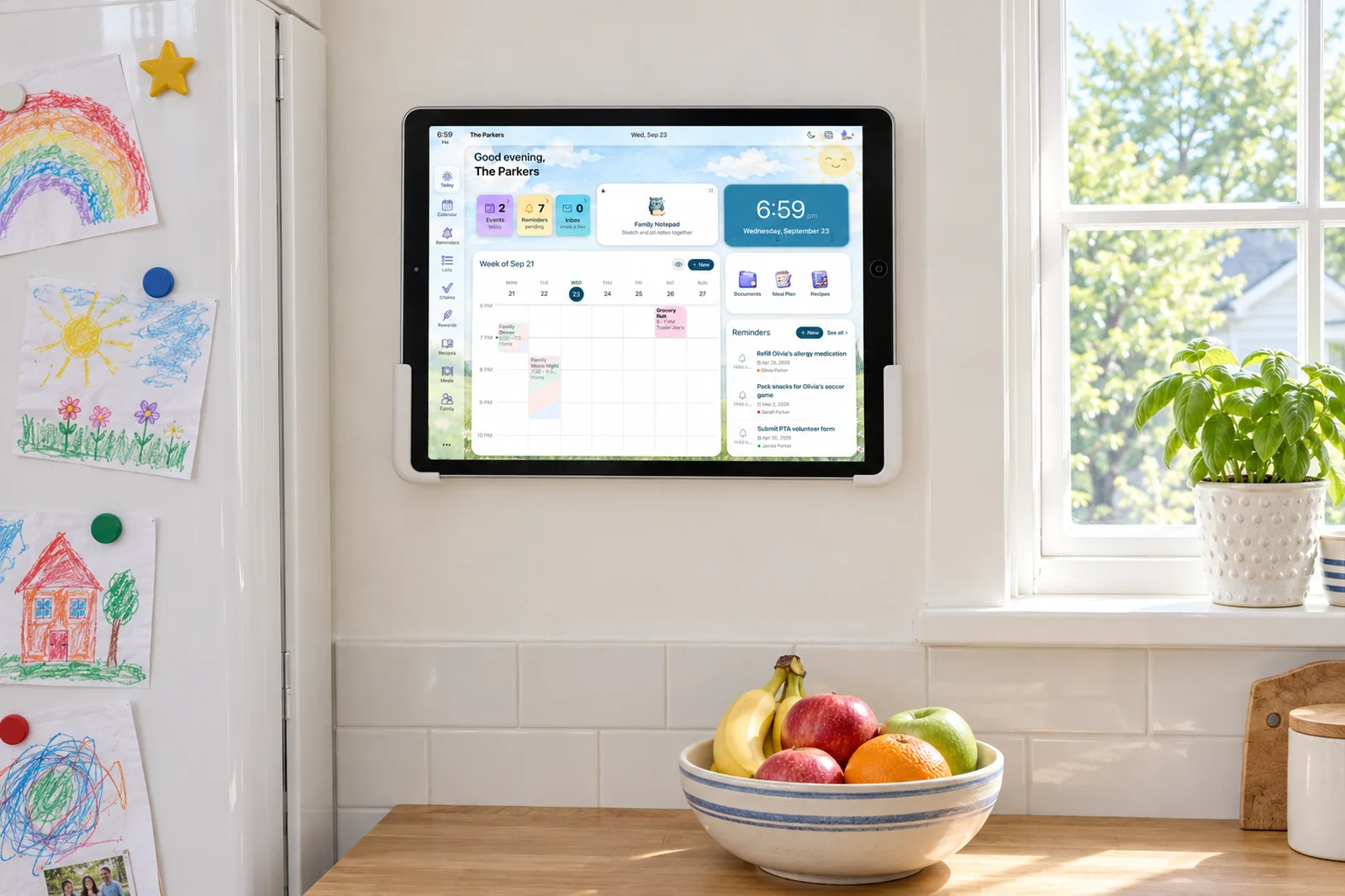
- No hardware to buy. Sense Hub display mode runs on any old iPad, Android tablet, or Fire tablet: today's schedule, meals, chores, photos, reminders, and birthdays, dimmed at night. If a tablet is already in the house, the screen costs nothing.
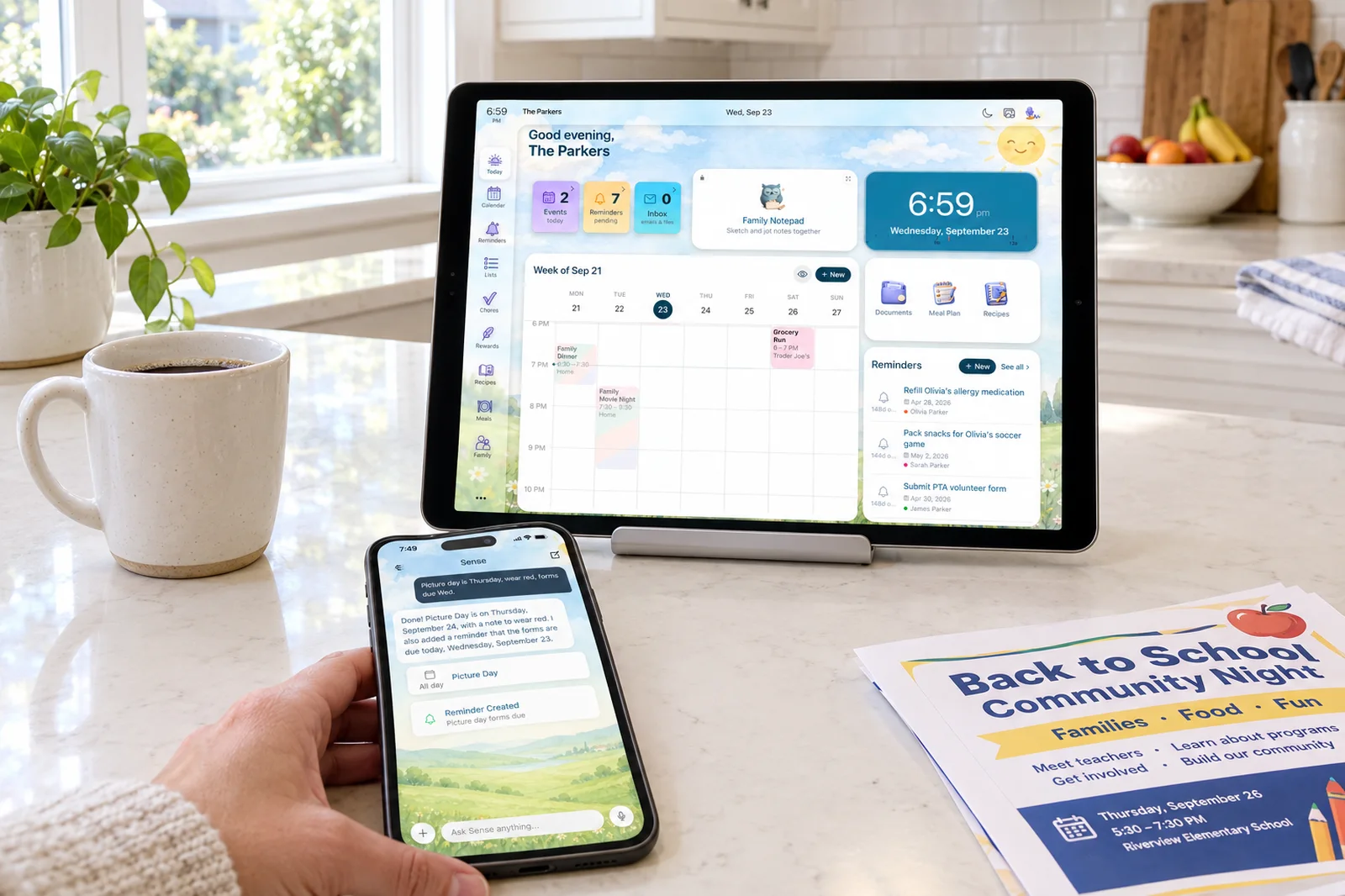
- Capture built around where dates actually arrive. Forward an email with its attachments to share@getsense.ai. Send a WhatsApp message. Share a screenshot, PDF, flyer, URL, or voice note from the iOS share sheet. Nori also accepts forwarded email and photos, so this is a difference of emphasis: Sense is designed around the forward, Nori around the voice command.
- A wider set of household tools in one plan. Beyond calendar, chores, meals, and lists, Sense Premium adds allowance, document storage, medications, birthdays, emergency contacts, and a weekly family digest.
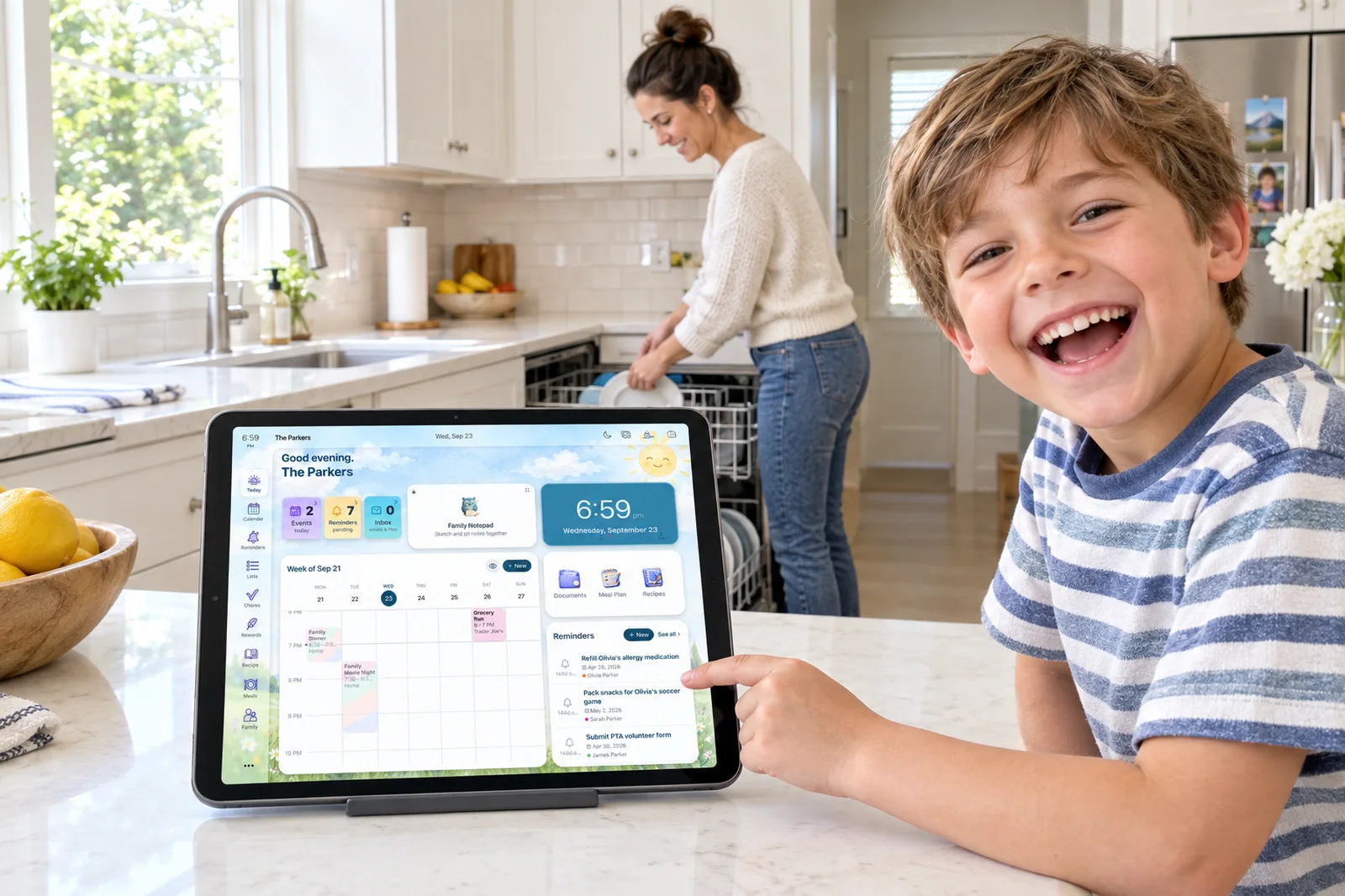
- Kid Mode without kid accounts. Each child gets a dedicated screen on a shared device with nothing to log into, so a seven-year-old can check chores on the kitchen tablet without a password.
- Works with the assistants you already have. An Alexa skill, plus Siri Shortcuts and App Intents on iPhone, Apple Watch, HomePod, and CarPlay.
- A monthly AI allowance on the free tier. Sense free includes 10 AI actions every month alongside manual events, reminders, lists, notes, saved recipes, and birthdays. Nori free includes its core tools with 10 AI uses; as of our check, its pricing page does not say whether those reset.
The Display Question: Buy a Screen or Reuse One?
This is the decision that separates the two products, so it deserves a plain look at both sides.
Buying the Nori Hub gets you a screen that was engineered to sit on a counter or a wall. It looks like a product, not a hack. The microphones are tuned for a noisy kitchen, the speakers are real, the mount comes in the box, and if it fails in year one Nori replaces it. Reviewers who have lived with it note that it works best when the whole family adopts it, and becomes an expensive photo frame if only one parent does. As of our check, Nori ships the Hub to the US and Canada only.
Reusing a tablet with Sense costs nothing if you own one, and most families do. The trade is that you supply the stand, the charging cable, and the wall mount, and the tablet's microphones and speakers are whatever they are. In exchange you can move it between rooms, and because Sense Hub is software it works the same in Australia or the UK as in Ohio.
Voice First or Inbox First?
Both products accept the same raw material: a forwarded email, a photo of a flyer, a PDF, a typed sentence. The difference is which door each one assumes you will walk through.
Nori's door is voice. The wake word, the four microphones, and the Hub itself exist so you can say "Hey Nori, add swim practice Thursday at 5" while your hands are busy. That is a real convenience, and on the Hub it is the natural way to use the product. The caveat is that unlimited voice requires Plus and an internet connection, and in the phone app a September 2026 App Store review points out that the AI answers in text rather than speaking back.
Sense's door is the inbox. The school newsletter, the coach's PDF, the camp confirmation, and the WhatsApp group message already contain every date your family needs. You forward or share them once and the events, times, and locations land on the shared calendar, attachments included. The AI chat is there when you want it, for homework help, a recipe from what is in the fridge, or "what does Thursday look like," but the product does not depend on you opening a conversation.
A useful test: think about the last five things you added to the family calendar. If most started as a thought in your head, voice is faster and Nori serves it well. If most started as an email or message from someone else, forwarding is faster, and that is where Sense spends its effort.
The Full Cost Over Three Years
We used each company's regular prices, not the promotions running on the day we checked. For Nori, that is $389 for the Hub and $59.90 a year for Plus, which matches the "$449 with the first year of AI" figure Nori quotes in its own comparisons. For Sense, it is $59.99 a year for Premium, with the display running on a tablet you already own. Year one on Nori with the Hub is $389 plus $59.90, or $448.90. Years two and three add $59.90 each, or $119.80. Sense is $59.99 in year one and $119.98 across years two and three.
| Typical family | Year 1 | Years 2-3 | 3-year total |
|---|---|---|---|
| Nori app only (Plus, annual) | $59.90 | $119.80 | $179.70 |
| Nori Hub + Plus (list price) | $448.90 | $119.80 | $568.70 |
| Sense Premium (annual), own tablet | $59.99 | $119.98 | $179.97 |
Two honest footnotes. If you catch Nori's current promotion, the Hub with Plus is $299 with the first month free, which brings the three-year total closer to $479. And if you do not own a spare tablet, a used iPad or Fire tablet for the Sense display typically costs well under the Hub's list price, but it is not zero.
How to Choose
Pick Nori if:
- You want a dedicated kitchen screen with hands-free voice and are comfortable paying for the hardware.
- Meal planning is your biggest source of stress and you want AI-built weekly menus with nutrition per meal.
- You value a device with no camera and a physical mic mute over a general-purpose tablet.
- You live in the US or Canada, where the Hub ships today.
Pick Sense if:
- Most of your family's dates arrive by email, WhatsApp, or flyer, and you want them on the calendar without dictating them.
- There is a tablet in the house that could become the family display for free.
- You want chores, allowance, medications, documents, and a weekly digest in the same plan as the calendar.
- You want kids to use a shared screen without creating accounts for them.
Sense vs Nori: The Bottom Line
Nori and Sense are closer than most head-to-heads on this blog. Both are AI family organizers with a shared calendar, chores with rewards, meal planning, lists, and AI that reads forwarded emails and photos. Both charge about $60 a year for unlimited AI across the whole family. Nori's distinctive bet is the Hub: a well-built, camera-free voice screen that makes the system visible and hands-free in the kitchen, at a $389 list price. If that is what you want, Nori makes a good one.
Sense's bet is that the screen is the cheap part and the data entry is the expensive part. Most families already own a tablet that can be the display, and most of the dates they need are already sitting in an inbox or a group chat. So Sense puts its effort into reading what you forward, keeping every household tool in one plan, and running on whatever hardware you have. If you want an AI family organizer without a new device, start there. If you want the device, Nori is the one to look at.
Frequently Asked Questions
Do I need to buy the Nori Family Hub to use Nori?
No. The Nori app is free on iPhone, Android, and the web, and Nori Plus adds unlimited AI for $7.99 a month or $59.90 a year. The Hub is an optional $389 device that puts the same system on a kitchen screen with hands-free voice.
Can Sense run on a kitchen tablet like the Nori Hub?
Yes. Sense Hub is a display mode included in Sense Premium. It turns any old iPad, Android tablet, or Fire tablet into an always-on family display showing today's schedule, meals, chores, reminders, photos, and birthdays, and it dims itself at night.
Does Sense have voice control like Hey Nori?
Not a wake word inside the app. Sense captures events from voice notes, and it works with the Alexa skill and Siri Shortcuts on iPhone, Apple Watch, HomePod, and CarPlay. If hands-free voice on a dedicated screen is the main thing you want, Nori does that more directly.
Which is cheaper, Nori or Sense?
App to app they are within a few cents: Nori Plus is $59.90 a year and Sense Premium is $59.99 a year, and both cover the whole family. The gap is the hardware. A Nori Hub adds $389 at list price, while Sense's display mode runs on a tablet you already own.
Try Sense Free on the Tablet You Already Own
Full access to start, no credit card. Forward one email, prop up the old iPad, and see what an AI family organizer looks like without the $389.
Try Sense Online or get the app:
Related reading: Best AI family organizer apps 2026 · What is a family AI agent? · Sense vs Skylight (2026)