Quick Summary
- Hearth Display is a $699 27 inch wall touchscreen plus a $9 per month membership for routines, to-dos, meals, lists, and its Hearth Helper AI. Calendar viewing stays free.
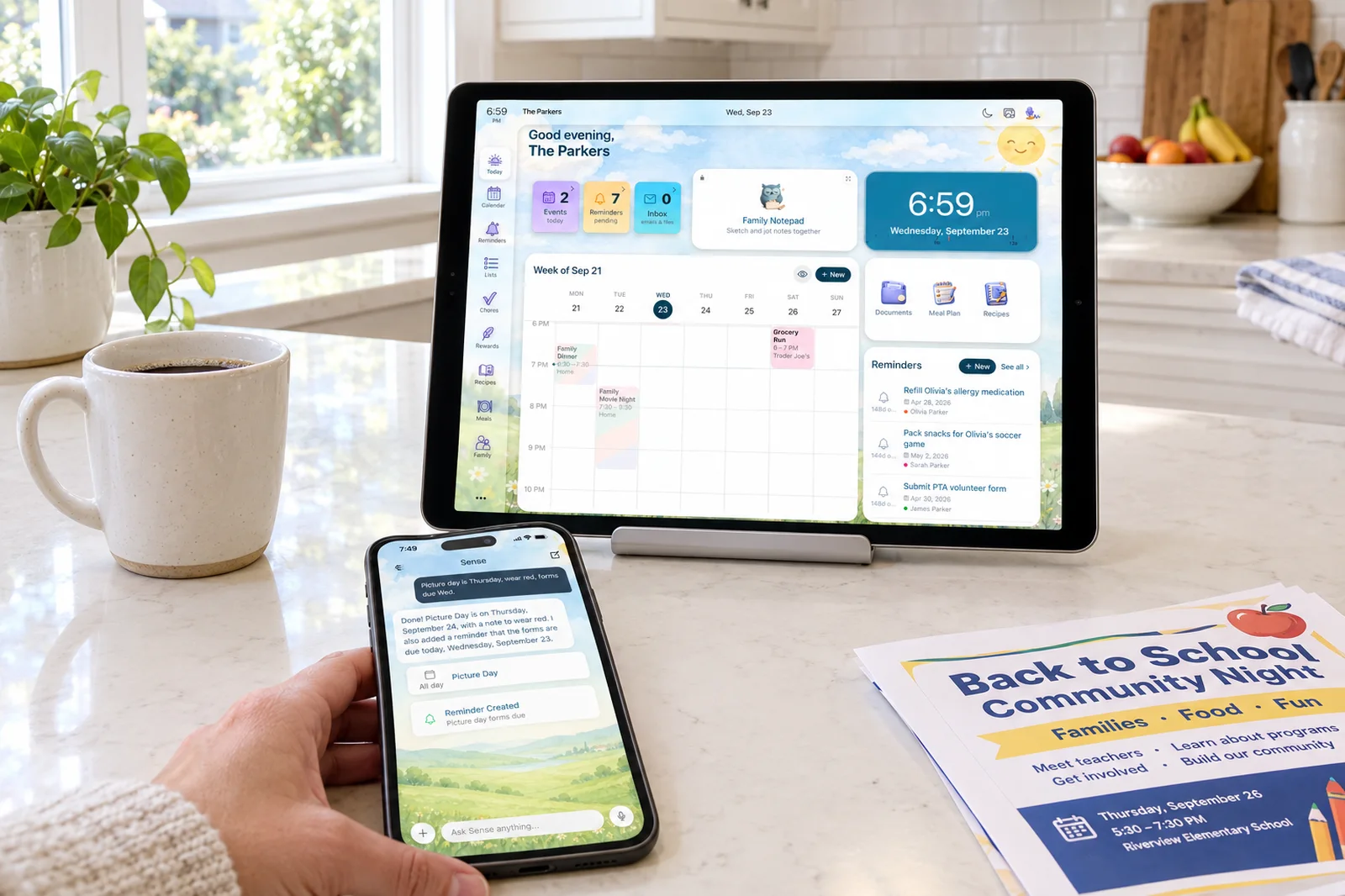
- Sense is an app for iPhone, Android, and the web, $6.99 per month or $59.99 per year for the whole family. Sense Hub turns any old tablet into the always-on display.
- Choose Hearth Display if you want one large, good-looking screen on the wall and your kids are young enough that a tap-through routine board is the main job.
- Choose Sense if the real problem is getting school emails and flyers onto the calendar, and you would rather run the display on a tablet you already own.
We make Sense, so you know where we sit. Families searching for "Sense vs Hearth" deserve a straight answer, and Hearth Display earns real credit in places where we work differently. Where Hearth is the better pick, we say so.
The short answer: Hearth Display is the better object, and Sense is the better capture system. If you are buying a wall screen, Hearth's 27 inch portrait display and its routine boards for little kids are the strongest in the category. If you want the calendar to fill itself from your inbox and you do not want to spend $699 on a screen, Sense does that on any tablet, phone, or browser.
Sense vs Hearth Display at a Glance
| Comparison | Hearth Display | Sense |
|---|---|---|
| Starting point | A 27 inch wall touchscreen. $699 regular, with 2026 promotions between $599 and $629. | An app on the phones you already own. Free tier, no card. Any spare tablet becomes the display. |
| Core tools | Shared calendar, routines, to-dos, lists, meal plan, stars and rewards, emotional check-ins, weather, photo wallpaper. | Calendar, reminders, lists, chores, routines, rewards, allowance, meal plans, recipes, medications, documents, birthdays. |
| Capture and AI | Hearth Helper (membership): snap a flyer or type an event in the app, approve it, and it lands on the display. No email forwarding listed. | Forward emails to share@getsense.ai, attachments included. Photos, PDFs, screenshots, WhatsApp, voice, and URLs too. AI chat for schedule questions, recipes, and homework help. |
| Shared display | The Hearth itself: 27 inch portrait, three frame finishes, auto-dimming, Privacy Mode. | Sense Hub on any iPad, Android, or Fire tablet, any size, in any room. Auto-dims at night. |
| Calendar sync | Google, Apple, and Outlook free. Product page also lists Cozi; features page mentions TeamSnap and school district calendars. | Google Calendar sync. Apple iCloud, Outlook, school and sports iCal feeds by subscription. ICS export of the Sense calendar. |
| Kids and chores | Routine boards with icons and cover images, streaks, stars redeemed for custom rewards, emotional check-ins. Membership required. | Chores, routines, rewards, and allowance. Kid Mode gives each kid a dedicated screen with no kid logins. |
| Regular pricing | $699 device, then $9 per month or $86.40 per year after a 30-day membership trial. | Free forever tier. Premium $6.99 per month or $59.99 per year, unlimited family members. |
| Best fit | Families with young kids who want a dedicated wall screen and are happy to buy the hardware. | Families who want the display without buying one, and want the calendar filled from email. |
Prices and features checked on September 24, 2026. Promotions change.
Turn the Tablet in Your Drawer Into the Family Hub
Sense Hub runs on any old iPad, Android, or Fire tablet, and the calendar fills itself from your inbox. Free to start, no card required.
Try Sense Online or get the app:

Where Hearth Display Wins
Hearth was founded by three moms, Mei Lin Ng, Nathalie Stratton, and Susie Harrison, and the product reads like it. It is built around how a five-year-old uses a screen on the wall, not around how a parent uses a phone.
- The form factor. A 27 inch portrait touchscreen, 16.5 inches wide by 26.7 inches tall and 1.2 inches deep, in light wood, matte black, or matte white. A whole week is readable from across the kitchen, and no tablet gives you that much calendar at a glance.
- Routine boards for little kids. Routines show up as tappable cards with icons and cover images, sized for a child who cannot read yet. Kids get streaks, earn stars, and redeem them for rewards you define. Pre-built routines and an emotional check-in, where a kid picks how they feel, round it out. It is the most polished kid-facing routine experience we have seen on a wall display.
- One purpose-built object. You mount it, plug it in, and it stays on, with auto-dimming, scheduled mode changes, and a Privacy Mode that swaps the calendar for a wallpaper when guests are over. There is no tablet to source, no charging cable to route, and no kiosk mode to babysit.
- Shipping pace and a real safety net. Hearth's features page counts 113 features shipped over the air in two years. The purchase comes with 120-day returns, a one-year warranty, and a 30-day membership trial, and calendar viewing stays free after the trial.
Hearth's homepage cites 40,000-plus families and a 4.7 out of 5 rating across 786 reviews. For hardware in this category, that is a serious track record.
Where Sense Wins
- Capture from email. Forward a school newsletter, a practice schedule, or a camp confirmation to share@getsense.ai and the dates land on the family calendar, attachments included. Hearth Helper asks you to photograph or type each item in the Companion App. As of our check, Hearth does not list an email-forwarding address anywhere.
- More ways in. Sense also takes WhatsApp messages, photos of flyers, PDFs, screenshots, voice notes, and URLs. The same AI answers questions in chat: what is on Thursday, a dinner idea, help with a homework problem, a bedtime story.
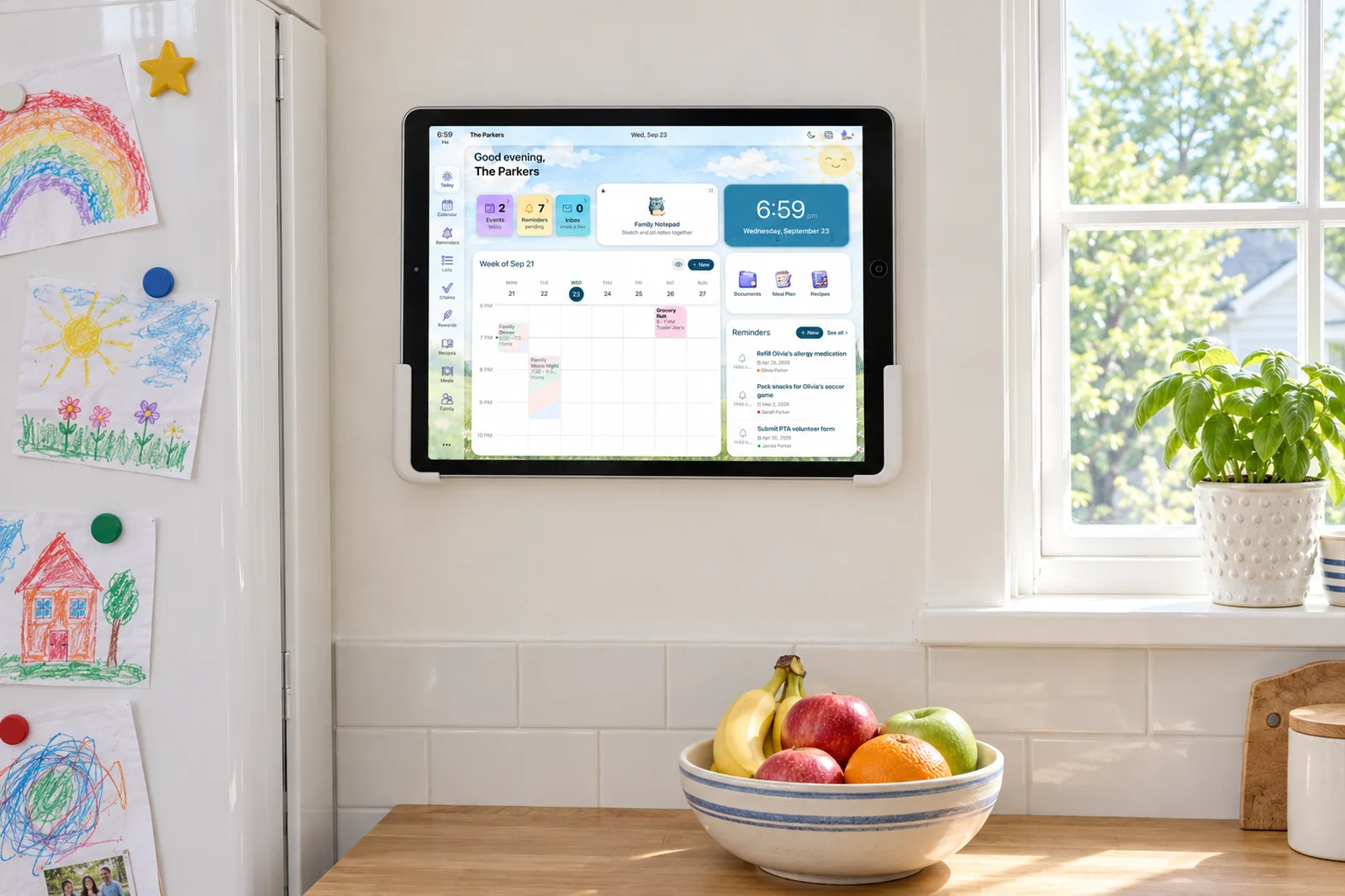
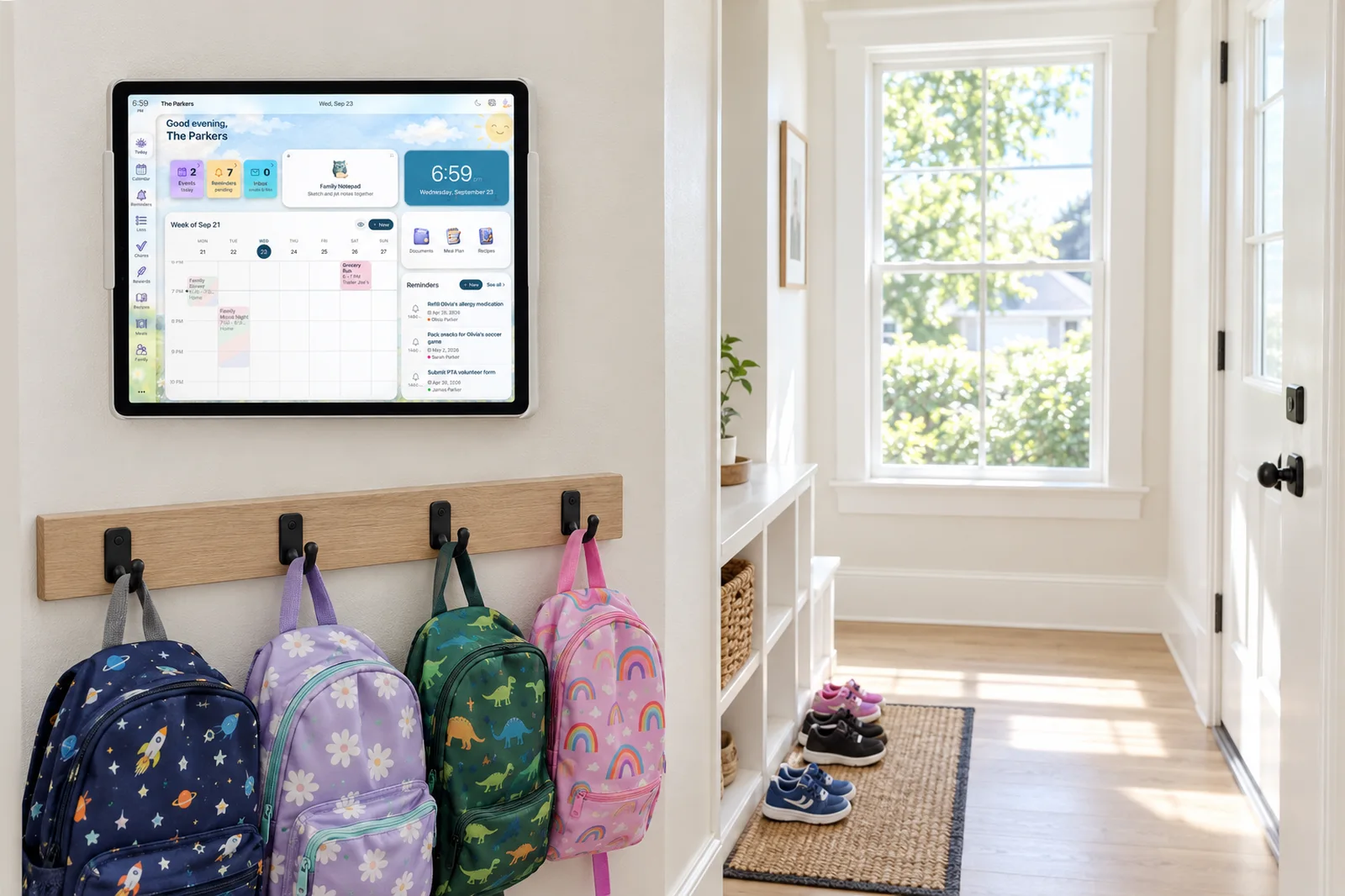
- Hardware you already own. Sense Hub runs on any old iPad, Android, or Fire tablet, so the family display costs nothing if there is one in a drawer. A second screen in a kid's room or by the back door is another tablet, not another $699.
- Works everywhere. Sense is the same product on iPhone, Android, and the web. Hearth retired its web app in 2025 and now lives on the display and the Companion App.
- Wider household scope. Meal plans and recipes, medications, document storage, allowance, birthdays, and a weekly family digest sit alongside the calendar and chores.
- Price. Everything in Sense Premium is $59.99 per year for unlimited family members. Hearth's membership alone is $86.40 per year, after the device.
The Display Question: One Big Screen or Any Screen?
This is the honest fork in the road. Hearth's screen is the reason to buy Hearth. It is large, vertical, and looks like furniture rather than a gadget. If you want the whole family's week visible from the doorway, nothing on a tablet competes with 27 inches.
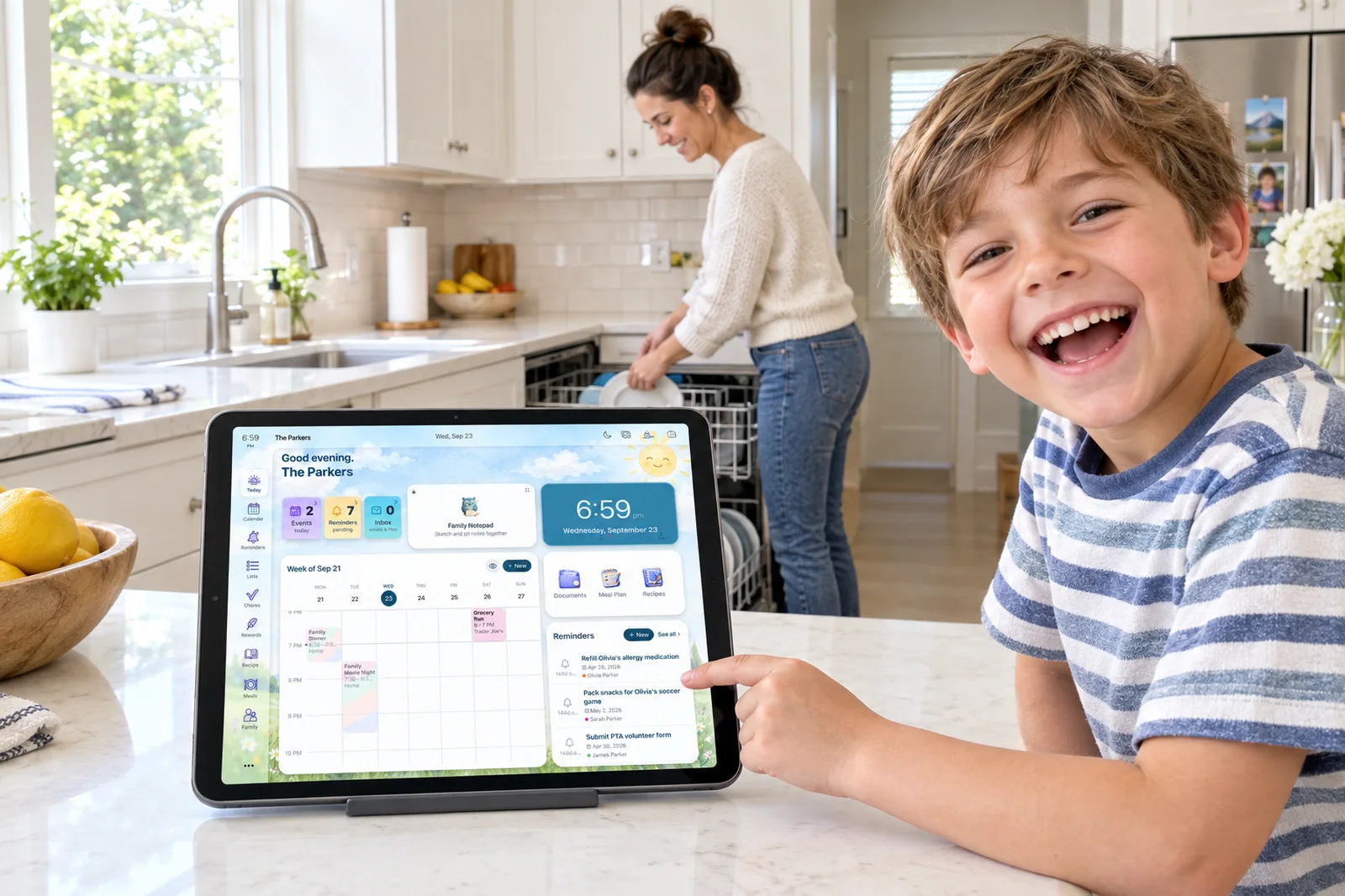
Sense Hub trades size for flexibility. A 10 to 13 inch tablet shows today's schedule, meals, chores, reminders, birthdays, and photos in a layout built for the screen, and dims itself at night. Because it is an app, you can run it on more than one tablet, hand a kid their own screen in Kid Mode, and move it between rooms without an electrician. The trade-off is that you supply the stand and the charging cable, and a tablet will never read like a framed calendar on the wall.
One subtler point. Reviewers of Hearth note that on-screen calendar editing is clunky and most quick entry happens in the Companion App anyway, so the phone remains where the work happens. Sense starts from that reality: the phone and the inbox do the work, and the tablet is the view. We wrote more about that approach in our bring-your-own-device family display post.
Capture: Photographing a Flyer vs Forwarding an Email
Both products have an AI that turns paper into calendar events, and Hearth deserves credit for shipping one. Hearth Helper takes a photo of a flyer, a printed schedule, a whiteboard, or a handwritten list, or a typed message, and stages the results for your approval before they appear on the display. Reviewers who use it daily call it the standout feature of the product.
The gap is in what feeds it. Most of the dates a family tracks arrive as email: the school newsletter, the coach's schedule change, the camp packing list. With Hearth Helper you screenshot or retype each one and send it through the app. With Sense you forward the email and the AI reads the body and the attachments. Forward the newsletter every week and the calendar stays current without anyone opening the app.
Sense also takes what Hearth Helper takes: a photo of a flyer, a PDF, a screenshot, a voice note. Anything the AI gets wrong is a normal event you edit or delete. Forwarded emails are processed and deleted after 90 days, and only the extracted events are kept.
Kids and Routines
If your kids are between roughly three and eight, Hearth's routine boards are the better daily tool. A big screen at kid height, cards with pictures, a tap to mark done, a star that counts toward a reward they chose. Hearth's line is "kids grow fast, Hearth grows with them," and the routine system is where that promise is most concrete.
Sense covers the same ground with chores, routines, rewards, and allowance, and adds two things Hearth does not list. Kid Mode gives each child a dedicated screen on a shared tablet with no kid accounts to manage. Allowance ties chores to money the child can see accumulate, which matters more as kids get older. As of our check, Hearth's rewards are stars redeemed for parent-defined rewards, and we did not find an allowance or money feature.
One caution from real users. Reddit threads on Hearth mention task completion that lags or glitches, and a few families say their kids lost interest once the tap did not register instantly. Any routine system, ours included, lives or dies on the kid seeing the checkmark the moment they tap. Test that in the trial window with either product.
The Full Cost Over Three Years
Hearth is a device plus a membership. At the regular $699 price and the $86.40 annual membership, year one is $785.40 and each later year is $86.40, so three years comes to $958.20. Pay monthly and the membership is $99 in year one (the first month is free) and $108 in each later year, for $1,014 in total. Prepay three years of membership for $207.36 and the total drops to $906.36. Promotional device pricing knocks $70 to $100 off any of those.
Sense Premium billed annually is $59.99 per year, so three years is $179.97, with no device. If you already have a tablet for Sense Hub, that is the whole number. If you buy a used tablet for the wall, add that one-time cost, which varies by model and stays far below a dedicated display.
| Year 1 | Years 2-3 | 3-year total | |
|---|---|---|---|
| Hearth Display + annual membership | $785.40 | $172.80 | $958.20 |
| Sense Premium, annual | $59.99 | $119.98 | $179.97 |
How to Choose
Pick Hearth Display if:
- You want a large, framed screen on one wall and you have the budget for it.
- Your kids are young and a picture-based routine board is the main thing you need.
- You are fine entering events by photo, by typing, or in the Companion App.
- Your family already lives in Google, Apple, or Outlook calendars, which Hearth syncs for free.
- You value a 120-day return window and a one-year warranty on the purchase.
Pick Sense if:
- The bottleneck is the inbox: school emails, coach updates, and group chats that never make it onto the calendar.
- You have an old tablet, or you want a family display without a $699 purchase.
- You want the same organizer on iPhone, Android, and the web.
- You want meal plans, recipes, medications, documents, and allowance in the same app as the calendar and chores.
- You want to try it free, with no card, before deciding.
Sense vs Hearth Display: The Bottom Line
Hearth Display is the best-built wall calendar we know of for families with young kids. The screen is the right size and shape, the routine boards are designed for children, and the company behind it is founder-led and shipping. If a beautiful screen in the hallway is what will get your family looking at the same plan, Hearth is a sound purchase, and the return window keeps the risk low.
Sense answers a different question: how do the dates get onto that plan in the first place? Forwarding an email is faster than photographing it, and it scales to the forty-plus school emails a semester nobody wants to screenshot. Running the display on a tablet you already own makes the whole thing $59.99 a year instead of close to $1,000 over three years. If the typing wears you down, start with Sense. If the screen is what you are missing, look hard at Hearth.
Frequently Asked Questions
Does Hearth Display work without the Family Membership?
Partly. After the 30-day trial you can keep viewing your synced Google, Apple, and Outlook calendars, profiles, and settings on the display for free. Routines, to-dos, lists, meal planning, rewards, the weather widget, Privacy Mode, and Hearth Helper all need the $9 per month membership.
Can Hearth Display read my school emails?
Not directly, as of our check. Hearth Helper takes a photo, a screenshot, or typed text from the Companion App and stages the events for your approval. We could not find an email-forwarding address on Hearth's site or support pages. Sense is built around forwarding: send the email to share@getsense.ai and the dates land on the shared calendar.
Do I need to buy a tablet to use Sense Hub?
No. Sense Hub runs on any old iPad, Android, or Fire tablet you already own, and Sense itself works on iPhone, Android, and the web without a display at all. If you do not have a spare tablet, a used one is a one-time purchase that is still far below the price of a dedicated wall display.
Can I use Sense with a Hearth Display I already own?
For the calendar, likely yes. Sense syncs with Google Calendar and publishes an ICS feed, and Hearth syncs Google, Apple, and Outlook calendars and has a support guide for connecting a general calendar feed. That means events Sense pulls out of your email can show up on the Hearth screen. Sense's chores, lists, meal plans, and Kid Mode stay in the Sense app. We have not tested that setup ourselves.
See Your Week Without Buying a Screen
Start free on iPhone, Android, or the web. Forward one school email and watch the dates land on the family calendar.
Try Sense Online or get the app:
Related reading: Bring your own device: the family display you already own · Best Skylight Calendar alternatives · Sense Hub