Quick Summary
- Different products. DAKboard is a display you design: it mirrors calendars, photos, and weather onto any screen. Sense is the family organizer itself, and its display, Sense Hub, is included with the app.
- Money. DAKboard's Wall Display Touch 22 is $599.95, or run it on your own hardware. Plans are Free, $6/month Essential, or $10/month Plus. Sense is free, or $6.99/month ($59.99/year) for the whole family, no hardware.
- Choose DAKboard if you want total control over a wall dashboard, you enjoy a bit of tinkering, and your calendars are already kept current somewhere else.
- Choose Sense if you want one place that captures events from emails and photos, runs chores and meals, and then shows all of it on an old tablet in the kitchen.
Looking at TV dashboards too? See Sense vs Mango Display.
We make Sense, so read this knowing where we sit. We have tried to be fair, because DAKboard is a genuinely good product for a specific kind of household. Where it is better, we say so.
The short answer: DAKboard is the better pick if you want a fully custom wall display for information that already lives in other apps. Sense is the better pick if you want the system that holds the schedule, chores, meals, and reminders in the first place, with the display included.
Sense vs DAKboard at a Glance
| Comparison | DAKboard | Sense |
|---|---|---|
| Starting point | A customizable display for any screen: their Wall Display, a CPU on your TV, a Raspberry Pi, or a tablet | A family organizer app for iPhone, Android, and web, with a display mode for any old tablet |
| Core tools | Screen editor with blocks: calendars, photos, weather, news, stocks, smart home, Todoist lists, a meal-plan block, touch chores | Calendar, reminders, lists, chores, routines, rewards, allowance, meal planning, recipes, documents, medications, AI chat |
| Capture and AI | None found. Events come from calendars you maintain elsewhere | Forward an email, photo, PDF, screenshot, or WhatsApp message and the AI creates the events. Unlimited on Premium, 10 a month on Free |
| Shared display | The whole product. Wall Display Touch 22 ($599.95) or 27 ($799.95), a CPU from $99.95, or your own device. Free plan: one predefined screen with DAKboard branding | Sense Hub, included with Premium. Any old iPad, Android, or Fire tablet shows the day's schedule, meals, chores, photos, and reminders |
| Calendar sync | Displays Google, iCloud, Microsoft 365, Facebook, ICS, Cozi, TeamSnap. Refreshes hourly on Free, every 30 minutes on Essential, every 15 on Plus | Google Calendar sync, plus iCloud, Outlook, school, and sports iCal feeds by subscription. ICS export of the Sense calendar |
| Kids and chores | TouchHub Family Chores Manager (July 2026): tap to complete, points, rewards. Needs a touch screen and an Essential or Plus plan | Chores, routines, rewards, and allowance on phones, web, and the Hub. Kid Mode gives each child their own screen with no login |
| Regular pricing | Free; Essential $6/month or $5/month billed yearly; Plus $10/month or $8/month billed yearly. Hardware sold separately | Free forever; Premium $6.99/month or $59.99/year for unlimited family members. No hardware |
| Best fit | Households that want a custom wall dashboard and already keep their calendars current in other apps | Families that want one app to capture, plan, and assign the week, with the display included |
Prices and features checked on September 24, 2026. Promotions change.
The Display Is Free. The Organizer Is the Point.
Forward a school email, and the dates land on a calendar the whole family sees, on their phones and on the tablet in the kitchen.
Try Sense Online or get the app:

Where DAKboard Wins
DAKboard has been doing wall displays since the early Raspberry Pi days, and it shows.
- Total layout control. The screen editor is a drag-and-drop canvas: calendar, photo, weather, and news blocks at any size over any background. Plus adds custom CSS, an API, screen loops that rotate up to 20 screens, and scheduling so the morning screen differs from the evening one. Sense Hub shows a fixed set of family widgets and is nowhere near this open-ended.
- Any screen you already own. A DAKboard CPU ($99.95 to $179.95) plugs into any HDMI television or monitor. A $24.95 pre-loaded SD card runs it on a Raspberry Pi you have in a drawer. There is an Android app, and an iPad runs it in Safari. Sense Hub runs on tablets, not televisions.
- Widgets Sense does not have. Weather, news, stocks, traffic, a Home Assistant and SmartThings dock for lights and thermostats, and photos from Dropbox, Flickr, iCloud, Box, or OneDrive rotating as fast as every 5 seconds on Plus. If you want a screen that is part calendar and part smart-home panel, DAKboard is built for that.
- Hobbyist-friendly, no phone app required. Everything is configured in a browser. If you like a weekend project and want a display that is exactly yours, DAKboard rewards that, and the Free plan runs one predefined screen indefinitely.
Where Sense Wins
- It is the system of record, not a mirror. DAKboard shows what is in your Google or iCloud calendar. Something still has to put it there. Sense is where the events, chores, meals, reminders, and lists live, and the phones and the Hub are two views of the same data.
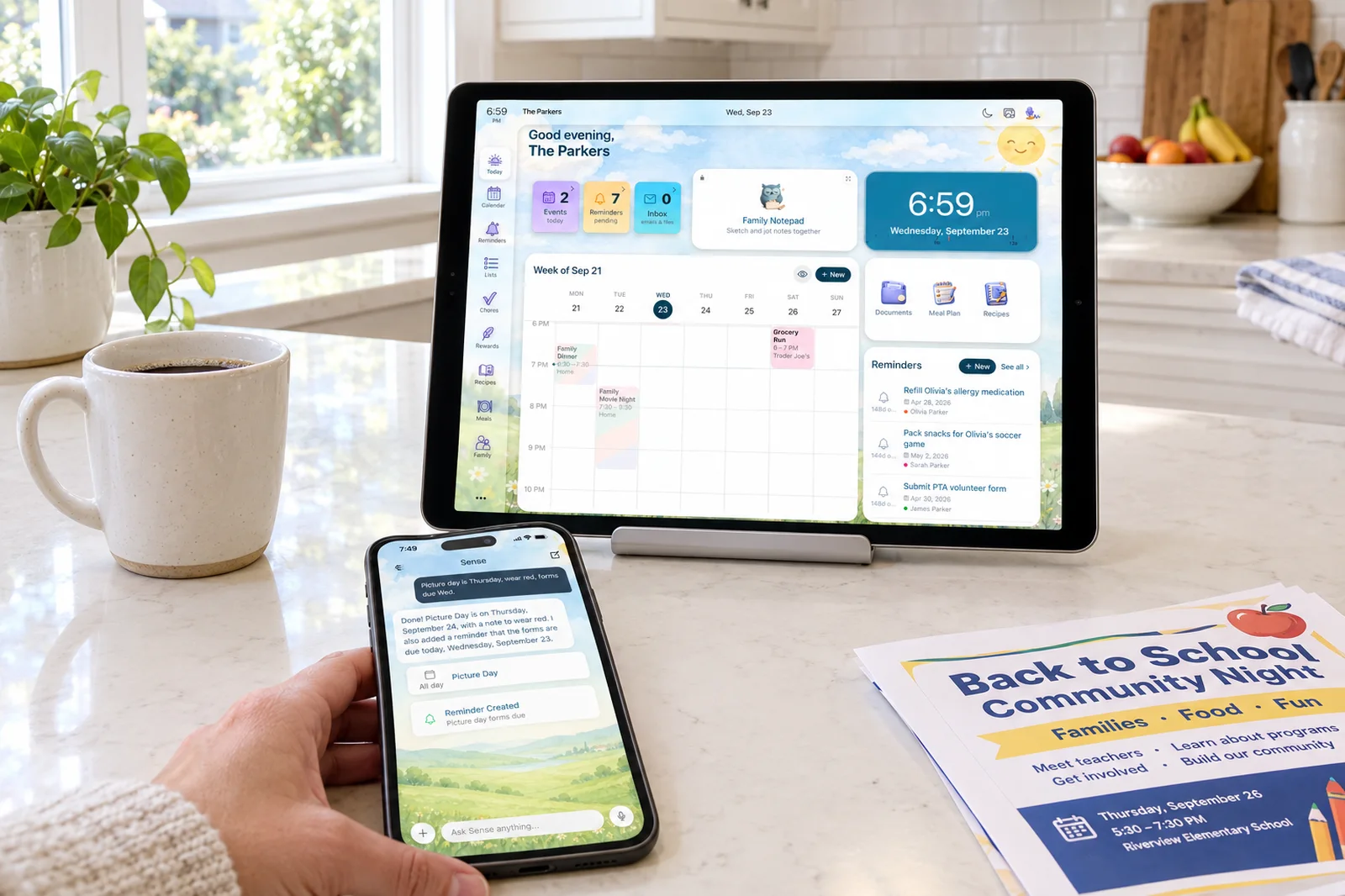
- Capture. Forward the school newsletter to share@getsense.ai, snap the sports schedule on the fridge, or share a WhatsApp message, and the dates appear on the family calendar with times and locations. DAKboard, as of our check, has no email import and no AI. Every event on a DAKboard started as a manual entry somewhere.
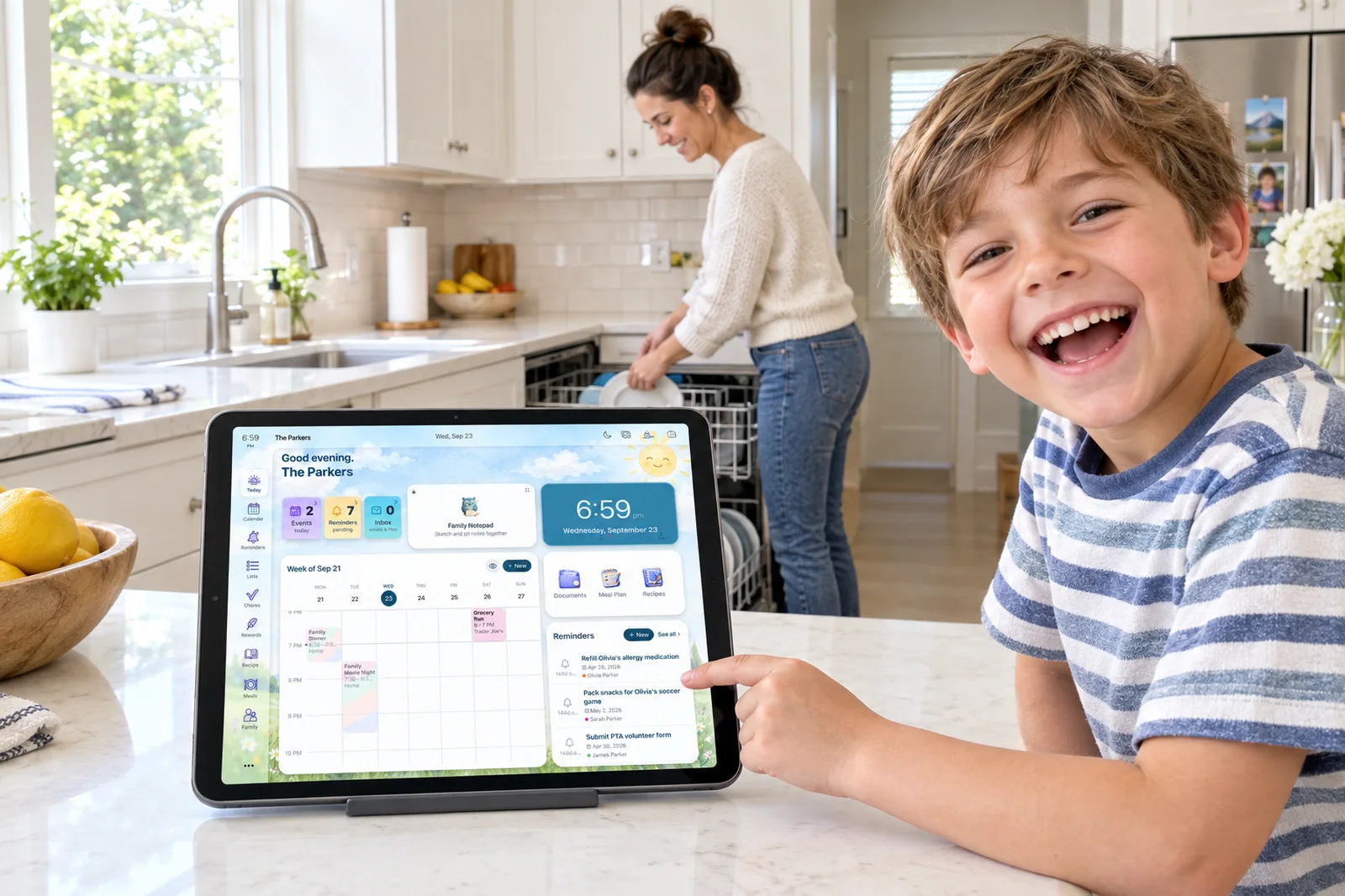
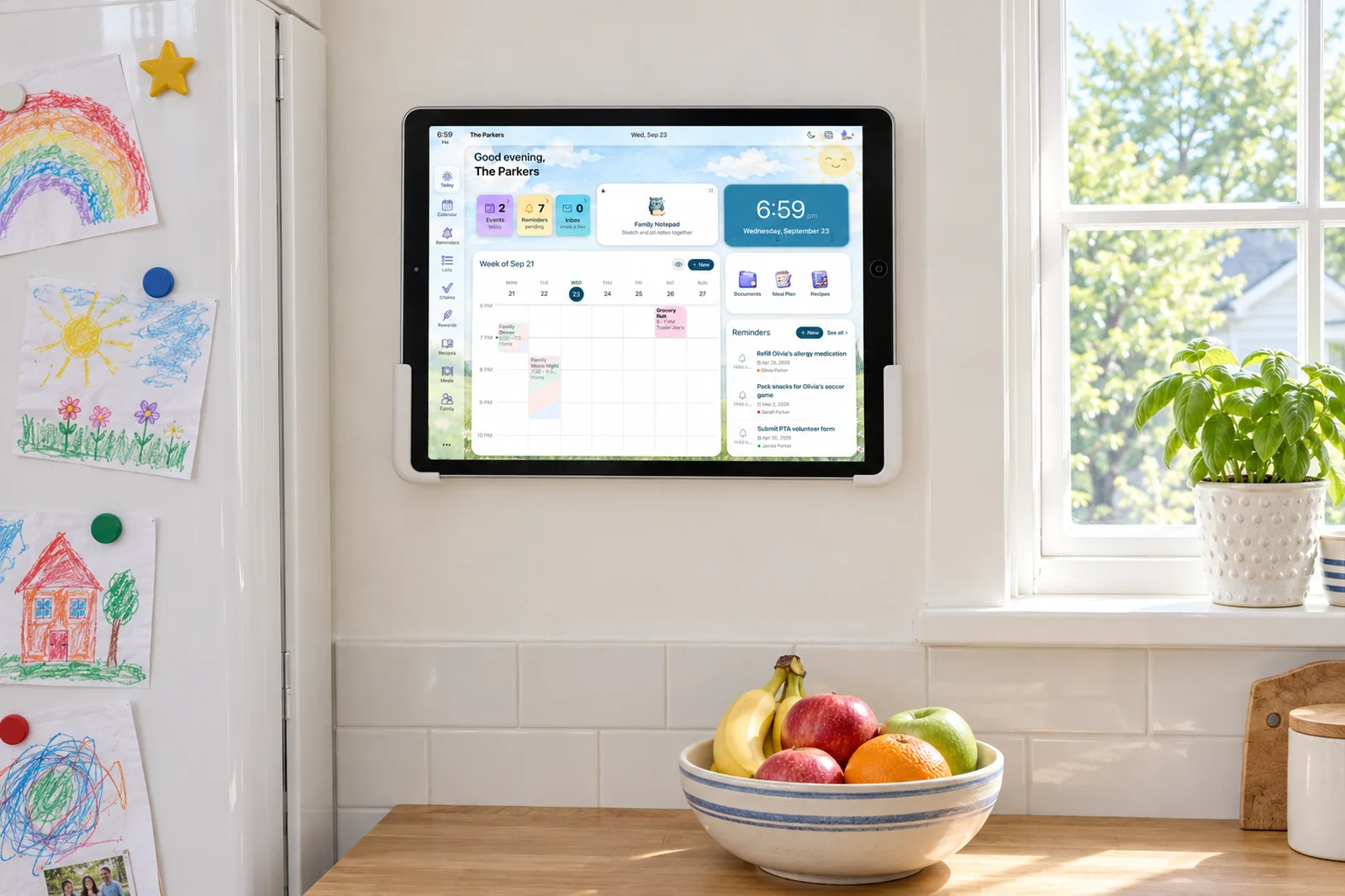
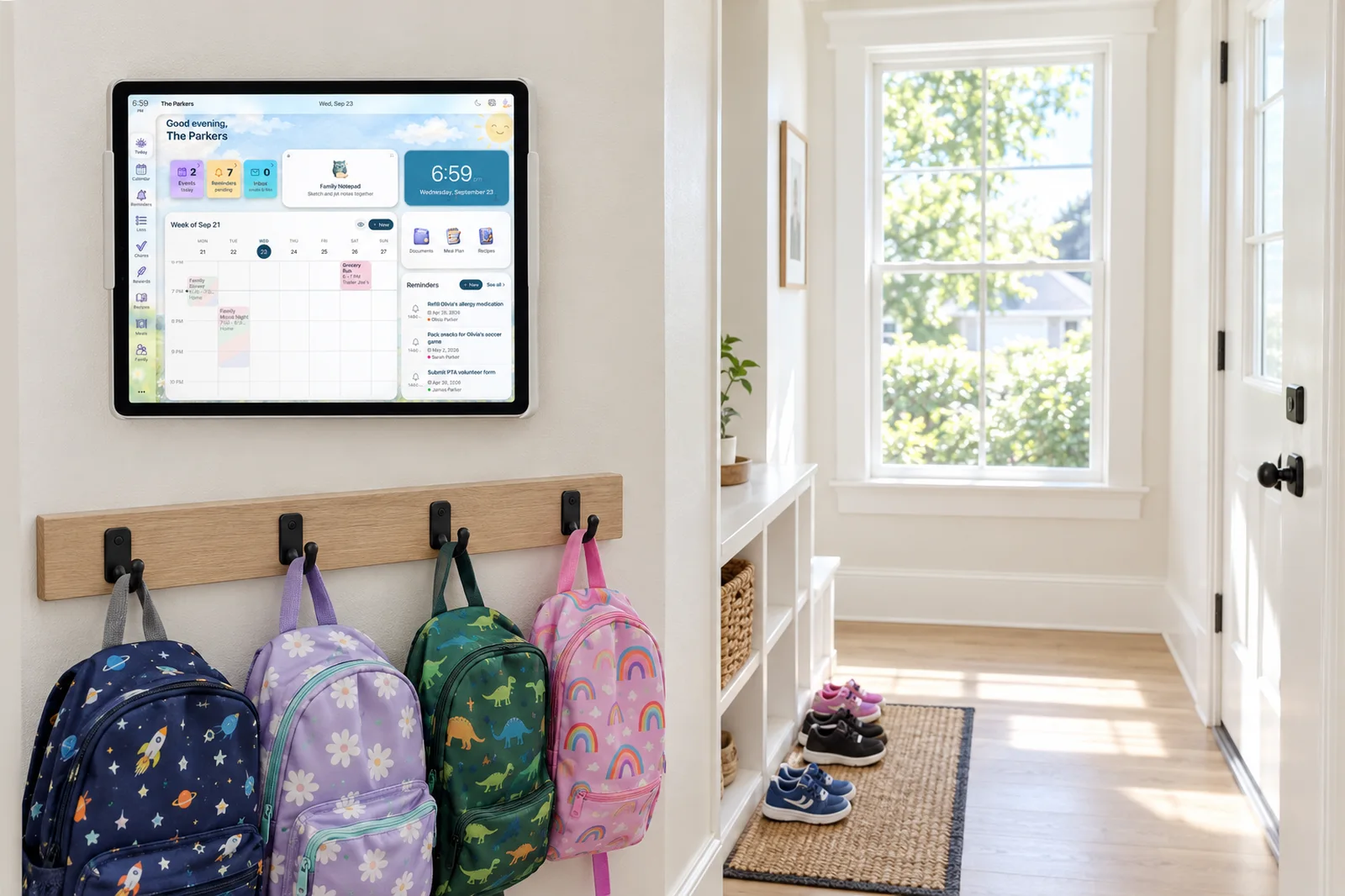
- The display is included. Sense Hub comes with Premium. An old iPad, Android, or Fire tablet on the counter shows the day's schedule, meals, chores, photos, and reminders, and dims at night. No $599.95 display to buy, no CPU to plug in.
- Chores that work without a touch screen. DAKboard's Family Chores Manager arrived in July 2026 and is a solid first version, but it lives on the touch display and requires Essential or Plus. Sense chores, routines, rewards, and allowance work on every phone, on the web, and on the Hub, and Kid Mode gives each child a dedicated screen with no login.
- Meals, lists, and reminders as real objects. DAKboard has a meal-plan block you type into and pulls to-dos from Todoist, Trello, or Asana. Sense has a meal planner tied to a recipe library, shared lists, reminders, medications, and documents, all visible on the Hub.
- Simpler to set up. Install the app, add the family, forward an email. DAKboard's Capterra reviews average 3.5 out of 5 across 11 reviews, with recurring complaints about support and paying for faster refresh rates.
The Display Question: Mirror or Source of Truth
Both products want to be the screen in your kitchen. They arrive from opposite directions.
DAKboard starts from the screen. You pick blocks and point each at a data source: this calendar, that photo folder. It refreshes on a schedule: calendars hourly on Free, every 30 minutes on Essential, every 15 on Plus, and layout changes push to the display every 6 hours on every plan unless you press the manual button on a paid plan. It is a very good picture of information that lives elsewhere.
Sense starts from the family's data. The calendar, chores, meals, and reminders are created in Sense, on a phone, on the web, or through the AI. The Hub is a live view of that data, so there is nothing to sync between two systems. When a coach emails a schedule change and you forward it, the tablet in the kitchen shows the new time.
The practical test: when something changes, where do you go to change it? With DAKboard, you open Google Calendar or Todoist, edit, and wait for the next refresh. With Sense, you open Sense or forward the email.
Neither display is free of charge on its own: DAKboard's custom layouts start at Essential, and Sense Hub is a Premium feature. The difference is what the money buys. With DAKboard, the display is the whole purchase. With Sense, the display comes along with capture, chores, meals, and the rest.
Chores, Kids, and Touch
DAKboard's July 2026 TouchHub update moved the product a step closer to a family organizer. It adds a dock for jumping between screens, a Home Assistant panel, and the Family Chores Manager: each member gets a space on the display, chores are tapped to complete, points convert to parent-set rewards like screen time or allowance, and there is a leaderboard and a Child Lock. The base TouchHub is on every plan. The Chores Manager needs Essential or Plus and a touch screen: the Wall Display, an iPad, or an Android tablet.
Two limits are worth knowing. Touch on DIY setups needs a recent DAKOS release on a Pi-based CPU with both HDMI and USB connected to the monitor. And touch can add calendar events only through Google or Microsoft accounts; iCloud and other iCal feeds are display-only.
Sense treats chores as part of the household rather than as a display feature. They sit inside routines like "before school," earn rewards and allowance, and can be completed from any phone, the web, or the Hub. Kid Mode is a screen for a child on the family device, with no kid account to create.
Setup: Hobby Project or App Install
DAKboard's Wall Display is the easy path: it arrives assembled, you connect Wi-Fi, and the rest happens on dakboard.com. The DIY paths are cheaper and more fun, and they are where the complaints cluster. One published build hit Chromium out-of-memory crashes on a 1 GB Raspberry Pi 4. The Google Photos block broke in March 2025 when Google changed its API rules, and the long-term fix is an import tool that needs Essential.
Sense's setup is an app install, and the Hub is the same app in display mode on a tablet you already own. The trade is that Sense will never let you drop a stock ticker next to a traffic map, and it runs on tablets, not televisions.
The Full Cost Over Three Years
We priced the path most parents would take. For DAKboard, that is the Wall Display Touch 22 at $599.95 plus Essential billed yearly at $60, since custom screens and the Chores Manager both need Essential. For Sense, it is Premium at $59.99 a year on a tablet the family already has.
| Cost | DAKboard (Touch 22 + Essential yearly) | Sense (Premium yearly) |
|---|---|---|
| Year 1 | $599.95 + $60 = $659.95 | $59.99 |
| Years 2-3 | $60 x 2 = $120 | $59.99 x 2 = $119.98 |
| 3-year total | $779.95 | $179.97 |
The DIY route changes the math. A CPU Mini at $99.95 on a monitor you own, plus Essential, is $159.95 in year one and $279.95 over three years. A Raspberry Pi with the $24.95 SD card on the Free plan is under $30, with one predefined screen, branding, and no chores. Sense at $6.99 monthly is $83.88 a year, or $251.64 over three years.
How to Choose
Pick DAKboard if:
- You want a wall display you designed block by block.
- Your calendars are already well kept in Google, iCloud, Outlook, Cozi, or TeamSnap.
- You want weather, news, stocks, or smart-home controls on the same screen.
- You have a spare TV, monitor, or Raspberry Pi and enjoy the build.
- Nobody in the house wants another phone app.
Pick Sense if:
- The bottleneck is getting events out of emails, PDFs, and photos and onto a calendar everyone sees.
- You want chores, routines, rewards, meals, lists, and reminders in one app.
- You want the kitchen display included, on a tablet you already have.
- Each kid should have their own screen without an account.
- You want one price for the whole family and no hardware to buy.
Sense vs DAKboard: The Bottom Line
DAKboard is a display-first product and a good one. If you already run your family on Google Calendar and Todoist, and what you are missing is a handsome always-on screen that shows all of it with the weather and this week's photos, DAKboard does that better than Sense, with far more control over how the screen looks. The TouchHub update makes it more of a family tool than it was a year ago.
Sense is an organizer-first product, and the display is one of its outputs. If the real work in your house is turning school emails into a calendar, keeping chores and allowance straight, and planning dinner, DAKboard does not touch any of that. Sense does, then shows the result on the kitchen tablet at no extra cost. Decide which problem you have, and the choice mostly makes itself.
Frequently Asked Questions
Does DAKboard have an app for my phone?
DAKboard has an Android app on Google Play that turns an Android device into a display. There is no iOS app as of our check; an iPad runs DAKboard through Safari with a home-screen shortcut. Screens are designed and edited in a web browser, not on a phone. Sense has iPhone, Android, and web apps, and the same app runs the Hub display on a tablet.
Can DAKboard read my emails and add events?
No. As of our check, DAKboard lists no email import and no AI features. It displays calendars you maintain in Google, iCloud, Microsoft 365, Facebook, or ICS feeds, refreshing hourly on Free and every 15 to 30 minutes on paid plans. Sense Premium turns forwarded emails, photos, PDFs, screenshots, and WhatsApp messages into calendar events.
Is Sense Hub free?
Sense Hub is part of Sense Premium, which costs $6.99 a month or $59.99 a year for the whole family and starts with a free trial that needs no credit card. There is no hardware to buy: Hub runs on any old iPad, Android, or Fire tablet you already own. DAKboard's Free plan runs one predefined screen with DAKboard branding; custom layouts start at $6 a month.
Can I use both DAKboard and Sense together?
Yes. Sense exports its calendar as an ICS feed, and DAKboard can display ICS calendars on every plan. Families who want DAKboard's layout control and smart-home widgets can keep Sense as the place where events are captured and chores live, and point a DAKboard calendar block at the Sense feed. Chores, meals, and reminders would still live in the Sense app and Hub.
Try Sense Free, No Card Required
Forward one school email and watch the dates land on the family calendar. Then prop up an old tablet and turn on Sense Hub.
Try Sense Online or get the app:
Related reading: Bring your own device: the family display you already own · Sense Hub · Best Skylight Calendar alternatives