Quick Summary
- Different products. Mango Display is a dashboard you design for a screen you already own: TVs, tablets, Echo Show, even a Raspberry Pi. Sense is the family organizer itself, and its display mode, Sense Hub, is included with the app.
- Money. Mango is free for a clock and weather screen, but the calendar needs Pro at $5.99/month or $59.99/year. Sense is free for the organizer, or $6.99/month ($59.99/year) for the whole family including the Hub. Neither sells hardware.
- Choose Mango Display if you want your Google, Outlook, or iCloud calendar on the living room TV, you enjoy arranging widgets, and the schedule is already kept current somewhere else.
- Choose Sense if you want one place that captures events from emails and photos, runs chores and meals, and then shows all of it on an old tablet in the kitchen.
We make Sense, so read this knowing where we sit. We have tried to be fair, because Mango Display is a well-made product that does something Sense does not do at all: it runs on a television. Where it is better, we say so.
The short answer: Mango Display is the better pick if you want a customizable calendar and photo dashboard on a TV or any spare screen, fed by calendars you already maintain. Sense is the better pick if you want the system that holds the schedule, chores, meals, and reminders in the first place, with a tablet display included.
Sense vs Mango Display at a Glance
| Comparison | Mango Display | Sense |
|---|---|---|
| Starting point | A display app for screens you own: Fire TV, Samsung, LG, and Android TVs, iPad, Android and Fire tablets, Echo Show, Windows, Raspberry Pi, any browser | A family organizer app for iPhone, Android, and web, with a display mode for any old tablet |
| Core tools | Drag-and-drop screen editor with widgets: calendar, photos, weather, news, quotes, notes, to-dos from Google Tasks, Microsoft To Do, or Todoist, chores and rewards, meal plan, countdowns | Calendar, reminders, lists, chores, routines, rewards, allowance, meal planning, recipes, documents, medications, AI chat |
| Capture and AI | None. Mango's own comparison pages list "AI Assistant: No". Events come from calendars you maintain elsewhere | Forward an email, photo, PDF, screenshot, or WhatsApp message and the AI creates the events. Unlimited on Premium, 10 a month on Free |
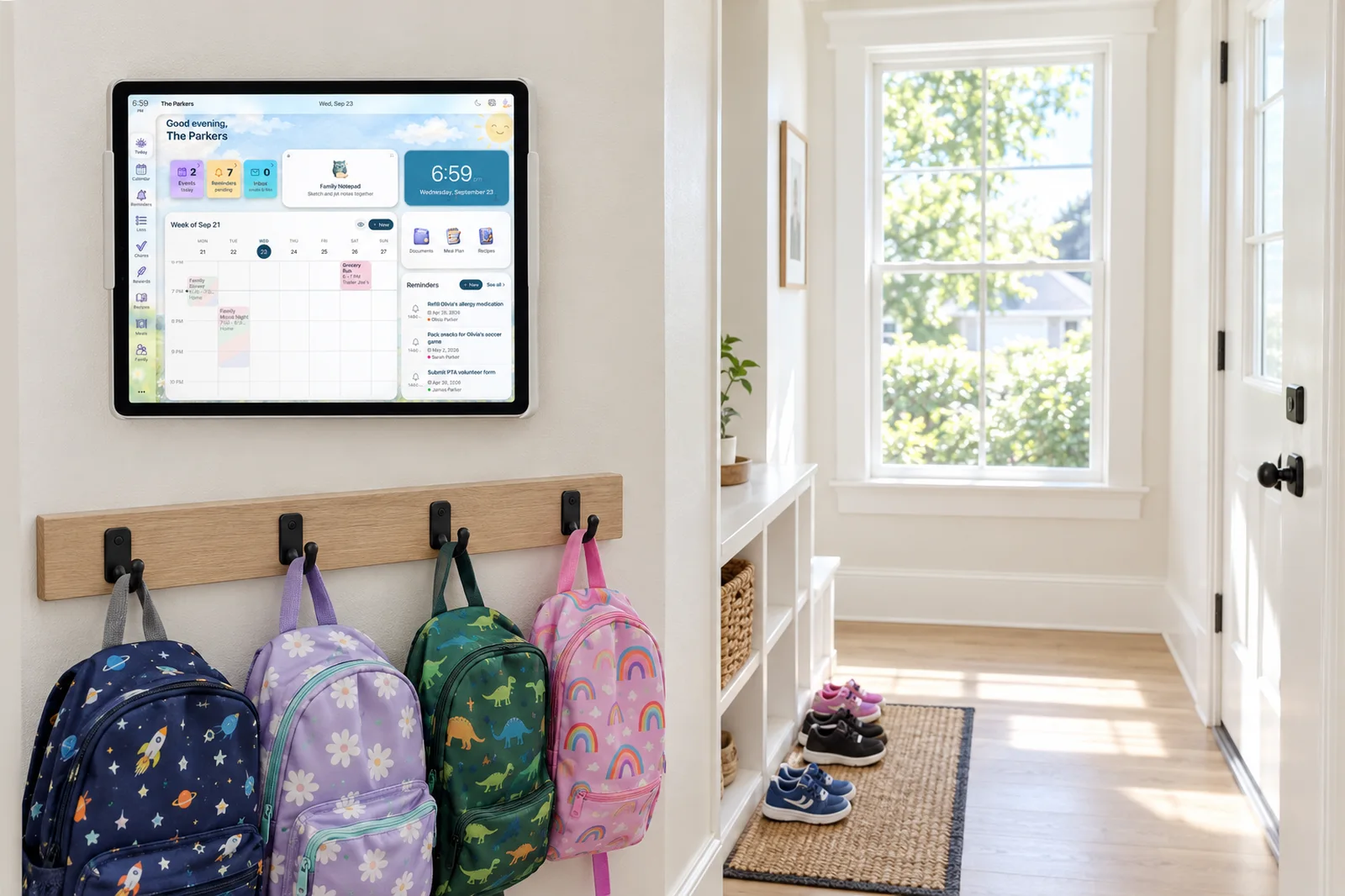
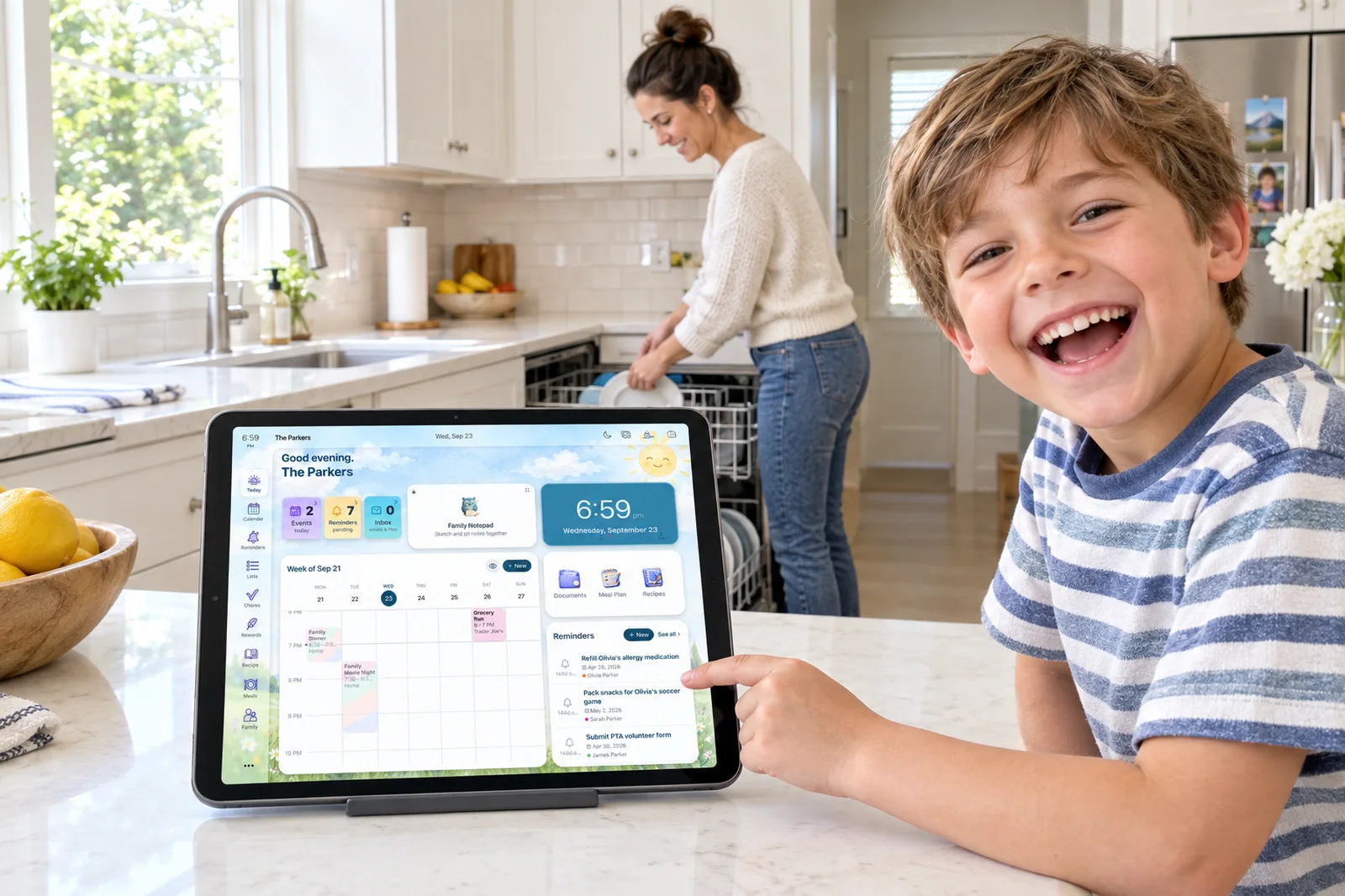
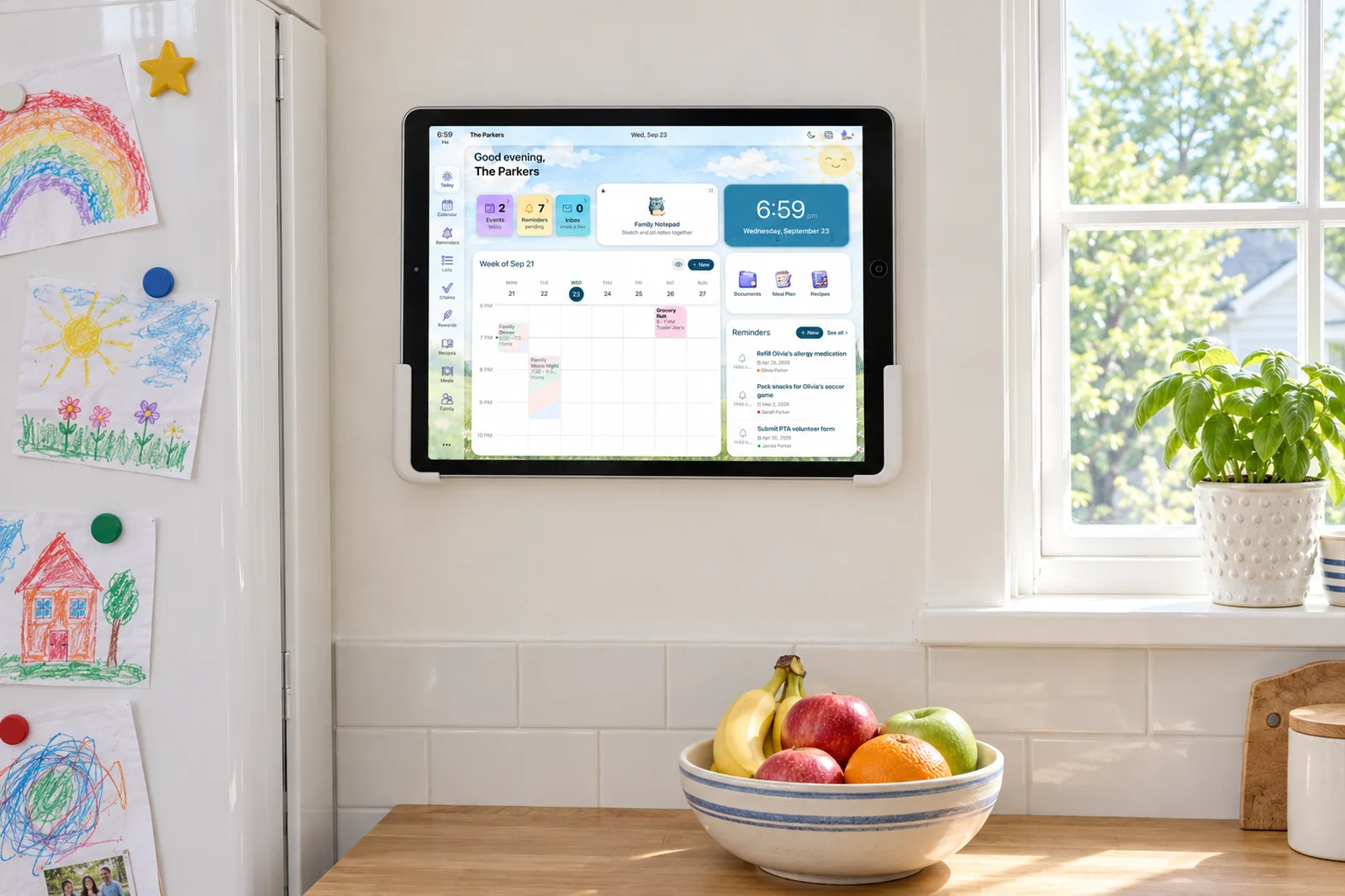
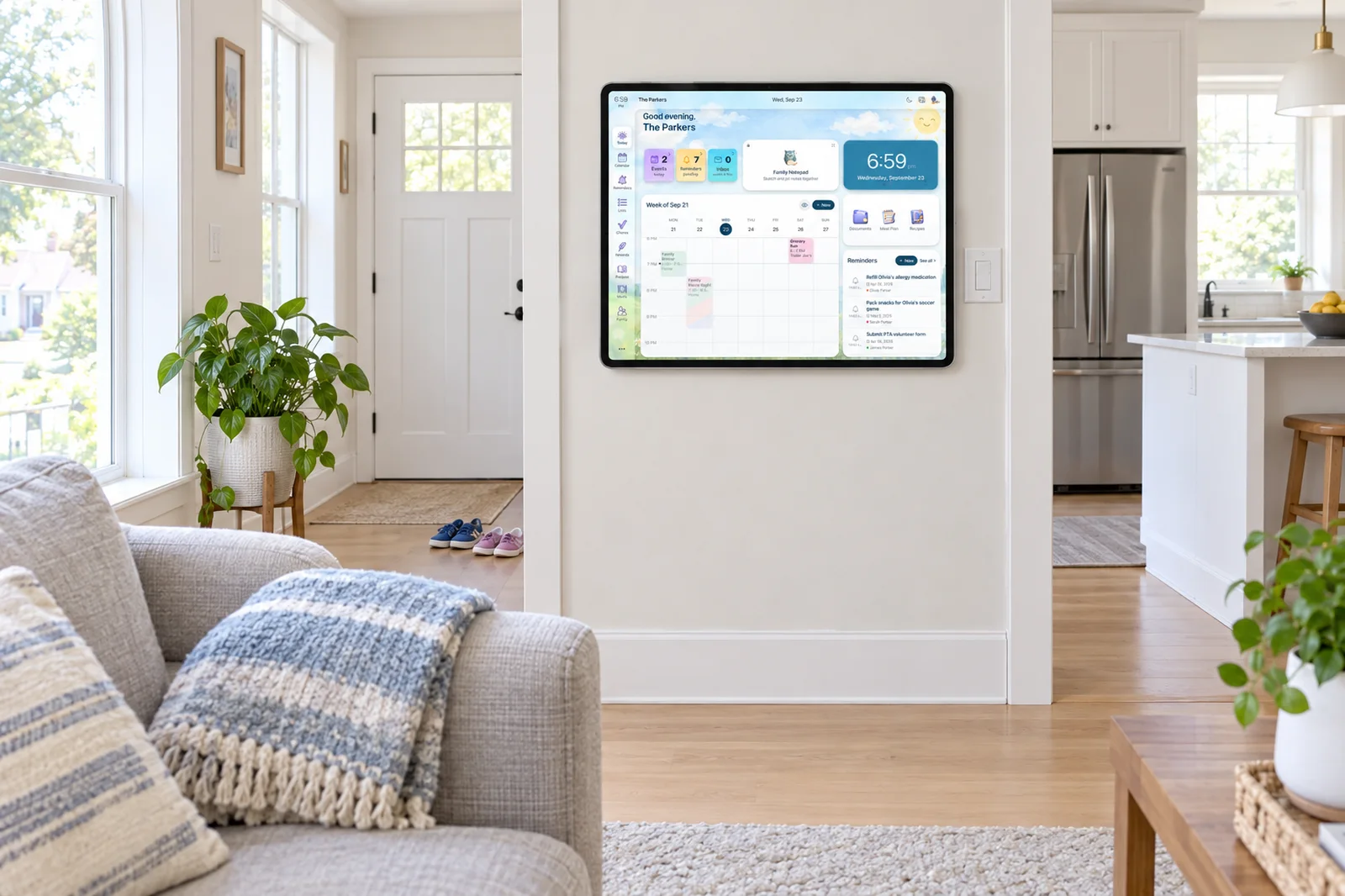
| Shared display | The whole product. Free: 2 screens with no calendar. Pro: 3 screens, then $2.99/month each. Touch on tablets, Echo Show, and touch PCs; remote only through TV sticks | Sense Hub, included with Premium. Any old iPad, Android, or Fire tablet shows the day's schedule, meals, chores, photos, reminders, and birthdays, and dims at night |
| Calendar sync | Displays Google, Outlook, iCloud, Cozi, TeamSnap, FamilyWall, and any ICS feed on Pro. Double-tap a touch screen to add or edit an event | Google Calendar sync, plus iCloud, Outlook, school, and sports iCal feeds by subscription. ICS export of the Sense calendar |
| Kids and chores | Chores and rewards widget on Pro: assign per child, points, rewards, routines by time of day. Kids tick off by remote, touch, or phone | Chores, routines, rewards, and allowance on phones, web, and the Hub. Kid Mode gives each child their own screen with no login |
| Regular pricing | Free (2 screens, no calendar); Pro $5.99/month or $59.99/year; Business $19.99/month or $199/year. 30-day trial on paid plans | Free forever; Premium $6.99/month or $59.99/year for unlimited family members. No hardware |
| Best fit | Households that want a calendar and photo dashboard on the TV and keep their schedule in Google, Outlook, or iCloud | Families that want one app to capture, plan, and assign the week, with the tablet display included |
Prices and features checked on September 24, 2026. Promotions change.
The Display Is Included
Sense fills the calendar from your inbox, runs chores and meals, and turns the tablet in your drawer into the family hub. No layout to build.
Try Sense Online or get the app:

Where Mango Display Wins
It runs on a TV. This is the big one. Mango Display has apps for Fire TV, Samsung and LG smart TVs, Android and Google TV, Echo Show, Windows, Raspberry Pi, and any browser, on top of iPad and Android tablets. If the screen you want the family looking at is the TV in the living room, Mango works and Sense Hub does not. Sense Hub runs on tablets.
You control the layout. Mango's editor lets you drag widgets around, pick templates, build multiple pages with their own timers, and show different content by time of day. Sense Hub shows a set of views we designed for a family tablet. You do not build layouts, which is a relief for some people and a limitation for others.
It reads from almost anything. Beyond Google, Outlook, and iCloud, Mango has connection guides for Cozi, TeamSnap, FamilyWall, Microsoft Planner, and any public ICS feed. To-dos come from Google Tasks, Microsoft To Do, or Todoist, and photos from Google Photos, Apple Photos, or Unsplash. If your family already lives in a mix of those tools, Mango puts them on one wall without asking you to move anything.
Chores and meals are native now. We expected Mango to lean on Todoist for chores. It does not. Pro has its own chores and rewards widget with per-child assignment, point values, daily or weekly recurrence, routines by time of day, and a rewards store priced in a currency you name. Kids tick tasks off with the TV remote, a touch screen, or their own phone. The meal plan widget lets you search Allrecipes or type a meal and drag it onto the week.
The free plan is a real free plan. Two screens, no card, no time limit: clock, weather, news, quotes, stock backgrounds, and custom layouts. It is a good-looking kitchen clock. It is not a calendar, and we come back to that below.
Price parity, and a cheaper monthly. Mango Pro billed yearly is $59.99, the same as Sense Premium yearly. Billed monthly, Mango is $5.99 against Sense's $6.99. Every paid plan gets a 30-day trial.
Where Sense Wins
Sense is where the schedule lives. Mango is a window onto calendars kept in Google, Outlook, or iCloud. Someone still has to read the school newsletter, find the dates buried in it, and type them in. Sense is the system of record. Forward the newsletter to share@getsense.ai, snap the flyer on the fridge, or share the coach's WhatsApp message, and the events land on a calendar the whole family sees. Mango has nothing like this, and its own comparison pages say so.
The phone is the front door. Mango's layout, chores, and rewards are managed from a web dashboard, reached by entering the code on your screen. That is fine at a desk. Sense is a phone app first, with the web app and the Hub as extra surfaces, so adding a chore or moving a dinner happens wherever you are standing.
Depth on the family side. Mango's chores widget is good, but Sense adds allowance, Kid Mode that gives each child their own screen without a login, saved recipes alongside the meal plan, shared lists the whole family edits, medications, documents, and birthdays. Mango's to-do widget shows lists from another app, and its meal plan help article does not mention a shopping list.
AI chat that knows the family. Ask Sense what is on Thursday, what to pack for lunch, or for a bedtime story, and it answers from your own schedule. Homework help, recipe ideas, and parenting questions live in the same chat. Mango has no assistant.
One plan, no per-screen fees. Sense Premium covers unlimited family members for one price. Mango Pro includes three screens and charges $2.99 a month for each one after that. Three is plenty for most homes, but a kitchen tablet, a hallway TV, a kid's room, and an office monitor add up.
The Free Alternative Question
A lot of people reach this page by searching for a free alternative to Mango Display. Here is the honest version.
Mango's free plan gives you two screens with a clock, weather, news, quotes, and stock backgrounds. It does not include the calendar, your own photo albums, chores, or the meal plan. Those are all Pro. So if what you want for free is a family calendar on a screen, Mango's free tier does not provide it.
Sense's free plan gives you the organizer: events, reminders, lists, notes, saved recipes, birthdays, and 10 AI actions a month to try the capture. It runs on iPhone, Android, and the web, with no card. It does not include Sense Hub. The display mode is part of Premium, along with unlimited capture, chores, and meals.
So neither product gives you a calendar on a wall for $0. The cheapest calendar-on-a-screen from either is $59.99 a year. The difference is what that buys. With Mango you get a display for calendars you fill yourself. With Sense you get the calendar, the capture that fills it, chores, meals, reminders, and the display. Sense's trial gives you all of that with no card, so you can see the Hub on your own tablet first.
Touch, TVs, and Setup
Mango is honest about a hardware limit worth knowing before you buy a streaming stick for it. HDMI is one-way, so a Fire TV or Google TV stick cannot receive touch from the screen. On a TV, you navigate with the remote. Touch works on iPad, Android and Fire tablets, Echo Show 15 and 21, Windows touch monitors, and all-in-one PCs, where you can swipe pages, tick off chores, and double-tap the calendar to add an event.
Setup is quick: install the app on the screen, open the Mango dashboard on your phone or computer, enter the display code, connect your calendars. Mango says under five minutes, and reviewers broadly agree the connection step is easy. The layout editor gets more mixed comments. One older review called the design tool sluggish and said editing happens in a desktop browser, though it also quoted a plan that no longer exists, so take it as a snapshot.
Sense Hub is simpler because there is nothing to design. Install Sense on the old tablet, sign in, switch on Hub, and the day's schedule, meals, chores, photos, and reminders appear. It dims at night. The trade is that you cannot put a stock ticker next to the calendar.
The Full Cost Over Three Years
We priced the path most families would take. For Mango, that is Pro billed yearly at $59.99 on a TV or tablet you already own, since the calendar, photos, and chores all need Pro. For Sense, it is Premium at $59.99 a year on a tablet you already own.
| Cost | Mango Display (Pro yearly) | Sense (Premium yearly) |
|---|---|---|
| Year 1 | $59.99 | $59.99 |
| Years 2-3 | $59.99 x 2 = $119.98 | $59.99 x 2 = $119.98 |
| 3-year total | $179.97 | $179.97 |
The totals are identical, so the decision is about scope, not price. Monthly billing separates them a little: Mango at $5.99 is $71.88 a year and $215.64 over three, while Sense at $6.99 is $83.88 a year and $251.64 over three. A fourth Mango screen adds $2.99 a month, or $35.88 a year. We did not price hardware because both run on what you already have.
How to Choose
Pick Mango Display if:
- You want the family calendar on a TV, an Echo Show, or a screen driven by a Raspberry Pi or PC.
- Your schedule already lives in Google, Outlook, iCloud, Cozi, or TeamSnap and you keep it current.
- You enjoy designing the layout: pages, timers, templates, news and stock widgets.
- You want a business dashboard too, for a reception area or a meeting room.
Pick Sense if:
- The hard part is getting school emails, flyers, and group-chat messages onto the calendar in the first place.
- You want chores, allowance, meal plans, recipes, lists, and reminders in the same app as the calendar.
- You have an old iPad or Android tablet and want it on the counter with nothing to configure.
- You want one price for the whole family, with no per-screen fees.
Sense vs Mango Display: The Bottom Line
Mango Display is one of the most flexible ways to put a calendar on a screen, and the TV support alone makes it the right answer for plenty of homes. The native chores and meal plan widgets have closed part of the gap between dashboard software and family apps. If your family is disciplined about Google Calendar and wants it big and arranged your way, Mango does that well for the same yearly price as Sense.
But a display only shows what someone already typed. Most parents we hear from are not short of screens. They are short of the hour it takes to turn a term's worth of emails into events. That is the step Sense removes, which is why the display was the last thing we built, not the first. If you want the organizer and the display in one subscription on a tablet you own, Sense is the better fit. If you want a beautiful dashboard for information that lives elsewhere, Mango is.
Frequently Asked Questions
Is Mango Display free?
Partly. The free plan covers two screens with a clock, weather, news headlines, daily quotes, stock backgrounds, and custom layouts, with no credit card. The calendar, your own photo albums, chores and rewards, and the meal plan all need Pro at $5.99 a month or $59.99 a year, which comes with a 30-day trial.
Is there a free alternative to Mango Display for a family calendar?
Not one that puts a calendar on a wall for $0, from either product. Sense's free plan gives you the organizer on phone and web with no card, including events, reminders, lists, and 10 AI actions a month, but Sense Hub is part of Premium. Premium has a full-access free trial, so you can run the Hub on your own tablet before paying.
Does Mango Display work on a TV, and does Sense?
Mango does. It has apps for Fire TV, Samsung, LG, Android and Google TV, Echo Show, Windows, Raspberry Pi, and browsers, with remote navigation on TVs and touch on tablets and Echo Show. Sense Hub runs on iPad, Android, and Fire tablets, not on TVs.
Can Sense replace Mango Display's chores and meal plan widgets?
Yes, and it goes further. Sense has chores, routines, rewards, and allowance that tracks real money, plus meal planning connected to saved recipes and shared lists, all editable from your phone and visible on the Hub. Mango's widgets are managed from its web dashboard and its meal plan does not include a shopping list.
Let the Calendar Fill Itself
Forward one school email to Sense, watch the dates land, and see them on the tablet in your kitchen. Free to start, no card.
Try Sense Online or get the app: