A carpool schedule runs itself when three things are true: every ride is an event on one calendar, an unfilled ride is visibly unfilled instead of implied somewhere in a thread, and the other drivers look at a page that is always current rather than a message that was current on Sunday. Here is how that works in Sense, told through the Parkers' soccer carpool, and the three rules that keep it alive past October.
Tuesday, 4:40
Practice started ten minutes ago. Sarah dropped Olivia on the way back to the office, which was always the plan. The ride home at 6:00 was not.
Sarah is in a meeting, scrolling the carpool thread under the table. On Sunday Sarah posted "Can anyone take Tuesday pickup? I have a 5:30." Dana replied with a thumbs up. Priya wrote "I might be able to, will confirm." Then thirty messages about the bake sale.
Sarah does not know whether the thumbs up meant yes. Dana does not remember sending it. Priya assumes Dana has it. The slot is empty, and the only evidence is a missing sentence in a thread everyone has stopped reading. If you run a carpool, you have had this Tuesday. If you are in one, you have been Dana.
Why carpool threads break
- The ask is buried. "Can anyone take Tuesday?" is a real question with a deadline, posted into a stream that also carries the snack rota and a photo of someone's dog. An hour later it is gone.
- The yes is buried. A thumbs up is not a commitment, and even a real "I've got it" is one line among forty. Two days later nobody can find it.
- The change is buried. Practice moves to 5:00. The coach emails one parent, who posts it under the bake sale. Half the carpool arrives at 4:30.
A thread is where a carpool talks, and it should keep doing that. The problem is that it is also where the carpool stores its facts, and a chat is a terrible filing cabinet. Class WhatsApp groups have the same problem and the same fix: talk in the thread, keep the facts somewhere that holds still.
The standing slot
In Sense, a profile is a person or a label the family plans around who does not use the app. A grandparent who does pickups, the nanny, the dog. One kind exists for exactly this problem: a Label called Help With Rides.
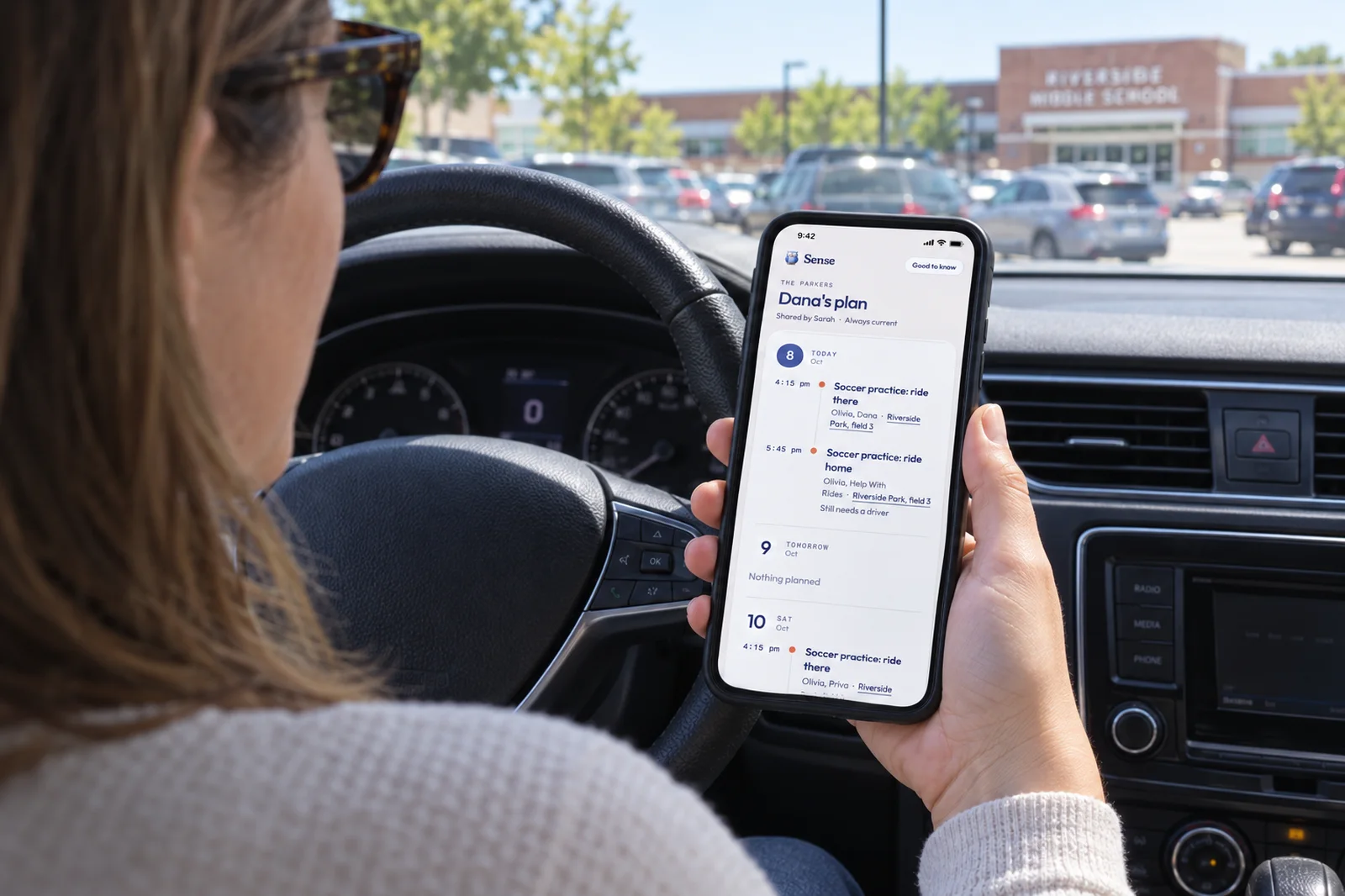
Put it on any ride that still needs a driver. Like every profile, it gets a color and its own row in the calendar filter, so an open slot shows up as a colored thing on Tuesday at 6:00, not a sentence you have to go and find. Filter by Help With Rides and you see every uncovered ride at once. That is the view Sarah needed at 4:40.
When Dana says yes, take Help With Rides off the event and put Dana on it. Dana is a profile too, with no login and no app. Now the event says who is driving, in the one place that fact belongs. Set the profiles up once under Settings, My Family, Add profile, from the web app.
The other parents get a plan link
On Dana's profile, tap Share their plan. You get a private link to send from your phone's share sheet, or to paste into the thread so the thread points at something that holds still.
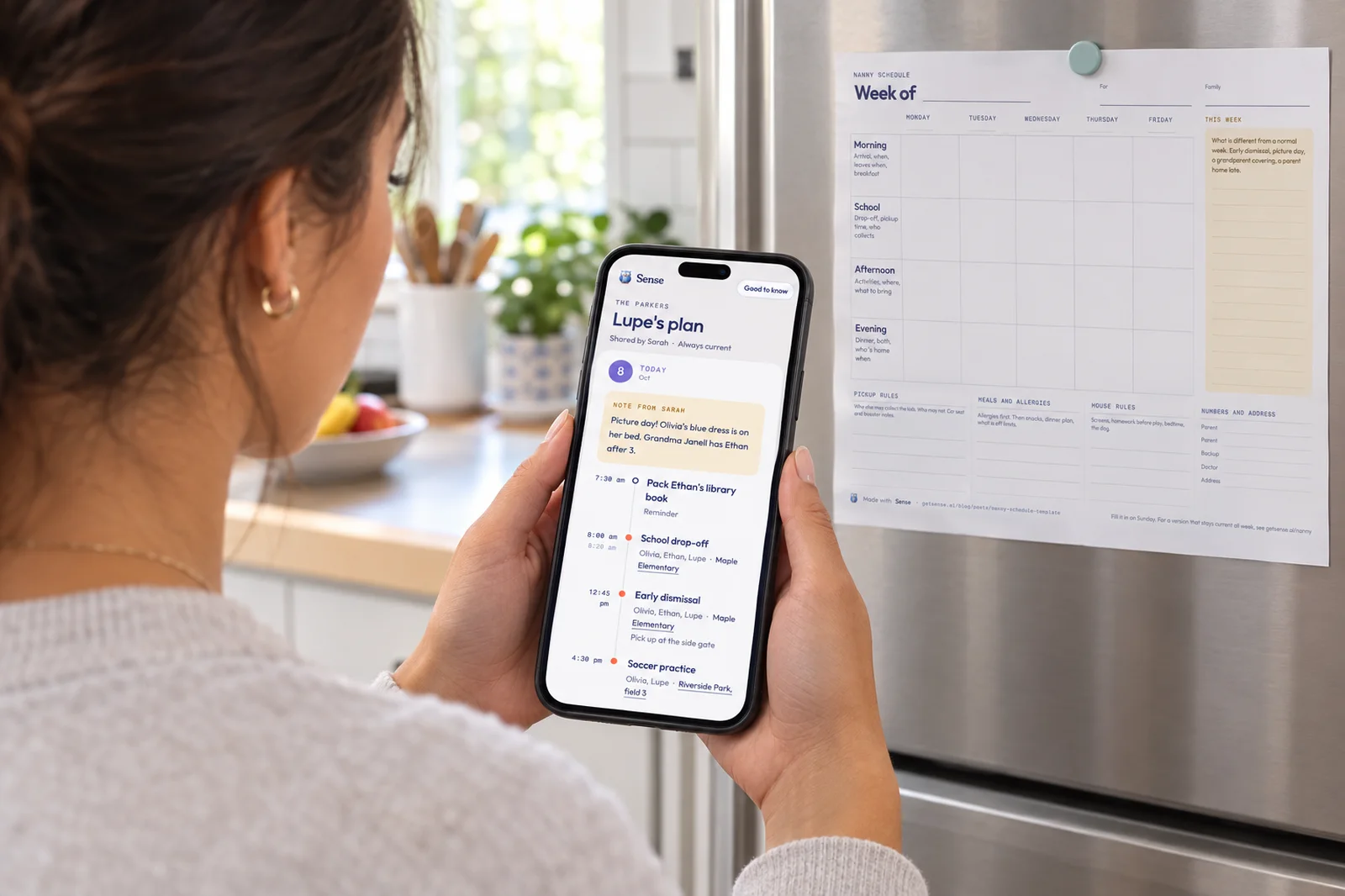
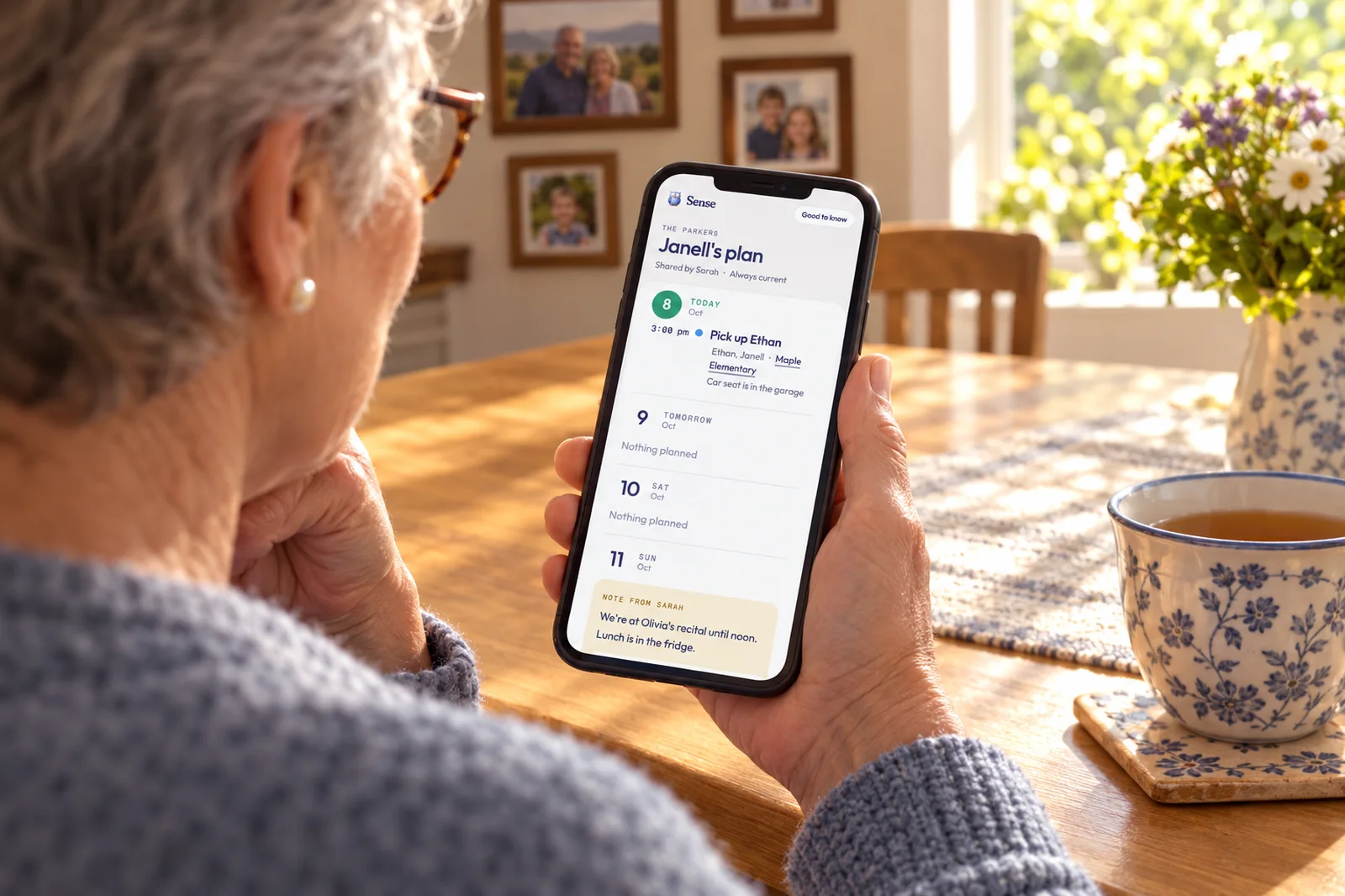
What Dana sees: a web page, no app and no login, with the next 8 days of the rides Dana is on. Each has the time, who is in the car, and an address to tap for directions. Your note for the day sits above: "Olivia's booster is in the garage by the door." A Good to know section holds your address and anything else you have written. The page reflects the calendar the moment it opens, so when practice moves to 5:00 you change the event once and Dana's page is already right.
What Dana does not see: the rest of your calendar. Not the dentist, not Mike's work trip. Only events Dana is on, and never anything marked Keep off shared plans. When the season ends, Stop sharing kills the link at once. Make a new link replaces it if it travels too far, and an optional PIN adds a second check. It is free on every Sense tier.
Put the Open Ride on the Calendar
Add a Help With Rides label, put it on the ride nobody has claimed, and send each driver a plan link that updates itself. The other parents never install anything.
Try Sense Online or get the app:

The week in practice
Olivia's team practices Tuesday and Thursday at 4:30 and plays Saturday mornings. Three families share the driving. Here is the Parkers' calendar by Monday night.
| Ride | On the event |
|---|---|
| Tuesday 4:15 to practice | Olivia, Sarah |
| Tuesday 6:00 home | Help With Rides until Monday night, then Dana |
| Thursday 4:15 to practice | Olivia, Dana |
| Thursday 6:00 home | Olivia, Priya |
| Saturday 9:00 game, both ways | Olivia, Dana. Note: "Riverside fields, not Lincoln Park" |
Dana opens the link on Tuesday afternoon and sees the 6:00 pickup, the address and the booster note. Priya sees Thursday. Neither sees the other's rides or anything else. The thread goes back to being a thread, and when it matters someone posts "it's on the plan."
Three rules that keep a carpool alive
- One owner. One parent keeps the calendar for this carpool. Not a committee, not a shared spreadsheet. If there is a dispute about Thursday, the calendar wins, because it is the only thing written down on purpose.
- Name the driver on the event. A thumbs up is not a driver. Until a name is on the event, Help With Rides stays on it and the slot stays visibly open. It feels blunt for a week, and then everyone is relieved.
- Say the change in the place everyone looks. When practice moves, change the event. Post in the thread too if you like, but the change lives on the calendar and reaches every driver's page without a resend.
None of this asks the other families to adopt an app, which is what usually kills a carpool system. They get a link and keep their habits. You keep one calendar, and Tuesday at 4:40 stops happening to you.
Frequently asked questions
Do the other carpool parents need Sense?
No. Each driver is a profile in your Sense account, a person you plan around who does not use the app. You send them a private plan link and they open a web page. No app, no account. Only the parent who keeps the carpool calendar uses Sense.
Can they see our whole calendar?
No. A plan link shows the next 8 days of the events that person is on, your note for each day, and a Good to know section you write. Private events appear only if that person is on them, and anything marked Keep off shared plans never appears.
How do I show only the rides?
On your calendar, filter by the Help With Rides label to see every ride without a driver, or by a driver's profile to see what they have agreed to. The other parents need no filter, because their plan link shows only their rides.
What happens when the slot is filled?
Take Help With Rides off the event and put the driver's profile on it. The ride leaves the open-slot filter and appears on that driver's plan page the next time they open it. There is nothing to send.
Does it cost anything?
No. Profiles and plan sharing are free on every Sense tier, including the free plan. Sense Premium, $6.99 a month or $59.99 a year in the US, covers chores, meal planning, medications and allowance, none of which a carpool needs.
Related reading: Share your family calendar with your nanny · Nanny schedule template · Class WhatsApp group survival