If you're here, you probably got the notice. Maple, the family organizer built around the mental load, is shutting down on December 31, 2026. It was acquired by Wander, annual subscriptions have stopped renewing, and on that date the app closes for good.
The part that matters most, in Maple's own words: after December 31, "all data will be deleted and there will be no way to recover it." Your calendar, your lists, your family's whole setup. Gone, unless you move it first.
If you're the one who built that setup, this stings. You were the person who finally got everyone onto one app. Now you get to do it again. So let's make the move as painless as it can be, starting with the good news.
The good news first: if you connected Maple to Google Calendar, Apple Calendar, or Outlook, your events are almost certainly already living in that calendar too. Maple synced to it. That means your calendar does not disappear on December 31, even though Maple does. The trick is landing it somewhere that keeps reading your family's world for you, not just a blank grid you have to type into again.
What Maple got right
Maple named the real problem. Not "you need a calendar," but "you are the only one holding all of it in your head." The school emails, the coach's text, the dentist reminder, the birthday party you RSVP'd to three weeks ago. Maple understood that running a family is a full-time job nobody scheduled, and it fell on one person.
You don't need to be convinced the problem is real. You lived it. The question now is which app actually carries that load instead of just giving you one more place to put it.
Why the intake step is the whole game
Here's the thing most family apps quietly get wrong, and it's the reason so many of them end up abandoned on the counter next to the paper planner.
They assume the hard part is capture. Just type the event in. Speak it. Snap a voice memo. But you're past that. Almost nothing you're tracking started in your head. It arrived from outside: the six-page school newsletter with one early-dismissal date buried in paragraph four, the camp confirmation, the class WhatsApp thread, the pediatrician's appointment email. A better box to type into does not help when the problem is that things arrive faster than you can type.
That's the difference to look for in whatever you move to next. Does it wait for you to enter everything, or does it read what already showed up and do the entering for you?
An alternative that reads your email for you: Sense
Sense is a family organizer built around one idea: the information is already in your inbox. The job is getting it out.
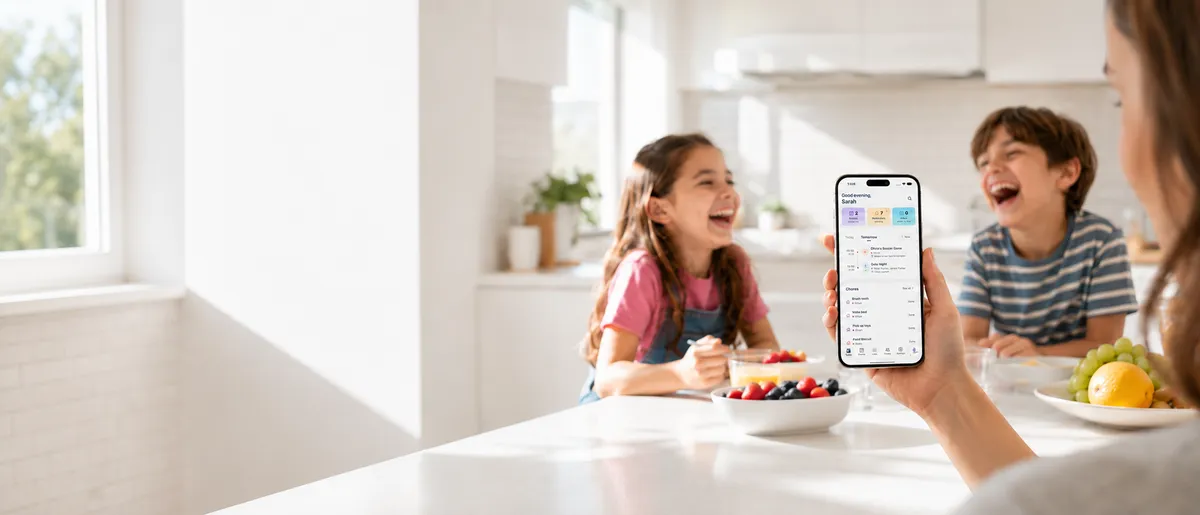
You forward a school email, a camp schedule, an appointment confirmation. Sense reads it and puts the dates, times, and locations on your family calendar in seconds. That 10-page newsletter with 15 dates scattered through it? Forward it once. They all land on the calendar. No typing. No missing the one date that mattered.
And it isn't only email. You can forward a WhatsApp message, share a screenshot, snap a photo of the flyer that came home in the backpack, or hand it a PDF. Same result: the details come out and onto the calendar. If email-to-calendar is what you wished Maple did more of, this is the app built entirely around it.
Everything a family organizer is supposed to have is there too:
- A shared family calendar the whole household reads, with Google and Apple Calendar sync so nothing you already rely on gets stranded
- Lists and reminders so the permission slip and the "we're out of milk" both have a home
- Chores, routines, and allowance that grow with the kids
- Meal planning and saved recipes for the "what's for dinner" question you get every single night
- An AI assistant you can ask about the week, for activity ideas, or for help drafting the reply to the coach
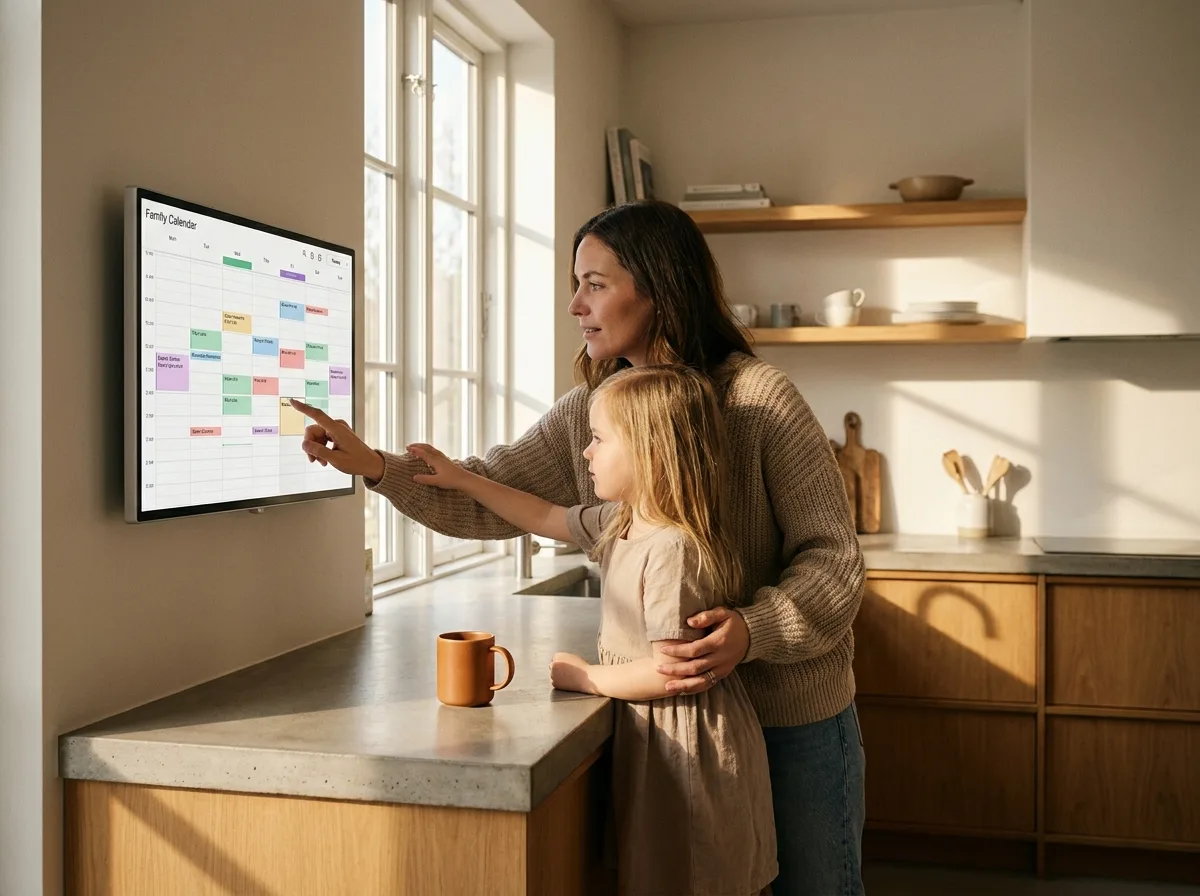
- Display mode that turns an old iPad on the counter into a family command center, so your partner can see the week without opening an app
Moving off Maple in an evening
You don't need a free weekend for this. Here's the honest version of the move:
- Rescue your calendar. If Maple was connected to Google, Apple, or Outlook Calendar, your events are already in that calendar. Connect the same calendar to Sense and they show up. If it wasn't connected, do that export inside Maple now, while you still can, before December 31.
- Bring your lists over. Grocery staples, the household to-dos, the packing list. You can type the short ones, or paste a list into Sense's chat and let it build them out.
- Point your emails at Sense. This is the step that changes your week. Start forwarding the school and activity emails you used to retype by hand, and watch them become calendar events.
Try Sense before the deadline
Forward your first school email tonight and see the difference an app that reads for you actually makes.
Try Sense online or get the app:

A few honest notes
Sense is not affiliated with Maple or Wander, and it isn't a one-to-one clone. Some things will sit in a different place, and a couple of Maple features may not have an exact match. What Sense does have is the part that actually saved you time: it turns the flood of incoming messages into a calendar, instead of asking you to do it by hand.
On your data: you decide what Sense reads. It works on the emails and messages you choose to forward. It is not sitting in your inbox watching everything. And your calendar stays yours, synced with the Google or Apple account you already use.
One practical reminder, because the calendar matters most: do not wait until late December. Confirm your Maple calendar is synced to Google, Apple, or Outlook now, while the app is still running. Once it deletes, anything that lived only inside Maple is unrecoverable.
Where Maple families are landing
Maple set out to carry the invisible work of running a household, and it was right that the work is real and unfairly distributed. If that promise is what drew you to it, you'll recognize the same intent in Sense, pointed at the one task that gives you the most time back: never typing an event off an email again.
We built a short guide for families making exactly this switch. Start there, or just download the app and forward your first email tonight. Your first one will show you what the rest of the year could feel like.