Maple is closing on December 31, 2026, and here is the sentence that should get on your to-do list this week: after that date, all your data is deleted and cannot be recovered. Calendar, lists, everything you set up.
The good part: this is a 30-minute job, not a lost weekend, if you do it in the right order. Here's the order.
Do this part today, not in December: your calendar is the one thing you cannot rebuild from memory. Make sure it's out of Maple and into a calendar you control (Google, Apple, or Outlook) while the app is still running. The lists and the rest can wait a few weeks. The calendar can't.
Step 1: Rescue your calendar
Maple could connect to Google Calendar, Apple Calendar, and Outlook. If you set up one of those connections, your events already live in that calendar, not only inside Maple. So the first move is simple: open Google or Apple Calendar and confirm your family events are there.
If they are, you're in good shape. That calendar keeps working after December 31, and any app you move to can plug into it.
If you never connected an outside calendar and your events live only inside Maple, do the export now. Open Maple, find the calendar export or sync option in settings, and connect it to your Google or Apple account, or export the calendar file. Don't leave this for the last week of December, when you'll be busy with actual holidays and the app is about to go dark.
Step 2: Save your lists, notes, and family details
Calendars sync. Lists usually don't. So the grocery staples, the household to-dos, the packing lists, the notes you kept in Maple: copy those out by hand while you can. Paste them into a notes file, an email to yourself, or straight into your new app.
Also jot down the small stuff that's easy to forget until it's gone: family members' details, birthdays, any recurring reminders, and the chores or routines you had set up. It's a five-minute list that saves you an annoyed hour in January.
Step 3: Cancel or note your subscription
Maple has said annual subscriptions will no longer renew, and monthly subscriptions stay active until December 31, 2026. So there's nothing urgent to cancel to avoid a charge. Just know your access ends on that date regardless, so plan to have your new setup running before then, not after.
Step 4: Land somewhere that won't make you type it all in again
This is the step where you actually get to choose. And the thing worth choosing for is what happens after the move, every week, for the rest of the school year.
Most family apps put you right back where you started: a shared calendar you have to fill in by hand, every school email retyped, every schedule change entered manually. That's the exact chore that made the last app feel like work.
Sense takes a different approach. You connect the same Google or Apple Calendar you just rescued, so your events appear immediately. Then, instead of typing new events in, you forward them:
- Forward the school newsletter, and every date buried in it lands on the calendar
- Forward the camp or sports schedule, and the whole season shows up
- Snap a photo of the flyer from the backpack, or share a WhatsApp message or screenshot, and Sense pulls the details out
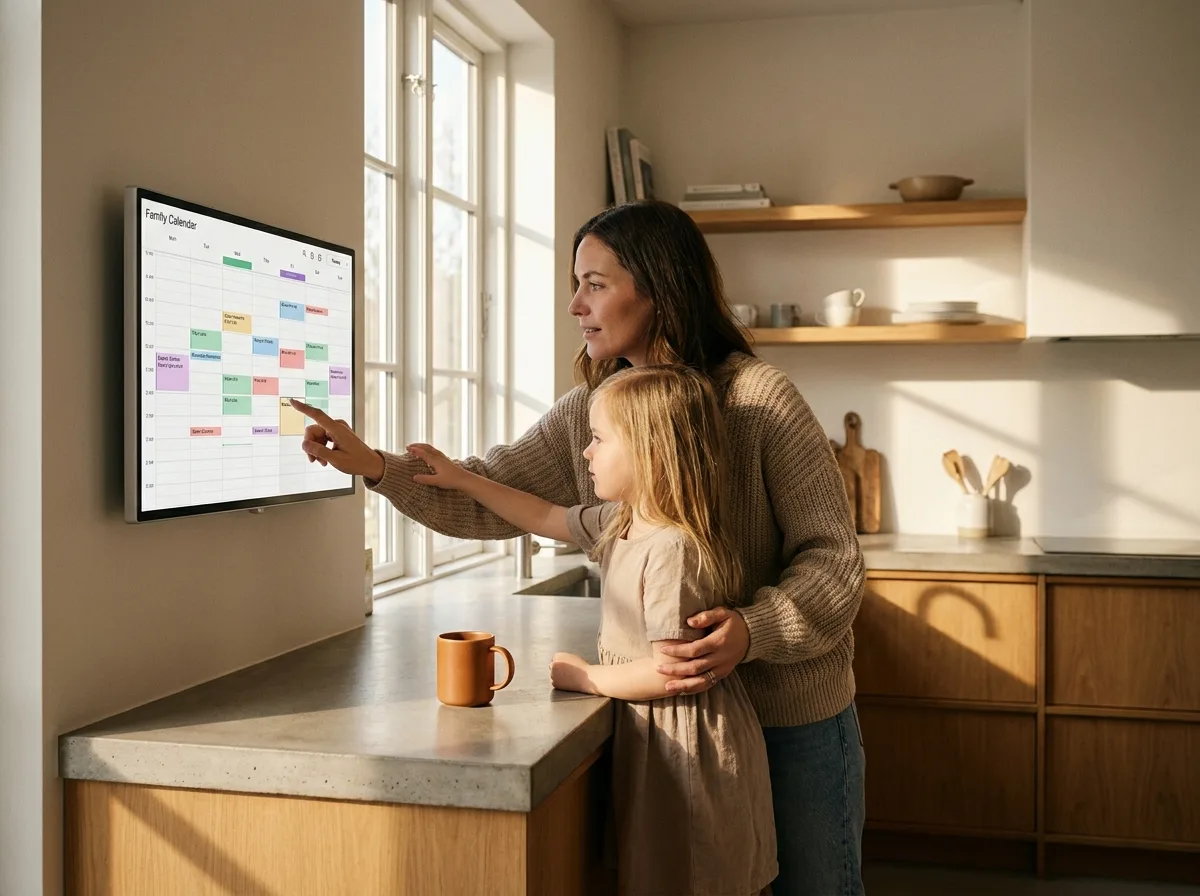
Your lists, reminders, chores, meal planning, and an AI assistant for the week are all there too. And if you set up an old iPad in display mode on the counter, your partner sees the week without opening anything.
Move to Sense in one evening
Connect your rescued calendar, forward your first email, and you're set before the deadline.


A quick checklist before December 31
- Confirm your Maple events are in Google, Apple, or Outlook Calendar (or export them now if not)
- Copy out your lists, notes, birthdays, and routines
- Set up your new app and connect the same calendar
- Start forwarding school and activity emails so the new events flow in automatically
- Note that Maple access ends December 31, 2026, and the data is deleted after
Do the calendar step this week and the rest whenever you have a spare half hour. The point is to be moved before the holidays, not scrambling on New Year's Eve.