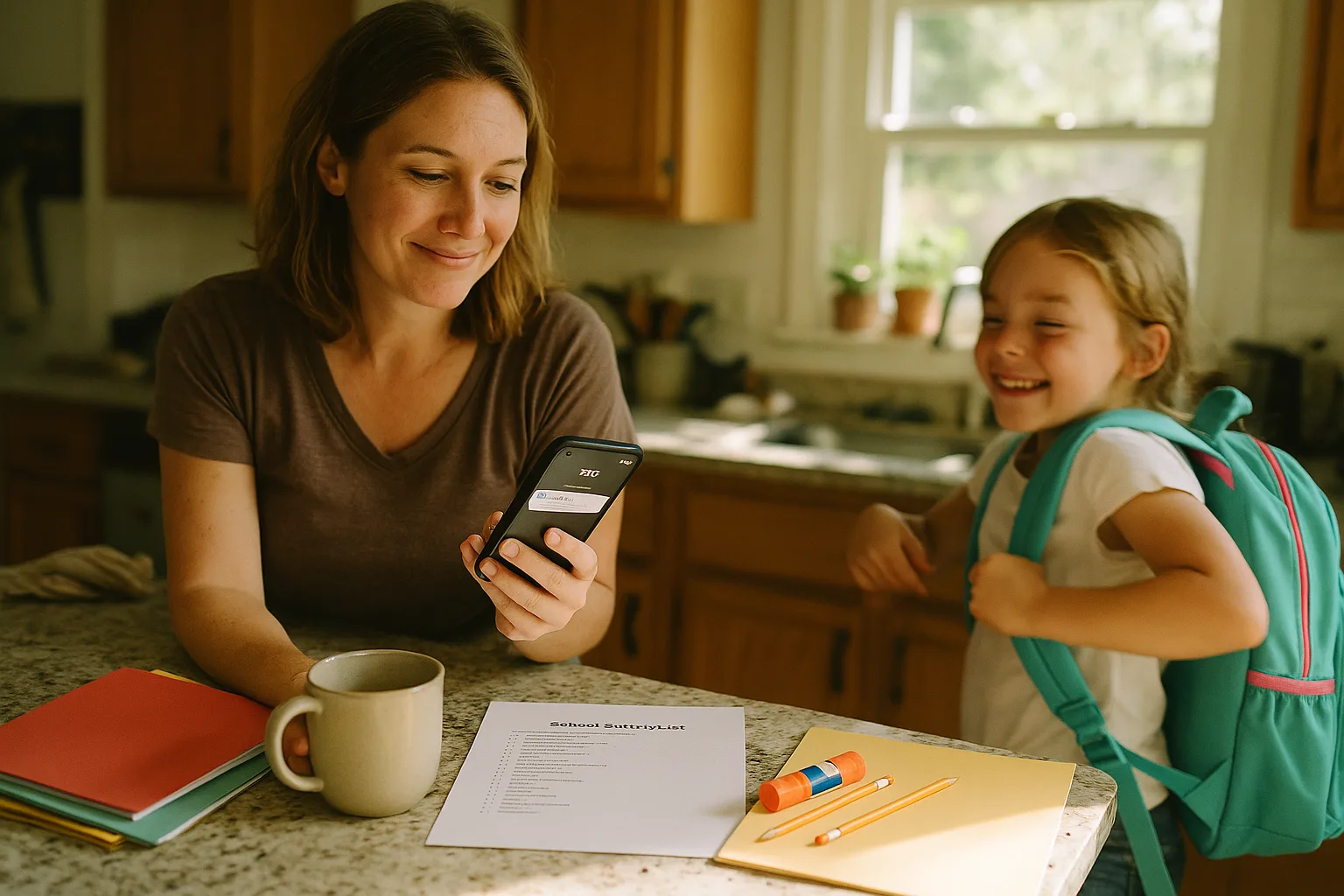
The summer newsletter was the warm-up. The real thing starts now.
In the last two weeks before the first day, the school stops sending you general updates and starts sending you the specific ones - the emails that actually decide what your fall looks like. Who your kid's teacher is. Which bus, and what time it comes. The supply list for this grade, from this teacher. The date of meet-the-teacher night. The early-release schedule for the first week.
None of these arrive together. That is the whole problem. They land one at a time, on their own day, from three different senders and two different portals, each carrying a single date or a single list that you cannot afford to lose. And the earliest districts are already sending them - kids in parts of Georgia, Texas, and Arizona go back the week of July 27, and the rest of the country is two to five weeks behind them.
If you are the one who tracks all of this, here is the flurry that is about to hit, and a way to get through it without retyping a thing.
The five emails that actually set the fall
A summer newsletter is annoying because it buries one date in six pages. These late-July emails are worse in a quieter way: each one is short, each one matters, and there is no single place they all go.
1. The teacher and class assignment
The one every parent refreshes their inbox for. It usually shows up 3 to 7 days before the first day, sometimes through the district portal instead of email, sometimes as a one-line note: "Ava has been placed in Room 12 with Ms. Reyes." That sentence is the anchor for everything else - the supply list, the classroom email list, the meet-the-teacher slot are all keyed to it. Miss it and you are guessing for the first week.
2. The bus route and pickup time
Transportation emails are their own special category, because the number that matters - 7:12 AM at the corner of Elm and 4th - is the one you will actually need at 7:00 AM on day one, half-asleep, with a kid who cannot find a shoe. It is buried in a table, or a PDF attachment, or a link to a route-lookup tool that logs you out. And it changes year to year even if you did not move.
3. The supply list
Not the generic one from spring. The real list comes from the assigned teacher, often the same week school starts, and it is grade-specific and weirdly precise: the exact folder colors, the brand of glue stick, the wide-ruled versus college-ruled thing that will absolutely be wrong if you guess. This is the one you want on a shared list you can pull up in the Target aisle, not screenshot-buried on your camera roll.
4. Meet-the-teacher, open house, or the first-day drop-off plan
An actual event with an actual time, usually the day or two before school. It competes with everything else you are juggling that week, which is exactly why it slips. "Open house is Thursday 5:30 to 7" needs to be on the calendar your partner reads too, so it is not one more thing only you know.
5. The first-week schedule that is not the normal schedule
Staggered start days for the little grades. Early release the first Friday. A half day nobody mentioned until the email three days out. The first week almost never runs on the regular bell schedule, and the exceptions arrive as fine print in an otherwise ordinary message. These are the ones that produce the 2:00 PM "wait, why is the school calling me" moment.
Why this stretch is harder than the summer newsletter. The newsletter is one email you can sit down and read once. This is a dozen small emails spread across two weeks, each with one thing you have to extract and put somewhere the whole family can see - while you are also buying the supplies, labeling everything, and getting bedtimes back on track. The load is not the reading. It is the transcribing.
The system: stop transcribing, start forwarding
You already know the manual version, because you have done it for years. Open the email. Find the date. Switch to the calendar app. Type the event. Switch back. Find the next one. By Thursday you have a camera roll full of screenshots and a nagging sense you missed something. You usually did.
The version that works during this specific stretch has three moves, and none of them is "type faster."
- Forward the email the moment you read it. Teacher assignment, bus route, open-house invite - forward it once and let the date land on the calendar. Do not save it for later. Later is when it disappears.
- Put the dates on a calendar the whole family reads. Not your personal one. The one your partner and the kitchen tablet both see, so "open house is Thursday" is something everyone already knows instead of something you have to announce.
- Send the supply list to a shared list, not a screenshot. A checklist you can open in the store aisle and tick off, that your partner can also grab items from, beats a photo you have to pinch-to-zoom at the shelf.
Where Sense fits
Sense is a family organizer built around one idea: the information is already in your inbox, so you should not have to retype it. During back-to-school, that is the entire job.
You forward the email - the class assignment, the bus route, the open-house notice, the six-page first-week schedule. The AI reads it, pulls out the dates, times, and locations, and puts them on your family calendar in about a minute. The bus time comes out of the PDF table. The staggered-start exceptions come out of the fine print. Nothing gets typed.
The supply list, too. Forward the teacher's supply email and Sense can turn it into a shared list - wide-ruled paper, two green folders, the specific glue sticks - that you and your partner can both open and check off in the store. The list came from an email. It should not have to become a screenshot.
And because it is a shared calendar, the whole point is that you stop being the only one who knows. Your partner sees the same open-house date. The tablet on the counter shows tomorrow's early release. The kid asking "when do I go back" can look, instead of asking you.
How the two systems compare during back-to-school week
| The setup email | Doing it by hand | Forwarding it to Sense |
|---|---|---|
| Class assignment | Note it mentally, forget the room number by Monday | Forwarded once, on the calendar, partner sees it too |
| Bus route + time | Screenshot the PDF, hunt for it at 7 AM | 7:12 AM pickup pulled out and set as a reminder |
| Supply list | Photo buried in camera roll, zoom at the shelf | Shared checklist, tick off in the aisle |
| Meet-the-teacher | "I'll add it later," never add it later | On the family calendar the moment you read it |
| First-week schedule | Miss the early release, get the 2 PM call | Half days and staggered starts caught in the fine print |
Get through the next two weeks without typing a single date
Forward the first back-to-school email that lands tonight. Watch it become a calendar the whole family can read.


Start before the first email, not after the tenth
The reason this stretch overwhelms you is not that the emails are hard to understand. It is that they arrive faster than you can transcribe them, in the same two weeks you are doing everything else, and every one you leave in the inbox to "handle later" is a date you will end up learning about the hard way.
The fix is not more discipline. You have discipline - that is why you have been the one holding all of this. The fix is removing the step where you become a data-entry clerk for your own family. Forward the email, let the date land on a calendar everyone reads, and get back to the part of back-to-school that is actually yours: the kid who is nervous about a new teacher, not the teacher's room number.
The first setup email is probably already sitting in your inbox. Forward it and see what happens.