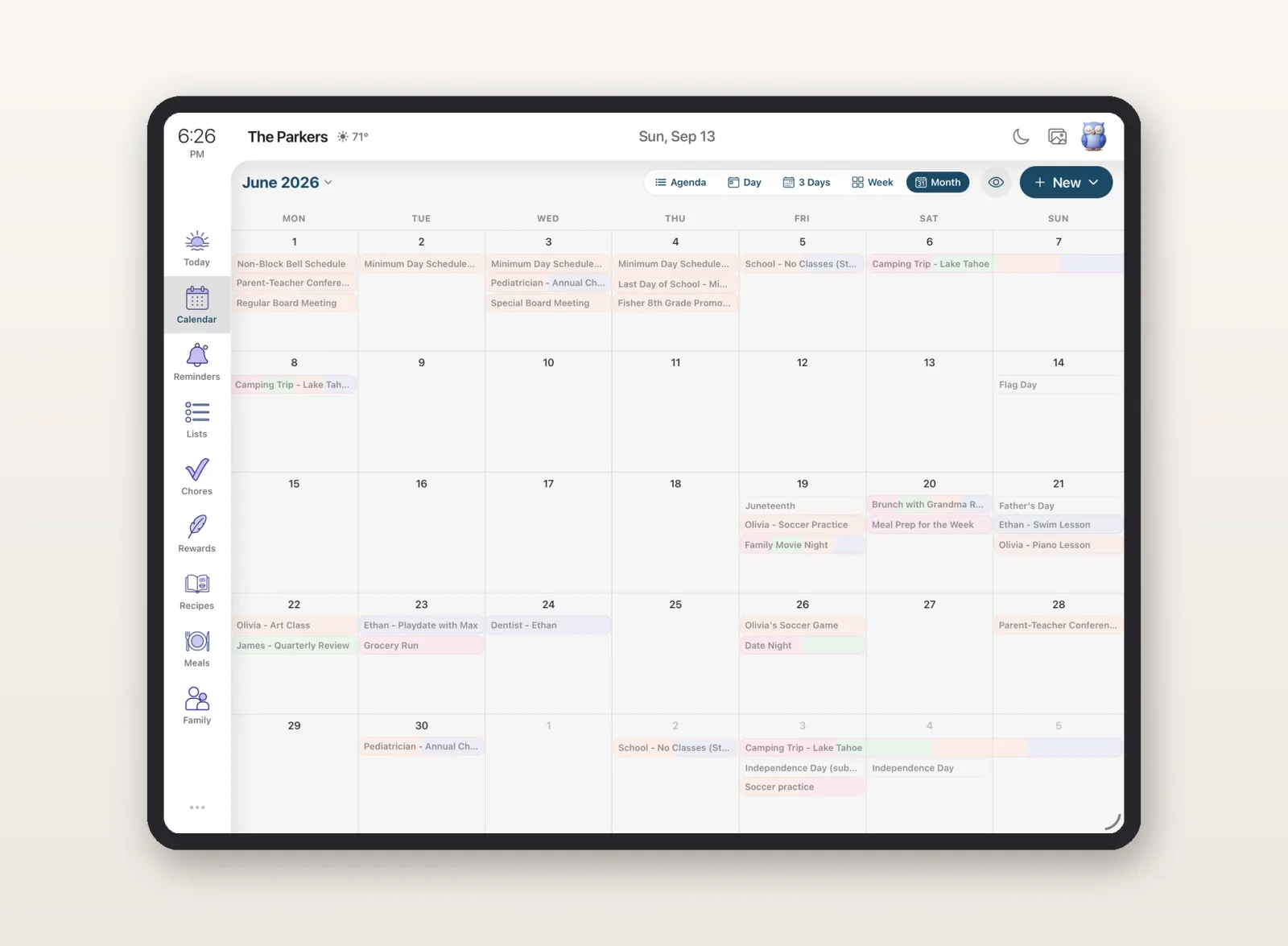
You went through Cozi's settings looking for Export. Then Account. Then you searched their help pages. There is no export button - not to a file, not to CSV, not to another app. Years of your family's schedule, and no download option.
Here's the good news: your calendar can still come with you. Cozi publishes a shared calendar URL that other apps can read, and that URL is a real, working export path. This guide walks through getting it and pointing it at Google Calendar, Apple Calendar, or Sense - and covers the one thing most people learn too late: do this before you cancel your subscription.
What you can take out of Cozi (and what you can't)
- Calendar events - yes, via the shared calendar URL. The catch: Cozi keeps that URL behind Cozi Gold, their paid tier.
- Shopping lists and to-do lists - no export. There's a manual workaround below.
- Recipes - no export.
- Appointment notes and other Gold-only data - no export, and reviewers report this data becomes inaccessible once a subscription lapses. Copy anything you care about out by hand while you can still see it.
That last point is why the order of operations matters. If you're planning to cancel Cozi Gold, get your calendar URL and run your import first, then cancel.
Step 1: Get your Cozi calendar URL
You can do this at my.cozi.com or in the Cozi app:
- Open Settings, then Shared Cozi Calendars.
- Switch All family members from Unshared to Shared. Choosing the whole family matters - sharing people individually creates a separate URL per person, while "All family members" gives you one link with everyone's events.
- Tap VIEW OR SEND COZI URL, then COPY COZI URL.
The link starts with https:// or webcal://. That's your calendar in
the standard format every calendar app understands. Now pick a destination.
Step 2: Point it somewhere
Into Sense (a real copy, in about two minutes)
Sense imports the Cozi URL as a one-time copy: your events become normal, editable Sense events that no longer depend on Cozi at all. Cancel Cozi afterward and nothing disappears. In the Sense app: Settings, then Connected Calendars, tap +, choose Import, paste the URL. The full walkthrough with FAQs is here: import your Cozi calendar into Sense.
Into Google Calendar
In Google Calendar on the web: Settings, then Add calendar, then From URL, and paste the Cozi link. Two things to know:
- This creates a subscription, not a copy. The events are read-only, and Google refreshes subscribed calendars on its own schedule - often not for many hours.
- It stays tied to Cozi. If the shared URL ever stops working (for instance, after your Gold subscription ends), it's not a calendar you own.
If you want a true copy in Google instead: open the Cozi URL in a browser (change
webcal:// to https:// if needed), which downloads an .ics
file, then use Google Calendar's Settings > Import &
export > Import to load that file into a calendar you own.
Into Apple Calendar
On iPhone: Settings > Apps > Calendar > Calendar Accounts > Add Account > Other > Add Subscribed Calendar, and paste the URL. Same caveat as Google: it's a read-only mirror that depends on Cozi staying alive on the other end.
The short version: a subscription shows you your old events; an import makes them yours. If you're leaving Cozi, you want an import - either Sense's Import option or the .ics-file route into Google.
What about your lists and recipes?
There's no feed or file for these - Cozi simply doesn't offer a way out for lists, and after years of grocery runs, that stings. The workaround is low-tech: open each list on my.cozi.com, select the items, and copy them somewhere safe.
If you're moving to Sense, you can skip the retyping: paste the whole blob into Sense's chat and ask it to make a list. It splits the items out into a proper shared list for you - the same works for pasting a recipe you want to keep.
If you're on free Cozi (no Gold, no URL)
The shared calendar URL is a Gold feature, so free Cozi technically gives you no way to export at all. You have two options. The manual one: work from your own records and re-enter what matters.
The faster one: rebuild from the source. Almost everything on your Cozi calendar arrived by email first - the school newsletter, the practice schedule, the camp confirmation, the appointment reminder. Forward those to Sense and it reads each one and puts every date, time, and location on your family calendar automatically. A handful of forwarded emails typically rebuilds most of the month, and the result is fully editable - arguably cleaner than what an export would have given you.
Move Your Family Calendar to Sense
Import your Cozi calendar in about two minutes, or rebuild it from your inbox. Full access free to start, no credit card.


Before you go: the exit checklist
- Turn on sharing for All family members and copy your Cozi URL.
- Import your events into the app you're moving to (two-minute guide for Sense).
- Copy out your lists, and any appointment notes, while you can still see them.
- Confirm the events actually arrived in the new app. Check a birthday in November, not just next week.
- Then cancel.
Deciding where to land? We've compared what families are actually moving to in what long-time Cozi users are switching to in 2026, and if the 30-day free calendar cap is what sent you here, that's covered in Cozi's 30-day calendar limit explained. Having sync trouble instead of leaving for good? See Cozi not syncing? Why lists and events go missing in 2026. And if you've already decided, here's the full guide to switching from Cozi to Sense.