Quick Take
- Most family apps offer "kid accounts" - either real separate logins or cosmetic profile switchers. Both answer the wrong question.
- Parents are really asking two different things: "my kid uses this iPad and I don't want her deleting our calendar," and "my teenager wants the app on his own phone."
- We built one primitive for each. Kid mode handles the device. Family member invites handle the account. There is no profile switcher and no kid login screen, on purpose.
The exchange that started this
A dad named Paul opened our in-app chat and asked how to log his daughters in as themselves on their iPads. He had two daughters, two iPads, and a perfectly reasonable mental model from every other app his family uses: people sign in, the app remembers who they are, you switch users when you switch hands.
The honest answer was that Sense doesn't work that way. We don't have kid logins. We don't have a profile switcher. We don't have a "Logged in as" menu. The thing he was asking for didn't exist - and we don't plan to build it.
That's a strange thing to say out loud, because the alternative is so obvious. Every family app on the App Store either sells you on color-coded profiles or quietly lets the seven-year-old see the parent's view. So when we say "no kid accounts," it sounds like a missing feature. It isn't. It's a different read on what the parent was actually asking.
What "kid accounts" actually means today
There are three flavors of kid account on the market, and all three solve different problems badly.
Real separate logins. The kid gets a username, a password, and their own session. Sounds great. In practice, the onboarding tax is brutal - a seven-year-old isn't going to remember credentials, and the parent now plays IT helpdesk every time the session expires. Worse, the kid's data lives in a separate account, so the parent loses the visibility that made them install the app in the first place. The whole point was the family sees the family.
Profile switchers. Cozi-style. Each family member gets a color and an avatar. Tap a name, the UI "switches" to that person. There's no authentication on the switch - the kid taps it, the kid sees Mom's view, the kid can edit anything. The separation is purely cosmetic. It looks like access control and isn't.
"View as" toggles. A UI filter dressed up as access control. You can see only Sam's stuff, but nothing stops Sam from tapping into anyone else's stuff. Useful for parents who want a focused view; useless as a guardrail.
The unifying problem is that all three try to be the same primitive for two very different requests.
The two requests, untangled
When a parent asks how to log their kid in, listen to what they actually need. We've seen it split cleanly in two:
"My eight-year-old uses this iPad and I don't want her deleting our soccer practice."
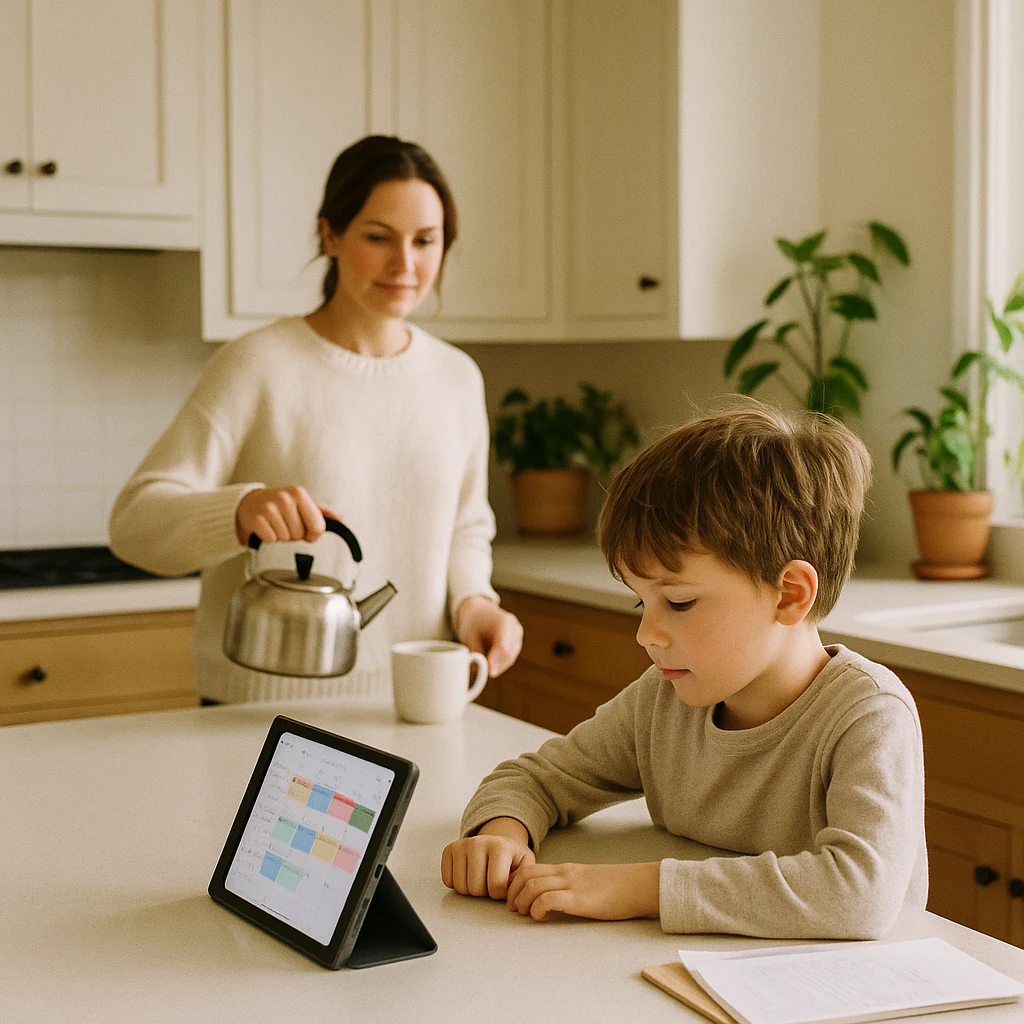
This is a device concern. The iPad lives on the kitchen counter or in the kid's bedroom. The kid opens the app to check her chores and see what's for dinner. The parent worries she'll tap the wrong thing, dismiss a reminder, or wander into Settings. There's no need for the kid to log in as anyone - she's not bringing the iPad to school. The parent's account already has all the data. The problem is the interface, not the identity.
"My sixteen-year-old wants the app on his own phone and his own calendar."
This is an account concern. The teen carries his own phone, has his own email, manages his own schedule. He needs to see and edit his own things from a device the parent never touches. This is functionally an adult use case; the only thing kid-shaped about it is that he happens to live in the parent's house.
Most apps answer both with the same primitive - a kid profile inside the parent's account - and both answers end up bad. The eight-year-old gets a cosmetic toggle she can dismiss in one tap. The sixteen-year-old gets a half-account he can't really own.
What we built instead
Two primitives, one for each request.
For the device case: Kid mode. A per-device setting that says "this iPad is Tayla's." Sense stays signed in as the parent - we never give the kid credentials of any kind - but the UI restricts to Tayla's view. She sees her chores, her events, her birthdays, her rewards. The greeting on the Today screen uses her name. Settings, Lists, and AI chat disappear from the bottom bar. Tapping anything destructive - editing an event, deleting a chore, leaving kid mode itself - asks for the parent's four-digit PIN. The PIN is the same one the parent uses to protect their own account.
For the account case: invite them as a family member. Same flow as inviting a partner or co-parent. They get a real email, real credentials, real ownership of their device. From Sense's perspective, a teenager managing their own calendar isn't a different category of user - they're just another adult in the family. The "kid" framing was an artifact of confused product thinking elsewhere.
Two needs, two primitives. No overlap, no half-answers.
What kid mode actually does
The concrete shape of kid mode, in case the abstract description was too abstract:
- Device-scoped, not account-scoped. Turn it on in Settings, pick which kid the device is for, done. The parent's other phone still behaves like a parent phone.
- Filters everything to the active kid. Events without her assigned drop out of the calendar. Chores assigned to siblings don't show up. Even external Google Calendar events filter through the same lens if the parent assigned a member to that calendar.
- Hides what isn't kid-shaped. No AI chat, no Lists tab in the bottom bar, no Settings access without a PIN. The Subscription screen swaps the upgrade button for an "ask a parent" card.
- PIN-gates destructive actions individually. There is no "parent unlocked the device for the next five minutes" shared window. Each delete, edit, or settings change asks for the PIN. Annoying for parents using a kid's device themselves, but the right default for the device sitting unattended on the counter.
- Personalizes lightly. The Today greeting reads "Hey Tayla" with her avatar. The kid's identity shapes the experience without being a login.
- One way out. Settings > Kid Mode > Disable. PIN-gated. That's it.
The whole thing is a setting, not an account. Flipping it on takes about ten seconds. Flipping it off takes the same plus a PIN. No new credentials are ever created.
What we explicitly didn't build
Stake in the ground - the things kid mode is not, so the design decision is legible:
- No profile switcher on the Family tab. Tapping a child's name doesn't "switch to" them.
- No "Logged in as" menu anywhere in the app.
- No kid login screen, no kid usernames, no kid passwords.
- No "view as kid" mode for parents who want to preview the experience. Either you turn kid mode on (and PIN your way back out) or you don't.
- No kid-scoped AI chat in v1. The chat assistant has access to the whole family; gating it correctly for a kid is its own product problem, and we'd rather skip it than ship a half-answer.
If your family genuinely needs separate logins - older teens, blended households, a kid who needs their own data ownership - the right path is to add them as a family member with their own invite. That door is open. The "kid account" door isn't.
Why this matters beyond Sense
Family apps borrowed "accounts and profiles" from productivity SaaS, and it shows. The mental model is the org chart: every person is a row in a users table, every screen is filtered by who's signed in, the org admin (the parent, in this metaphor) provisions seats. It scales fine for a team of twelve and breaks immediately for a family of four with a shared iPad on the kitchen counter.
Families don't have org charts. They have devices in specific places used by specific people - the iPad in the kid's room, the phone in your pocket, the tablet velcroed to the fridge. The right primitives map to those situations, not to seats in a database.
Kid mode is a small example of that bigger bet: that copying SaaS UI patterns into family software gives you something that looks right and feels off. The split between "device concern" and "account concern" is obvious once you name it, but every family app on the store is still trying to make one primitive do both jobs. We'd rather ship two clean ones.
Sense - the family organizer that doesn't make your kid sign in
Shared calendar, chores, meal planning, and AI that reads your school emails so you don't have to. Free to start, runs on phones and tablets.


Related reading: Why we rebuilt chores around routines · One-size-fits-all is a lie for parents · Bring your own device family display