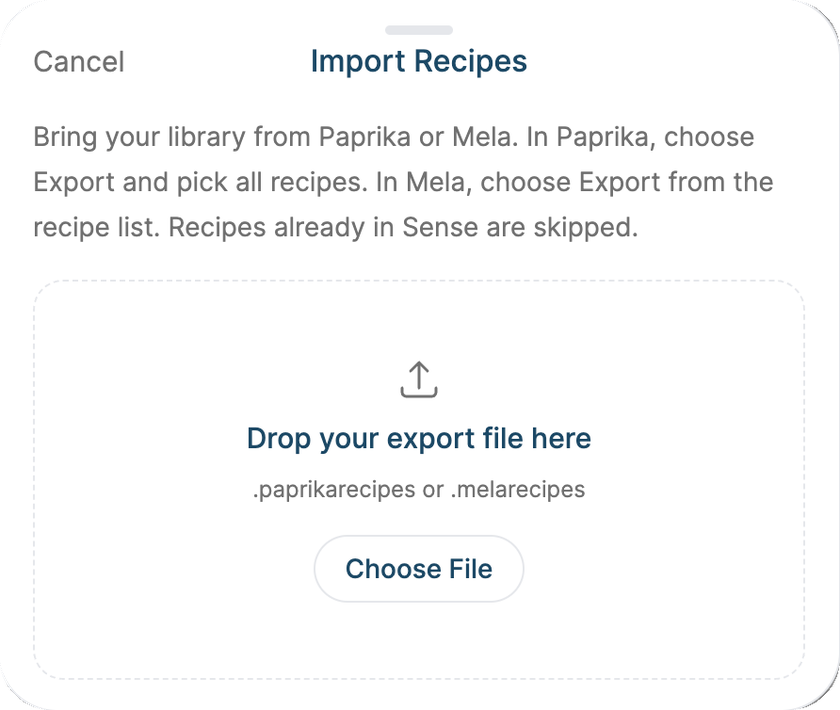
Switching from another recipe app? Bring every recipe with you - photos, categories, and all - instead of re-saving them one by one.
Export from your old app. In Paprika, choose Export and pick all recipes - you'll get a .paprikarecipes file. In Mela, export from the recipe list to get a .melarecipes file.
In Sense, on the Recipes screen tap ... and choose Import from Paprika or Mela. On the web, you can also drag the file into the import box.
Pick the file. A banner shows the progress ("Importing recipes, 120 of 800") and tells you when it's done.
Good to know
Recipes already in Sense are skipped, so importing the same file twice won't double anything.
Categories are matched to your family's categories.
Imported recipes get scaling, unit conversion, and nutrition the first time you open them.