Quick Take
- What's improved: Sleeker design (20% thinner), 3x faster processor, better screen, magnetic swappable frames
- What's the same: $299 hardware + $79/year subscription for the features most families want = $378 first year, $695 over 5 years
- The honest answer most reviews skip: If you already own a tablet (and most families do), you can mount it on the wall and get the same always-visible family calendar for $0 in hardware. Calendar 2 is a polished device, but it's polish you may not need to pay for.
Skylight announced Calendar 2 at CES 2026 and it's getting real attention. The company has 1.3 million families on its platform and this is the first major hardware refresh for the 15-inch model in years. The improvements are genuine - the question is whether they justify the price tag.
Full disclosure: we make Sense, a family organization app that overlaps with Skylight on a few features. We've tried to be fair here. Skylight earned its 1.3 million users for good reasons, and for some families Calendar 2 will be exactly the right purchase. For most readers, though, there's a simpler option hiding in a kitchen drawer.
Skylight Calendar 1 vs 2: What's Actually New
The Calendar 2 is a genuine hardware upgrade over the original Calendar 1: a 20% thinner picture-frame design, magnetic swappable frames, a 3x faster processor, and a brighter, sharper screen. The software is the same on both generations, so the free-versus-Plus feature split does not change - only the hardware does. This isn't a minor refresh.
Design and Hardware
- 20% thinner profile - The new design matches their larger Calendar Max, with a curved chassis that looks more like a picture frame
- Magnetic swappable frames - Change the frame style without tools. There's a limited-edition brass frame from Joanna Gaines' Magnolia line ($340)
- Adjustable stand - Tilts up to 180 degrees for counters, shelves, or wall mounting
- 3x faster processor - Navigation is noticeably quicker, which matters when you're making quick edits
- Better screen - Clearer, brighter, better color reproduction
AI Features
- Sidekick AI - Snap a photo of a school flyer, sports schedule, or invitation and it extracts events automatically
- Fridge scanning - Take a photo of your fridge contents and get recipe suggestions based on what you have
- Magic Import - Forward emails or PDFs and events get added to your calendar (this existed before, but they're emphasizing AI more)
The hardware improvements are genuine. If you already have the original Skylight and found it sluggish or wanted a sleeker look, Calendar 2 addresses those complaints.
What Hasn't Changed
Some things that frustrated users about the original are still present:
The Subscription Model
The Calendar 2 costs $299.99 - same as the original. But the features most families actually want require the Plus subscription at $79/year.
Without Plus, you lose:
- Magic Import (email/PDF to calendar)
- Sidekick AI features
- Photo screensaver
- Meal planning
- Chore rewards
So the realistic first-year cost is $378.99 ($299.99 + $79), and $79/year ongoing after that.
Connectivity Requirements
- Wi-Fi required - The calendar is essentially useless without internet. If your Wi-Fi goes down, so does your family calendar.
- Must be plugged in - No battery option. You need a spot near an outlet, which limits placement options.
Sync Limitations
Google Calendar is the only service with full two-way sync. Outlook, Apple Calendar, and others work, but syncing is one-way or less reliable. If your family isn't on Google Calendar, this could be frustrating.
Physical Limitations
Users still report fingerprint marks on the touchscreen and occasional lag. The faster processor helps, but it's still a touch device that multiple family members (including kids) will be poking at constantly.
The Real Cost Breakdown
| Item | Cost |
|---|---|
| Calendar 2 hardware | $299.99 |
| Plus subscription (year 1) | $79.00 |
| First year total | $378.99 |
| Years 2-5 (subscription only) | $316.00 |
| 5-year total cost | $694.99 |
For the Magnolia edition or larger Calendar Max, costs are higher - up to $630 for hardware alone.
Get the same kitchen display free, on a tablet you already own
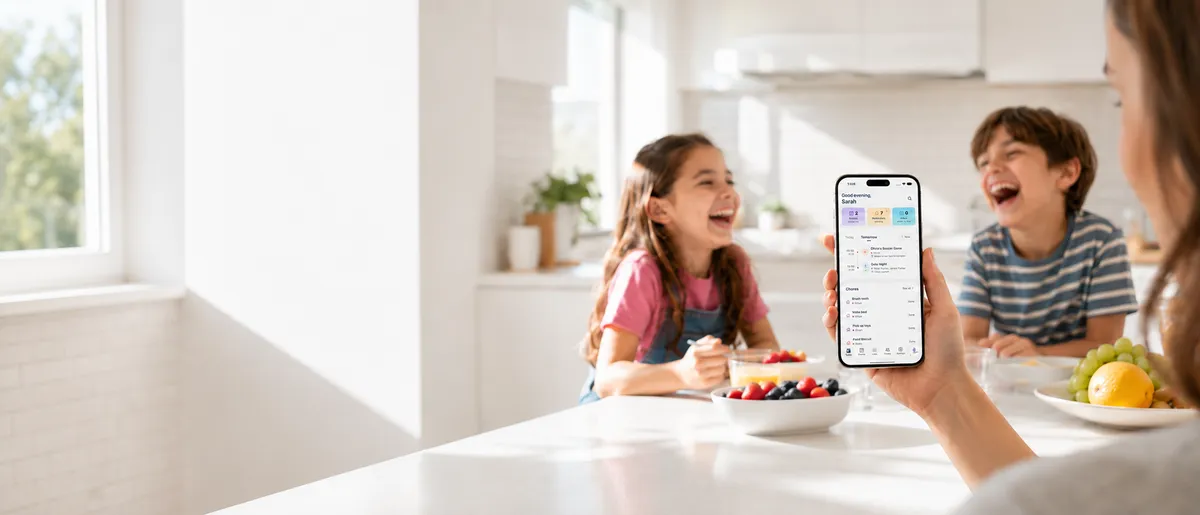
Sense Hub Mode turns any iPad or Android tablet into an always-on family display - calendar, chores, reminders, photos - rotating through your day. The underlying app also reads school emails and adds events automatically. Free to start.
Try Sense Online or get the app:

"Wait. I'm spending $380 on a new device when there's an old iPad in my drawer?"
If that thought just crossed your mind, you're not alone - this is the most common piece of feedback we hear from people considering Skylight. The original Calendar launched in an era when a household tablet wasn't a given. That's no longer true. Most families today have at least one tablet sitting unused: the iPad someone upgraded from, the Fire HD the kids outgrew, the work device that got replaced. The hardware Skylight is selling, you very likely already own.
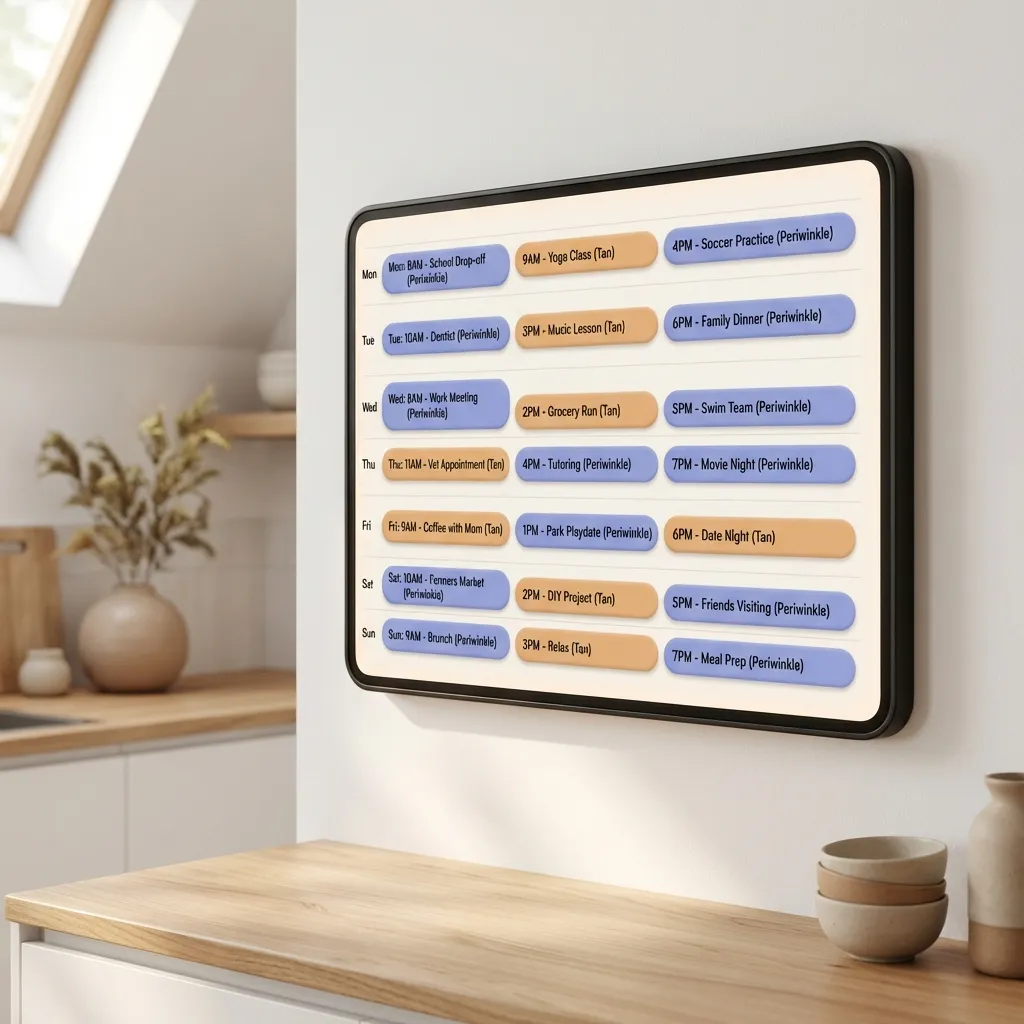
Skylight is essentially a tablet in a nicer frame, running calendar software. The frame is genuinely well-designed. But you can put an old tablet in a $20 wall mount, run a family-display app on it, and get the same always-visible kitchen calendar at a fraction of the cost.
What Skylight Does Well
Let's be fair about where Skylight genuinely excels:
- Always-visible display - A mounted screen in your kitchen means the schedule is always in view. No opening apps, no unlocking phones. Everyone can glance at it.
- Kid-friendly interface - Young children can check the schedule and mark chores complete using pictures, without needing to read.
- Single-purpose focus - Unlike a tablet that might get used for YouTube, Skylight stays a calendar. That's a feature for some families.
- Photo frame mode - When not showing the calendar, it displays family photos. You're not staring at a blank screen.
- Established company - Skylight is bootstrapped and profitable with 1.3 million users. They're not going anywhere.
If you want a dedicated wall display that the whole family can see at a glance, Skylight is genuinely good at that. The Calendar 2 does it better than the original.
Who Shouldn't Buy It
Skylight isn't right for everyone:
- Budget-conscious families - $380+ is significant, especially with ongoing subscription costs
- Families not on Google Calendar - The sync limitations with other services are real
- Renters or families who move frequently - A mounted display is less practical
- Families who mainly want email automation - You can get that without buying hardware
- Parents who need calendar access everywhere - A wall display only helps when you're home
The Question Most People Should Ask First
Before you spend $380, separate two things in your head: the wall display, and the email-to-calendar automation. Skylight bundles them, but they're independent capabilities and each is available without the hardware.
The email automation is software. Forward a school newsletter or sports schedule to Sense and the events land on your family calendar automatically. Works on a phone, an iPad, a browser - and on the free tier, not just the $79/year plan.
The wall display is just a tablet in a fixed location. Sense's Hub mode turns any tablet into a dedicated family calendar that rotates through your schedule, chores, reminders, and photos. Mount an old iPad on the kitchen wall with a $20 mount and you've got the same always-visible experience the Skylight gives you.
So the real choice looks like this:
- Have a spare tablet? You can get the wall display AND the email automation for the cost of a wall mount.
- No spare tablet, but love the polished picture-frame look? Skylight Calendar 2 is a legitimately nice product and you'll be happy with it.
- No spare tablet, and price is what's stopping you? A new mid-range Android tablet runs $100-150. Half the cost of Skylight, and it works as a tablet too.
How Sense Compares (Honest Assessment)
We make Sense, so here's our honest comparison:
| Feature | Skylight Calendar 2 | Sense |
|---|---|---|
| Hardware required | $299.99 dedicated device | Any tablet you already own |
| Email-to-calendar automation | Yes (Plus required) | Yes (free) |
| PDF schedule extraction | Yes | Yes |
| Dedicated wall display | Yes (dedicated hardware) | Yes (Hub mode on any tablet) |
| Accessible from anywhere | Via app | Yes |
| Kid-friendly touchscreen | Yes | Yes (Hub mode) |
| Chore tracking | Yes | Yes |
| Meal planning | Yes | Yes |
| First year cost | $378.99 | Free to start |
| Works without Wi-Fi | No | Limited (cached data) |
Where Skylight wins: Purpose-built hardware with a sleek design. If you want something that looks like a picture frame and don't have a spare tablet, Skylight is a polished option.
Where Sense wins: Hub mode turns any tablet into a dedicated wall display - so you get the always-visible calendar without buying single-purpose hardware. Plus email automation, access from anywhere, and a lower total cost.
The main difference now is whether you want to buy dedicated hardware or use a tablet you already have.
The Bottom Line
Skylight Calendar 2 is a legitimate improvement over the original. Sleeker design, faster performance, useful AI features. Skylight earned its 1.3 million users, and Calendar 2 won't let them down.
But it's still $380 in year one, $695 over five years, for a single-purpose device that requires Wi-Fi, a power outlet, and an ongoing subscription. The core capabilities most families actually want - email-to-calendar automation and an always-visible family display - don't require dedicated hardware. They're software, and they run on the tablet you almost certainly already own.
Our suggestion for most readers: try Sense first on a tablet you already have. It's free, takes about a minute to set up, and the only thing you risk is finding out you don't need the $380 device. If after a few weeks you decide you really do want a purpose-built picture-frame product, Skylight will still be there.
Skip the $380 device. Try Sense free on a tablet you already own.
Forward a school email to see the calendar automation. Mount an old iPad on the kitchen wall and turn on Hub mode for the always-on display. No new hardware, no subscription required to start.
Try Sense Online or get the app:
4.8 on the App Store 2,000+ families
Frequently Asked Questions
How much does Skylight Calendar 2 cost?
Skylight Calendar 2 hardware is $299.99. The Plus subscription required for email-to-calendar, AI features, photo screensaver, meal planning, and chore rewards is $79 per year. First-year total is $378.99 and five-year total reaches $694.99.
Is Skylight Calendar 2 worth buying?
If you do not already own a spare tablet and want a polished picture-frame device, yes. If you already have an iPad or Android tablet sitting unused, you can mount it on the wall and get the same always-visible family calendar for the price of a $20 mount.
What is the best Skylight Calendar alternative in 2026?
Sense paired with any spare tablet. Sense Hub Mode turns a tablet into a dedicated always-on family display with rotating panes for calendar, chores, reminders, and photos. The underlying calendar also reads school emails and creates events automatically, which Skylight charges $79/year extra for.
What is new in Skylight Calendar 2 vs the original?
20% thinner profile, magnetic swappable frames, 3x faster processor, brighter screen, adjustable 180-degree stand, plus Sidekick AI (photo to event), fridge scanning for recipes, and refreshed Magic Import for emails and PDFs.
Related reading: Skylight subscription: what's free vs $79/year · Best Skylight Calendar alternatives · Skylight Buddy's second subscription · Best Family Calendar Apps 2026