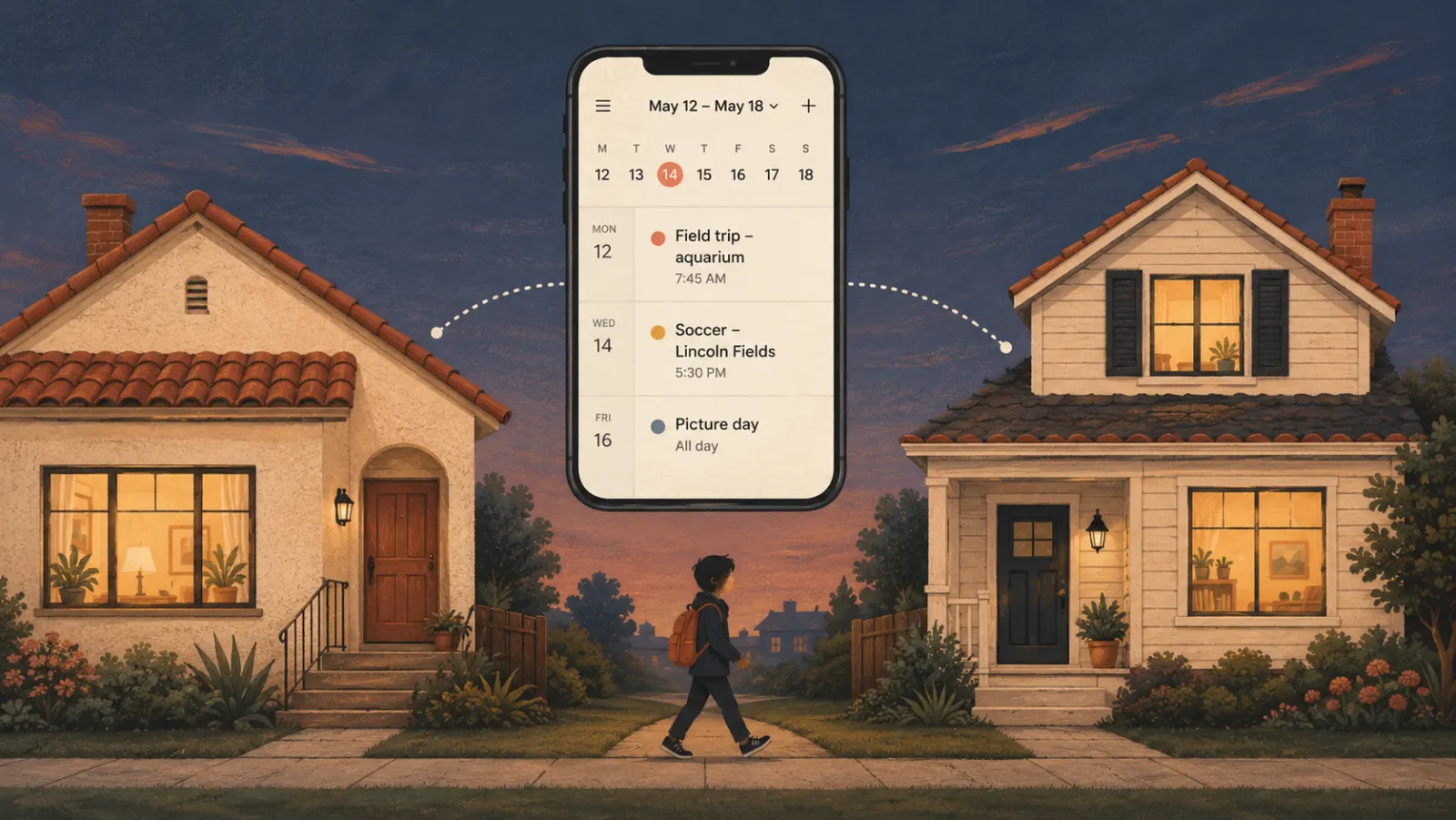
You probably already use Google Calendar. It's free, it syncs across devices, and you can share it with your family. So why would you need anything else?
Side-by-side version: Sense vs Google Calendar.
This is the question we hear most often from parents who are curious about Sense. And it's a good question. Google Calendar is a solid tool, and most families already have it set up.
But here's what we've learned from talking to hundreds of parents: Google Calendar is designed for work meetings, not family life. And that difference matters more than you might think.

What Google Calendar Does Well
Let's start with what Google Calendar is actually great at:
- Scheduling meetings: Click a time slot, add a title, invite people, done
- Recurring events: Set something to repeat weekly or monthly
- Multiple calendars: Keep work and personal separate
- Cross-device sync: View on phone, computer, or tablet
- Calendar sharing: Give family members view or edit access
For work meetings where you know the exact time and participants, Google Calendar is perfect. The problem is that family coordination works completely differently.
How Family Life Is Different From Work Meetings
Here's a typical work meeting creation flow: You need to schedule a project review. You pick a time, type "Project Review - Conference Room B," invite the team, and you're done. Takes 30 seconds.
Now here's a typical family scheduling situation:
You get an email from your child's soccer coach. The subject line is "Important Update - End of Season Tournament Info!" You open it while waiting in the pickup line.
The email is 847 words long. Somewhere in there are tournament dates, practice schedule changes, uniform requirements, snack assignments, and three different deadlines for permission forms and payments.
You need to add this to your calendar. But first, you need to read through the entire email, highlight the important dates, figure out which dates are practices vs games, determine what time you need to leave home to arrive on time, and remember to add it to your partner's calendar too.
Ten minutes later, you've added the events to Google Calendar. But did you get everything? And did you spell out all the details clearly enough that your partner will understand what's happening?
This is where the fundamental mismatch happens. Google Calendar is built for the first scenario, but family life looks like the second scenario.
The Hidden Work That Google Calendar Doesn't Do
When families use Google Calendar, they think the calendar is doing the organizing. But the calendar is just the display system. You're doing all the actual work:
1. Reading and Processing Information
Every school newsletter, activity email, and schedule change requires you to:
- Read the entire message (often buried in forwarded threads or long newsletters)
- Identify what's actually important vs informational
- Extract dates, times, and locations
- Determine what requires action vs what's just FYI
- Remember deadlines and requirements
Google Calendar doesn't help with any of this. You're still the one doing all the cognitive work.
2. Manual Data Entry
Once you've processed the information, you have to manually create each calendar event:
- Open the calendar
- Find the right date and time
- Type in all the details
- Add location if needed
- Set reminder times
- Choose the right calendar if you have multiple
- Make sure it's shared with your partner
For a single event, this takes a minute. But families with kids receive dozens of these emails every week.
3. Maintenance and Updates
Schedules change constantly. Practice gets moved. School announces an early dismissal. The game location changes. Each update means:
- Finding the original event in your calendar
- Making the changes
- Hoping your partner sees the update
- Sometimes having to text them: "Check the calendar, practice time changed"
4. Information Coordination
Even with a shared Google Calendar, one person is usually managing all the information. Your partner can see the calendar, but they don't get the context from the original emails. This leads to questions like:
"What should I bring to the game?"
"Is this practice or a game?"
"Where exactly is this event?"
"Do we need to bring anything?"
"What time should we actually leave?"
The calendar shows what's happening, but not all the details about what you need to know or do about it.
What Smart Family Organization Actually Means
This is where the fundamental difference lies. Google Calendar is a tool you use to organize information. Smart family organization eliminates the need to organize in the first place.
Here's what that looks like with Sense:
Same Scenario With Sense
You get the 847-word email from the soccer coach. While you're still sitting in the pickup line, you forward it to share@getsense.ai. You don't even need to read it.
Sense reads the email, extracts all the important dates and deadlines, creates events in your family calendar with all the relevant details, and makes sure both you and your partner have access to everything.
Total time: 5 seconds. You never had to think about it.
This is automation versus organization. You're not getting a better tool to organize - you're eliminating the need to organize at all.
The Specific Differences That Matter
Automatic Information Extraction
Google Calendar requires you to read emails and manually enter information. Sense reads emails for you and automatically extracts:
- Event dates and times
- Locations and addresses
- Deadlines and requirements
- Special instructions and notes
- Multiple events from a single email
Context Preservation
When you create a Google Calendar event, you type in what you think is important. But weeks later, you might not remember the details. Sense preserves the full context from the original communication, so both you and your partner have all the information you need.
Shared Information By Default
With Google Calendar, you have to remember to share events or use a shared calendar. With Sense, your family calendar is automatically shared - every forwarded email becomes visible to all parents immediately, with full context.
Built For Family Communication Patterns
Google Calendar assumes you're creating events from known information. Sense is built for how families actually receive information: through emails, group messages, and announcements that contain multiple pieces of information buried in paragraphs of text.
When Google Calendar Is Good Enough
To be fair, Google Calendar works fine if:
- You only have a few scheduled events per week
- Your schedule is very predictable and rarely changes
- You don't mind spending time processing emails and entering events
- One parent handles all coordination and doesn't mind being the information hub
- You have good systems and plenty of time to maintain them
But most busy families don't fit this description. If you have multiple kids in activities, two working parents, and a constant stream of school emails and schedule changes, manual organization becomes exhausting.
What Parents Notice After Switching
Here's what parents tell us about the transition from Google Calendar to Sense:
"I didn't realize how much time I was spending reading school emails and entering things into the calendar until I stopped having to do it. It was probably 20-30 minutes a day that I didn't even think of as 'work.'" - Jennifer, mom of two
"My husband can finally see all the details about kids' events without me having to explain everything. He used to ask me five questions about every soccer game. Now he just checks Sense and knows what to bring and where to go." - David, dad of three
"We still use Google Calendar for our personal appointments. But for anything kid-related, we forward it to Sense. It's like having an assistant who handles all the school and activity coordination." - Maria, mom of two
The Real Difference: Organization vs Automation
Google Calendar is an excellent organization tool. But being organized still requires work - work that takes time and mental energy every single day.
Smart family organization means you don't have to organize at all. The system handles the information processing, the data entry, the coordination, and the sharing automatically.
You go from being your family's project manager to just being a parent.
Making the Switch
The good news? You don't have to choose between Google Calendar and Sense. Most families use both:
- Keep Google Calendar for your personal appointments and work meetings
- Use Sense for all family-related scheduling and coordination
- Everything from Sense can sync to your Google Calendar if you want it all in one view
You get the automation for family organization, but you don't lose the calendar tool you already know.
If you're spending more than a few minutes a day processing family emails and updating calendars, Sense will save you time. If you're constantly fielding questions from your partner about schedule details, Sense will reduce that mental load. And if you're worried about missing important deadlines and events, Sense will give you peace of mind.
Ready to see the difference? Try Sense free and forward your next school or activity email. You'll immediately see what automation feels like compared to manual organization.
Try Sense Free, No App Install Needed
Open Sense in your browser and forward your first email. Events appear on your calendar in seconds.
Try Sense Online or get the app: